
Ticket resale and event monitoring
For authorised resellers, box offices, travel agencies and event teams: keep each ticketing account on its own cloud phone, check event pages from the regions you serve and test your own ticketing apps. Purchase limits and resale laws still apply.


Organised accounts
Keep each business account in its own phone
Agencies and box offices often run several official accounts for different venues or clients. Give each one its own cloud phone so logins and notifications stay apart. Ticket limits apply per person, so never use extra accounts to get around them.

Điện thoại đám mây
Android phones that run in the cloud and behave like real devices, ready whenever you open them.

Browser profiles
Separate browser profiles, each with its own fingerprint settings, cookies and storage.

Proxy settings
Bring the proxies you already use and assign one to each phone or profile.

Ticket resale is regulated in many places, and ticketing platforms set their own purchase limits. Check the law where the event takes place and the seller’s terms before you act.
Regional view
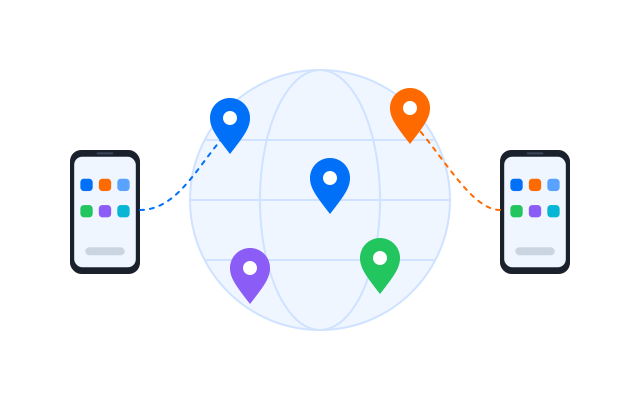
Check event pages from the regions you serve
Set a region on each profile to see local event listings, prices and on-sale times the way your customers do.
Monitoring
Automate monitoring, not buying
Use workflows to check availability and price changes on pages you are allowed to monitor, and alert your team. Most ticketing sites prohibit bots for purchasing, and many countries ban them by law.
Use automation for monitoring and testing that the site allows, never to buy tickets in bulk or bypass queues and limits.

Đồng bộ thao tác
Repeat what you do on one cloud phone across the other phones you have open.

RPA
Start from a ready-made template or build your own step-by-step workflow without code.

API
Create, start and manage phones and profiles from your own scripts and tools.
Kiểm thử ứng dụng
Test your own ticketing app on real Android
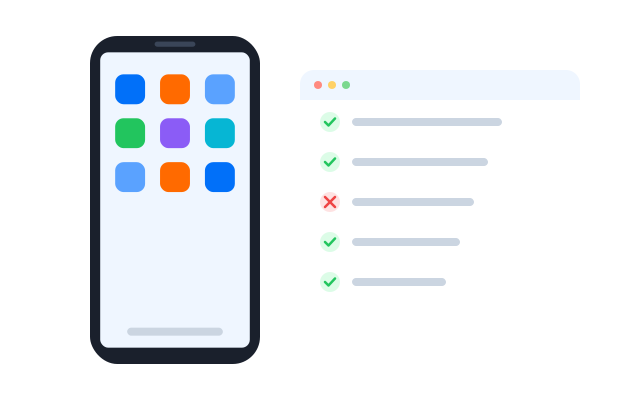
If you build or run a ticketing app, test sign-in, seat maps and checkout on cloud phones with different Android versions and locations before an on-sale.
Geelark makes multi-account management easy


Frequently asked questions
What is ticket scalping?
Ticket scalping usually means buying tickets in bulk, often with bots or many accounts, to resell them above face value. It is different from ordinary resale by a fan who can no longer attend.
Is ticket scalping illegal?
It depends on where the event takes place. Many countries and states cap resale prices, ban the use of bots to buy tickets or require licences for resellers, and ticketing platforms ban it in their terms. Check the local law and the ticket seller’s terms; this page is not legal advice.
What is the difference between scalping and reselling?
Reselling is selling a ticket you can no longer use, often through an official resale platform and sometimes capped at face value. Scalping is a business of buying up tickets to resell at a markup, which many places restrict.
Can Geelark be used to get around ticket limits or queues?
No. Purchase limits, queues and bot rules exist to give fans a fair chance, and getting around them breaks platform terms and, in many places, the law. Geelark is for organising authorised accounts, monitoring and testing.
What can ticketing teams use Geelark for?
- Keeping official venue or agency accounts on separate cloud phones.
- Checking how event pages and prices look in each region.
- Testing ticketing apps on real Android devices before an on-sale.
- Sharing access with colleagues without sharing passwords.
Can I automate tasks for ticketing?
You can automate monitoring and testing that the site permits. Read each platform’s rules on automated access before you build a workflow.