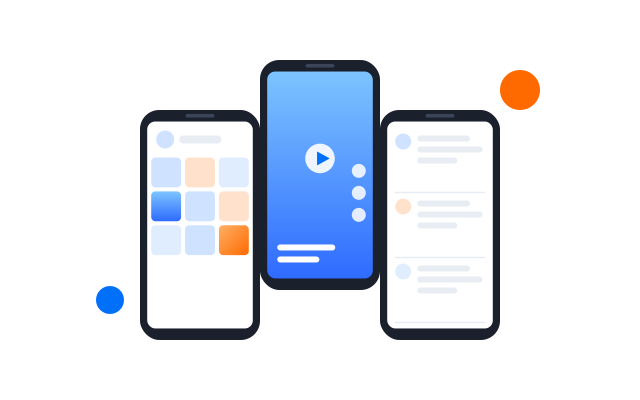
Drive many Android phones from a single window
Tap, swipe, scroll and type on one cloud phone and watch the rest follow in real time. The Synchronizer also works with browser profiles, with no scripts to write.
Phones and browser profiles
Ứng dụng máy tính
Same or different text
No scripting
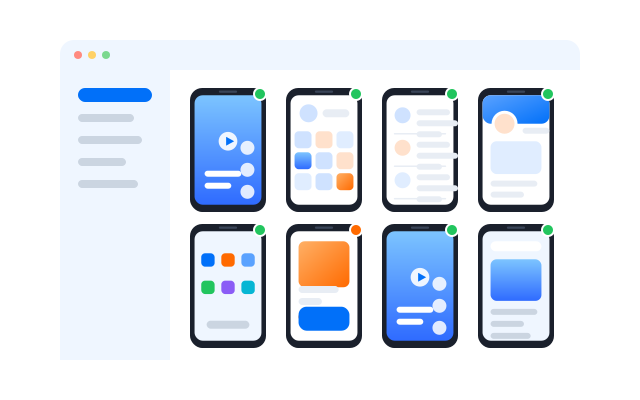
See it in action
Act once, update every phone
Choose your cloud phones, pick a main window and work as you normally would. Supported taps, swipes and scrolls are repeated on every selected device.
Đồng bộ thao tác
Pick a main window and the phones that follow it. Every supported tap, swipe and scroll is repeated on the others.
What does a phone synchronizer do?
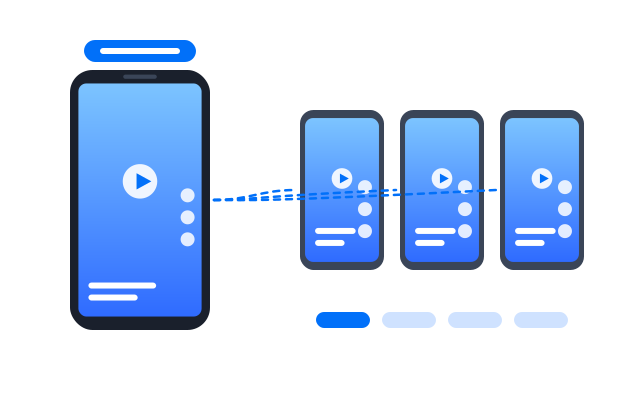
It lets you control several Android cloud phones by working in just one of them. Instead of repeating every tap, swipe, scroll and keystroke on each device, the Synchronizer passes those actions to the phones you selected as you go.
The Synchronizer copies actions.
It never shares:
Account data
App storage
Device identity
Device settings
Proxy
Separate phones, shared actions.
Main cloud phone
Where you work
Đồng bộ thao tác
Repeats supported actions live
Cloud phone A
Independent
Cloud phone B
Independent
Cloud phone C
Independent
Real-time control
Repeat everyday actions on many devices
Điện thoại đám mây
01
02
03
Main window
Search
02
Search
03
Search
Taps and clicks
Repeat supported taps on every selected phone.
Swipes
Send the same swipe gestures to many devices at once.
Scrolling
Move through feeds, lists and results together.
Same text everywhere
Type once and fill the same text on each phone.
Different text per phone
Use bulk input when each account needs its own prepared text.
Tiled windows
Line up phone windows side by side to keep an eye on them.
Main window
Pick one phone as the window you actually work in.
How it works
Get going in four steps
01
Open your phones
Launch the cloud phones or browser profiles you want to work with.
02
Pick the followers
Choose which windows should copy your actions.
03
Set a main window
Make one phone the window you control.
04
Start syncing
Work on the main phone as usual while the others follow.
Multi-account work
Repeat live actions across your social accounts
Handy whenever the same hands-on step needs doing in many account environments.
TikTok
YouTube
X
Threads
Check several feeds at once
Open the same section in every app
Repeat taps in fixed positions
Keep an eye on many accounts
Run the same search everywhere
Scroll similar screens together
Fill in prepared text
Separate phones, synchronized actions
Each cloud phone stays its own Android environment, with its own app data, settings, proxy and login. Syncing repeats actions without merging any of that.
Account A
Cloud phone A
Proxy A
Account B
Cloud phone B
Proxy B
Account C
Cloud phone C
Proxy C
Choose the right tool
Synchronizer, templates, RPA or API?
| Đồng bộ thao tác | Templates | RPA | API | |
|---|---|---|---|---|
| How you control it | Live mirroring | Ready-made flows | Visual builder | Code |
| Good for | One action, many devices | Common recurring jobs | Custom multi-step jobs | Connecting your systems |
| Someone at the keyboard | Yes | No | No | No |
| Scheduling | No | Yes | Yes | From your own system |
| Custom logic | Not needed | Some | Yes | Yes |
| Coding | No | No | No | Yes |
Pick Synchronizer when
you want to do the same thing on many accounts right now, without touching each one.
Pick Templates when
you want a quick start with ready-made flows for common social tasks.
Pick RPA when
you need your own multi-step flow for posting, engagement or account upkeep.
Pick API when
you want to run cloud phone tasks from your own tools.
Câu hỏi thường gặp
What is the Synchronizer?
A Geelark tool that repeats what you do on one cloud phone across other selected phones in real time.
Which actions are synced?
Supported taps, swipes, scrolling and text input. Some app-specific actions may not be supported.
Does it share data between phones?
No. Each phone keeps its own app data, settings, proxy and login. Only your actions are repeated.
Can each phone get different text?
Yes. Use bulk input to give each phone its own prepared text.
Does it work with browser profiles?
Yes, the Synchronizer supports browser profiles as well as cloud phones.
Do I need to write scripts?
No. Pick your phones, choose a main window and start syncing.
How is it different from RPA?
The Synchronizer mirrors what you do live. RPA runs saved flows on its own, even when nobody is at the keyboard.
Which systems and Android versions are supported?
The Synchronizer runs in the Geelark desktop app. Check the download page for the systems the app supports.
Get started in three steps
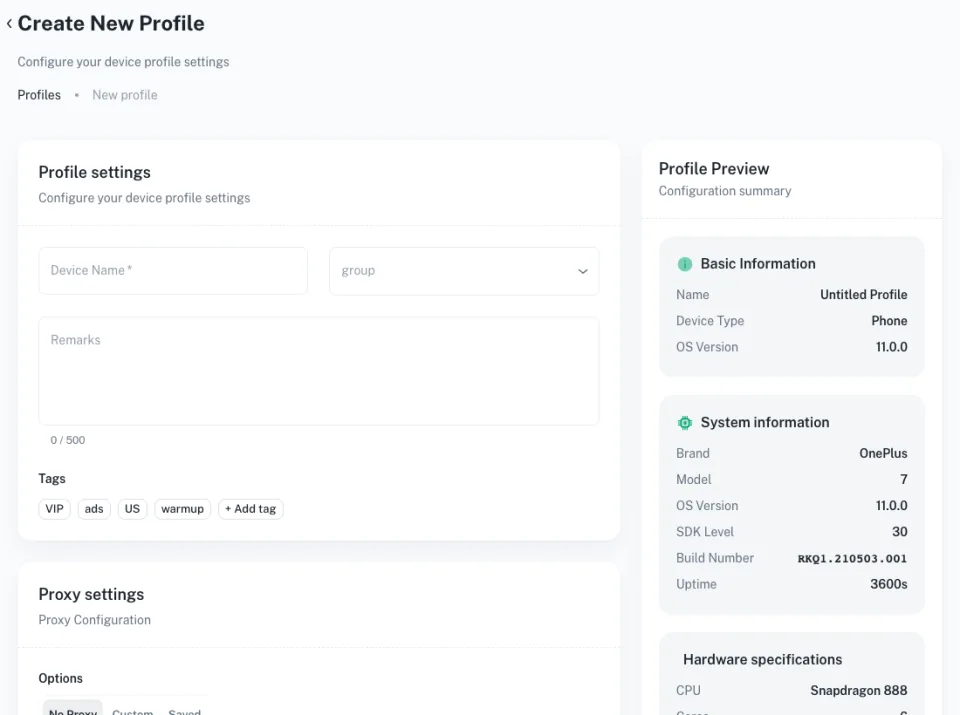
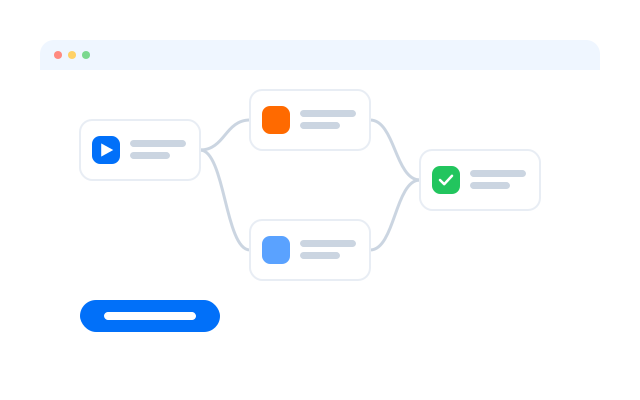
Control your whole fleet from one window
Try the Synchronizer on your own cloud phones.