
Android emulator alternative with real cloud phones
Geelark gives every app account its own cloud-based Android environment with separate device details, a proxy and automation tools. Manage TikTok, Instagram, Facebook, X, Reddit and other accounts from one dashboard instead of a stack of local emulators.
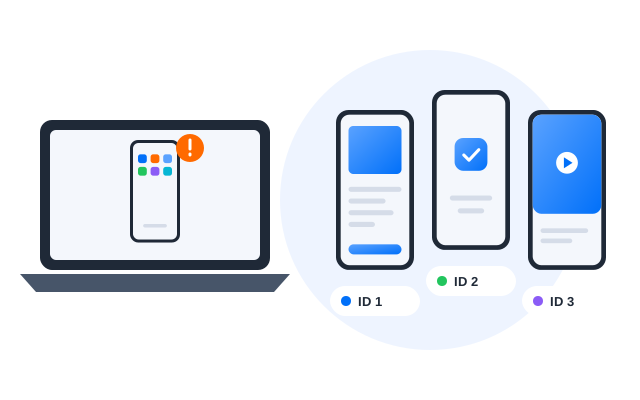
All your Android cloud phones in one place
A separate Android environment for every account
Built for social media teams
Easier to scale than emulators
Geelark cloud phones vs Android emulators
If you only need to try one app on your own computer, a local emulator may be all you need. If your team runs many social media accounts, cloud phones give you a setup that scales, with a separate environment, proxy, automation and team access for every account.
| Dimension | Android emulator | Geelark cloud phone |
|---|---|---|
| Device environment | Software-simulated Android on your computer | Android environment running in the cloud |
| Device identity | Often similar from one instance to the next | Separate device details for each cloud phone |
| Multi-account scaling | Limited by your CPU, memory and disk | Many cloud phones managed from one dashboard |
| Social media workflows | Not designed for long-running account work | Built for running many mobile app accounts |
| Proxy setup | Often manual or done in another tool | Proxy and profile settings in one place |
| Tự động hóa | Depends on external tools | Synchronizer, RPA templates and API |
| Cộng tác nhóm | Usually tied to one computer | Profiles and permissions per team member |
Why Android emulators fall short for multi-account workflows
Emulators are handy for quick app tests, games or personal use. When a team runs many social accounts, local emulators start to cause trouble: environments that look alike, heavy load on one machine and no easy way to share work.
What you get with Geelark cloud phones
Real Android cloud phones
Cloud-based Android environments that run mobile apps, opened from your computer instead of a local emulator.
Unique device information
Each cloud phone profile has its own device details, so accounts are not all running on one look-alike environment.
Bulk actions
Start, stop, install apps on and configure many cloud phones at once from one dashboard.
Đồng bộ thao tác
Use one cloud phone as the main device and mirror its taps and typing on the phones you choose.
RPA automation
Automate repetitive app work such as opening apps, browsing, posting and routine account checks.
Geelark AI
Generate captions, images and videos and get help with workflows inside the same workspace.
Real Android environments with profile isolation
Each Geelark cloud phone is a separate Android environment for one account or one workflow. Configure its profile, proxy and device settings on their own, so your TikTok, Instagram, Facebook, X and Reddit accounts are cleanly separated.
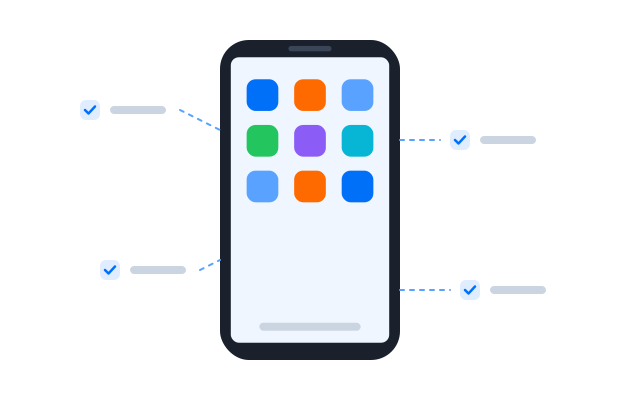
Separate profiles for separate accounts
Create a dedicated cloud phone profile for each account, brand or campaign, so assets stay organised and environments never get mixed up.
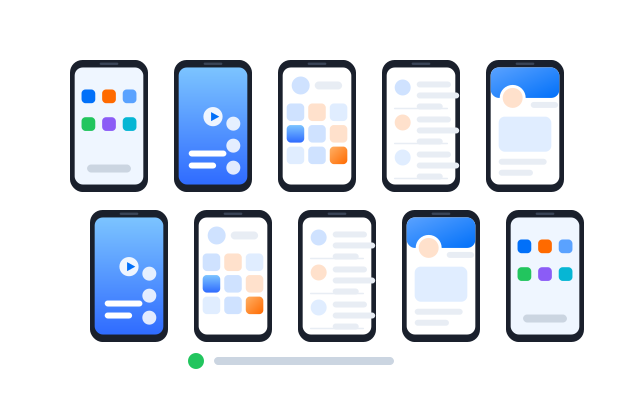
Proxy and profile settings in one workflow
Set up the cloud phone and its proxy in the same place with proxy management, instead of switching between an emulator, a proxy tool and a spreadsheet.
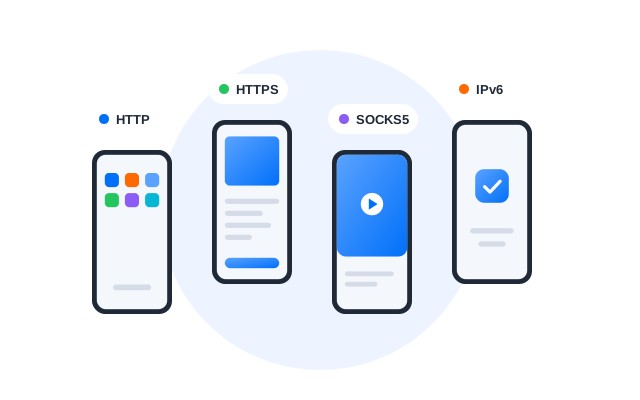
Team collaboration for agencies and remote teams
A local emulator belongs to one computer. Geelark lets you create, assign and manage cloud phone profiles in a shared workspace, so agencies, social teams and remote operators can work together.
Assign profiles to team members
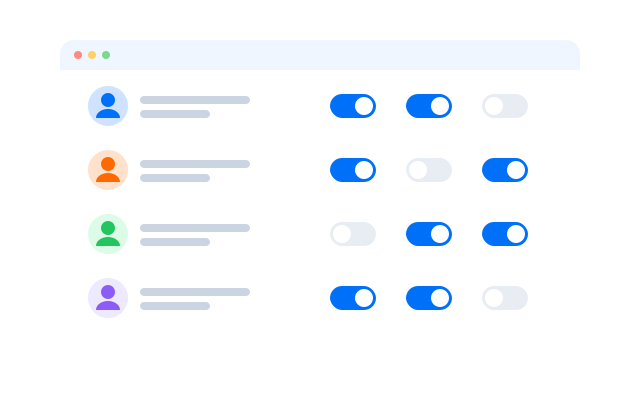
Give people the cloud phones they work on, grouped by platform, client, campaign or account group.
Control permissions
Decide who can open, edit or automate each group, so operators can do their job without reaching everything.
Work from anywhere
Team members open their assigned cloud phones remotely, without one office computer or a physical phone farm.
Use cases for Geelark as an Android emulator alternative
Tiếp thị mạng xã hội
Run many social accounts for content, publishing, engagement and maintenance across TikTok, Instagram, Facebook, X, Reddit and more.
Tiếp thị liên kết
Keep affiliate accounts, campaigns and app workflows on separate cloud phones and give teammates remote access.
Săn airdrop
Manage mobile tasks across separate cloud phone profiles and use automation to cut repetitive steps.
E-commerce and dropshipping
Run store apps, customer messages and regional account checks from cloud phones.
Ad verification and app testing
Check how apps, ads and content look across different account environments and regions.
Typical setups
How teams scale with Geelark cloud phones
‹
TikTok account operations
Off emulators, onto cloud phones
- Each TikTok account moved to its own cloud phone
- Proxies assigned per region
- Daily checks done from one dashboard
Social video publishing
One upload routine for every channel
- An RPA publishing template set up once
- Run on TikTok, Reels and Shorts profiles
- Results checked in the task history
Account isolation & teamwork
Stores, support and ads kept apart
- Separate cloud phones per store and ad account
- Support staff given remote access
- Permissions set per profile group
›
Illustrative workflows built from Geelark features. For real customer accounts, read our customer stories.
Learn more about Android emulators and cloud phones
Guides that compare emulators, cloud phones and related setups, so you can pick the right one for your accounts.
‹
Cloud phone vs Android emulator
How the two compare on device identity, scaling, automation, proxies and teamwork.
What is a phone farm?
How physical phone farms work and when a cloud phone farm is the better option.
Remote Android phones
What a remote Android phone is and how teams use one for app accounts.

Cloud phone glossary
Short definitions of the terms you meet when running cloud phones.
Guides and tutorials
Step-by-step articles on cloud phones, automation and multi-account work.
›
Câu hỏi thường gặp
Is Geelark an Android emulator?
No. An emulator simulates Android on your own computer. Geelark runs Android phones in the cloud, and you open them from your computer or browser.
Why use cloud phones instead of Android emulators?
Cloud phones do not use your computer’s resources, each one has its own device environment, and they come with proxy settings, automation and team access built in, which makes multi-account work easier to scale.
Can I run several social media accounts on Geelark?
Yes. Give each account its own cloud phone profile. Follow each platform’s terms of service on how many accounts you may hold and how you use them.
Does each cloud phone have its own device information?
Yes. Every cloud phone profile has its own device details, apps, storage and login sessions.
Can I set a proxy for each cloud phone?
Yes. Add proxies in proxy management and assign one per cloud phone.
Can my team use the same cloud phones?
Yes. Invite teammates, assign profile groups and set permissions per member. Actions are logged.
Do I need a powerful computer?
No. The phones run in the cloud, so an ordinary computer with a stable connection is enough.
Use Geelark cloud phones instead of Android emulators
Give every account its own Android environment and manage them all from one dashboard.
Manage social media accounts in mobile apps
Geelark is designed for mobile-first social media work. Teams run TikTok, Instagram, Facebook, X, Reddit, Telegram and other app accounts from cloud phones, each in its own Android environment.
TikTok account operations
Use cloud phones to browse, post, interact and check TikTok accounts, including regional workflows with their own proxies.
Instagram and Facebook workflows
Handle posting, engagement, campaign checks and team-based operations for Instagram and Facebook accounts.
X, Reddit, Telegram and community accounts
Keep community accounts organised in separate cloud phone profiles and hand them to the right people.