Quản lý đa tài khoản
Multi-account management for mobile and web work
Run app-based accounts on Android cloud phones and web accounts in browser profiles, all from one workspace. Keep proxies, teammates and repetitive tasks organised as the number of accounts grows.
Create an account and try Geelark for free.
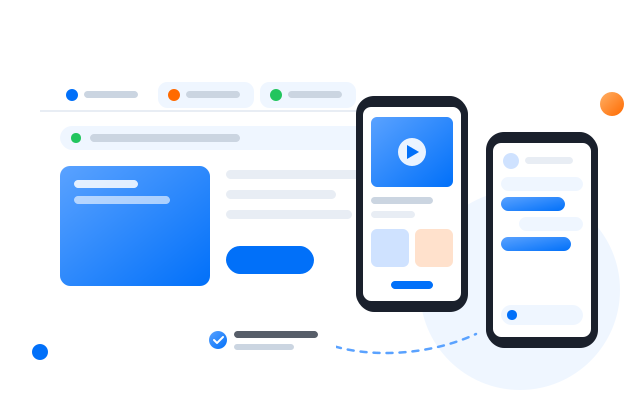
Run mobile accounts on cloud phones
Manage web accounts in browser profiles
Keep proxies and team access organised
Automate repetitive account work
Why it gets complicated
More accounts should not mean more chaos
As account work grows, teams end up juggling physical phones, emulators, browser windows, proxy lists, spreadsheets and the same manual steps over and over. Geelark pulls that work into one organised workspace.
Too many devices and browser sessions
Handsets, emulators and stray browser windows are hard to keep track of once you pass a handful of accounts.
Mobile and web work live apart
App-based tasks happen in one set of tools while web dashboards sit in another.
Profiles and proxies get mixed up
Without one place to look, nobody is sure which profile uses which proxy and settings.
Repetitive work slows the team down
The same posting, checking and routine steps get repeated by hand on every account.
One workspace, two environments
Run every account in the right environment
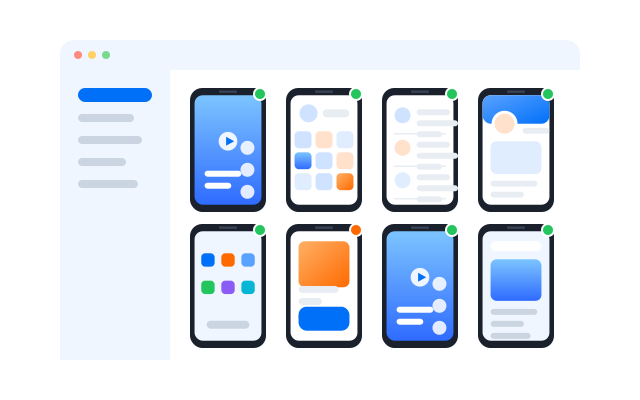
Use cloud phones for mobile-first accounts and browser profiles for web-based work, and manage both from the same Geelark workspace.
Primary
Profile điện thoại đám mây
- For mobile and app-based work
- Run Android apps without a shelf of physical phones
Geelark workspace
Accounts, automation tasks and run results in one place
Profile A
Short video
Profile B
Social
Profile C
Messaging
Each cloud phone keeps its own Android environment and app data.
Browser profiles
- For web-based work
- Manage accounts that live on websites and web dashboards
One Geelark workspace
Manage profiles, proxies, groups, tags, team access and workflows from one place.
Mobile, web or both
Choose the right environment for each workflow
Different work needs different environments. Use cloud phones for native Android apps, browser profiles for web dashboards, or combine both when your operation spans mobile and web.
Native Android apps
Điện thoại đám mây
Mobile-first social media
Điện thoại đám mây
Web dashboards
Browser profile
Browser-based operations
Browser profile
Mixed mobile and web work
Use both
For mobile-first social media work, start with cloud phones. Add browser profiles when part of the job also happens in web dashboards.
Keep everything organised
Manage accounts, proxies and team access in one workspace
As the operation grows, Geelark gives your team one place to organise profiles and keep day-to-day account work structured.
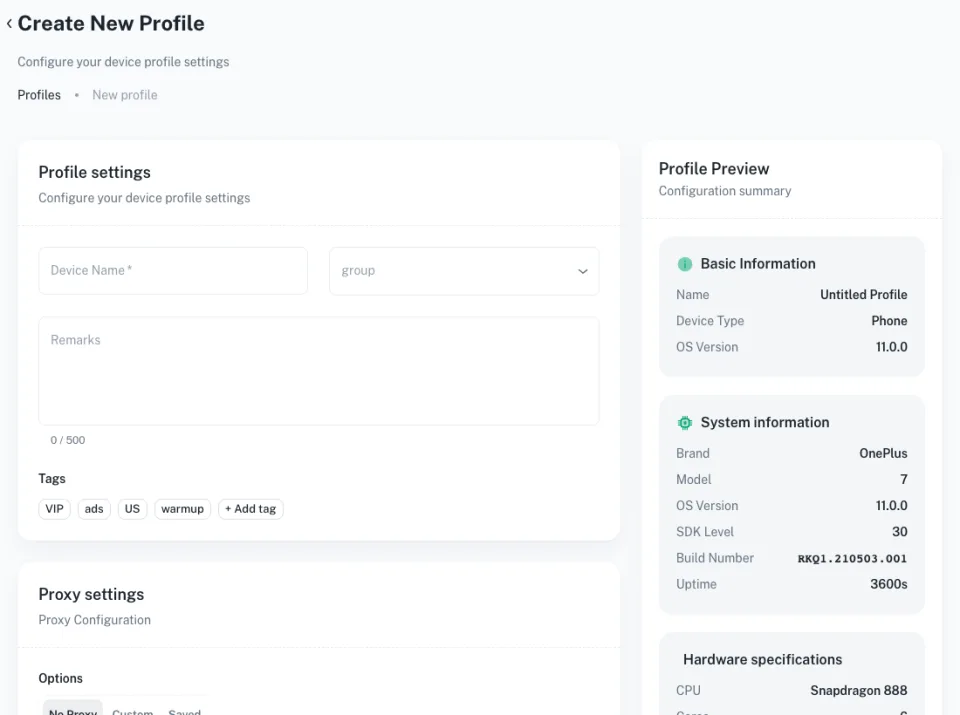
Organise profiles with groups, tags and search
Sort profiles by platform, market or team so the right account is always a search away.
Set a proxy for each profile
Assign and update proxy settings per profile, so every account keeps a consistent network setup.
Manage team access
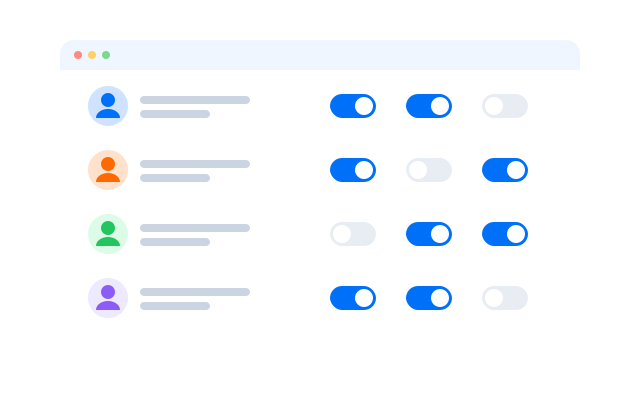
Invite teammates, share profile groups and keep responsibilities clear as the team grows.
Keep account work consistent
Use the same naming, groups and tags across the workspace so every operator works the same way.
Scale your workflows
Scale multi-account work without repeating every task by hand
Once accounts are organised, Geelark’s automation tools take repetitive work off your team’s plate.
Ready-made templates
Start from templates for common social media tasks, set them up once and run them across many cloud phones.
Đồng bộ thao tác
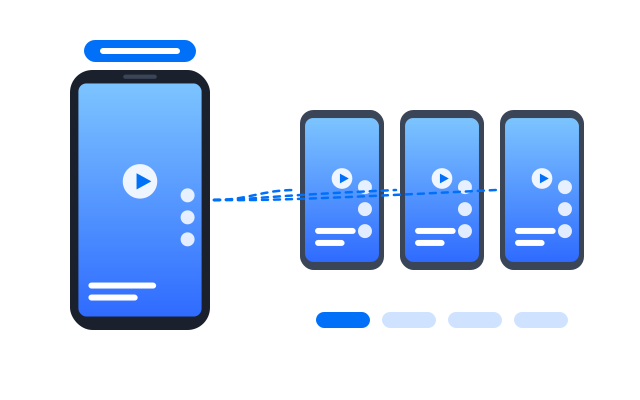
Do something once and mirror it on several cloud phones or browser profiles in real time.
RPA
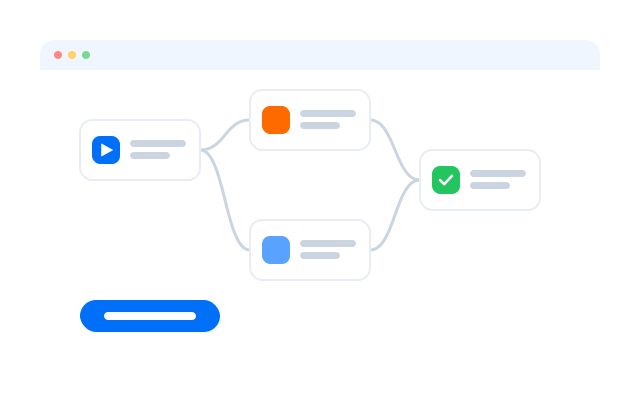
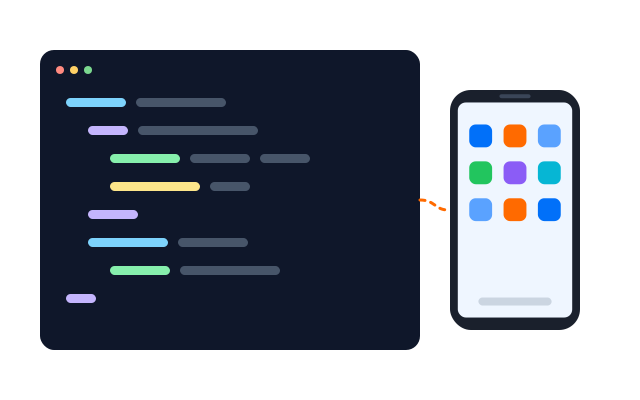
Build your own workflows from drag-and-drop steps, with no code required.
API
Connect Geelark to your own systems to manage cloud phones, apps and tasks programmatically.
Different automation tools across the same Geelark workspace.
Social media platforms
Manage accounts on the platforms your team already uses
Each platform has its own account rules and mobile habits. Geelark gives you one structured way to run platform-specific accounts in isolated Android cloud phones.
 TikTok
 Instagram
 X (Twitter)
 Facebook
 YouTube Shorts
 Reddit
 Pinterest
 Gmail
Gmail LinkedIn
 Tinder
 OnlyFans
 Snapchat
 Threads
 Telegram
Resource hub
Learn how to manage multiple accounts across platforms
Platform guides, product explainers and workflow tools for running many accounts.
Platform guides
Tools and solutions
Scaling and workflow
Câu hỏi thường gặp
What is multi-account management?
It is the work of creating, organising, accessing and running many accounts. For teams that usually means keeping profiles separate, assigning proxies, setting permissions, grouping accounts and following repeatable procedures.
Why does Geelark offer both browser profiles and cloud phones?
Some accounts live in mobile apps and some on websites. Cloud phones run native Android apps; browser profiles cover web dashboards. Using both from one workspace means you do not need two separate tools.
When should I use a cloud phone profile?
When the work happens in a mobile app, or when the platform is mobile-first. Each cloud phone is a full Android environment with its own apps and storage.
When should I use a browser profile?
When the account is managed in a web browser, such as ad dashboards, web storefronts or web versions of social platforms.
Is Geelark the same as an Android emulator?
No. An emulator runs Android on your own computer. Geelark cloud phones run in the cloud, stay on when your computer is off, and can be shared with your team.
Can my team use browser profiles and cloud phones together?
Yes. Both live in the same workspace, with the same groups, tags, proxies and permissions.
How should I organise profiles for many accounts?
Most teams group profiles by platform, client or market, add tags for status or owner, and give each teammate access only to the groups they work on.
Can I automate multi-account work in Geelark?
Yes. Use ready-made templates, build your own no-code workflows, mirror actions with the synchronizer or connect through the API. Check each platform’s rules on automation before you plan what to automate.
Get started in 3 simple steps
Manage more accounts without more manual work
Bring mobile and web account work into one Geelark workspace, organise your profiles and automate the repetitive parts as you grow.