Run multiple Pinterest accounts without the device juggling
Place each Pinterest account on its own Android cloud phone and keep boards, pins and schedules organised for every brand.
Real Android devices
One phone per account
Automation included
Shared team access
Made for teams that run accounts at scale
Agencies
Run client accounts and campaigns side by side in one workspace.
Creator networks
Keep every creator profile organised and schedule routine posts.
Performance marketers
Test offers and creatives across separate, clean accounts.
Online stores
Manage several storefront and brand accounts from one place.
App and growth teams
Try campaigns and builds on many real devices at once.
Can you have more than one Pinterest account?
Pinterest lets you create additional accounts and switch between them. Each account normally needs its own email address, and many people keep personal and business accounts apart. Check Pinterest’s current Terms of Service for the rules that apply to you.
When does a second Pinterest account make sense?
Separate accounts help when you manage different brands, websites, product catalogues, niches or regions. An ecommerce team might keep home decor, fashion and DIY accounts apart; an agency might run one account per client; an affiliate marketer might split audiences by topic.
Pinterest is built for discovery, so accounts work best with a clear topic. For larger operations, separate environments for each account reduce mix-ups between boards, logins, devices and teammates.
The problem
Why running many Pinterest accounts gets hard
The content is rarely the problem. The setup underneath it, from devices to logins to people, was built for one account.
Endless logging in and out
Switching between Pinterest accounts by hand eats time and interrupts every session.
Too many devices to look after
Physical phones need charging, updates, storage and someone nearby to use them.
Messy handovers
Logins shared in chat leave no record of who used which account and when.
Accounts that overlap
Shared devices and networks make separate accounts look connected.
Processes that stop scaling
What works for a handful of accounts falls apart at dozens.
One workspace solves all of it
Cloud phones on demand
Access by role
Scheduled automation
A clean environment per account
How Geelark cloud phones work for Pinterest
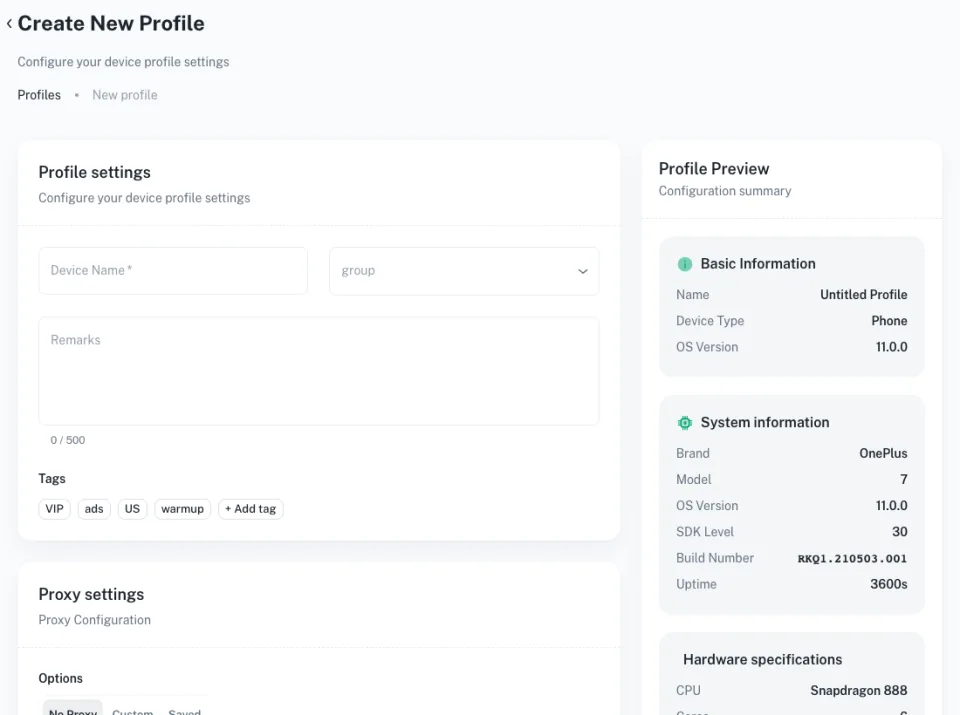
Geelark sits between your team and your Pinterest accounts. Instead of logging every account into one browser or phone, each one runs on its own Android cloud phone with its own app data, device details, proxy and team permissions.
Your whole mobile operation in one workspace
Set up devices, automate routine work, coordinate your team and keep daily account operations running from a single dashboard.
Điện thoại đám mây
Tự động hóa
Đồng bộ thao tác
Proxy
Team
AI content
A separate phone for every account
Create isolated Android devices and sort them by client, brand, region or campaign.
- Group by team, brand or region
- Run actions on many phones at once
- Own proxy and apps per phone
Hand repetitive work to templates
Schedule posting, warm-up and engagement flows that run on their own across accounts.
- Ready-made templates
- Flexible schedules
- Run logs for every task

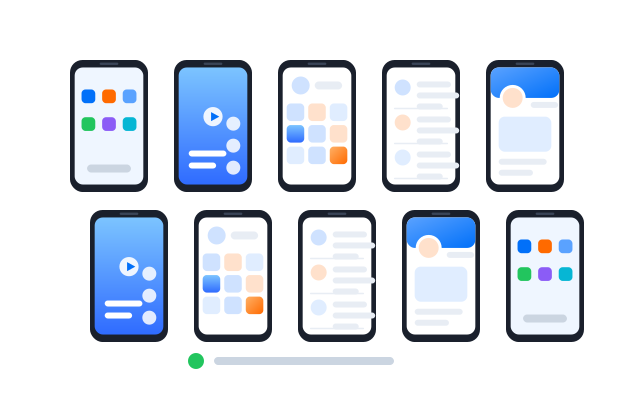
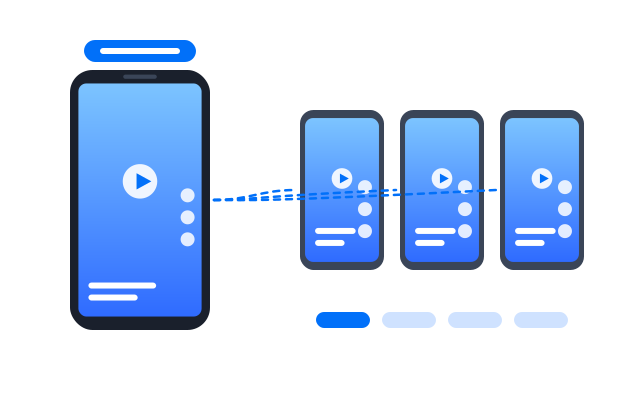
Control many phones as one
Mirror taps and typing from one phone to a whole group in real time.
- Pick which phones follow
- Live preview of every screen
- Pause any phone at any time
The right network for every phone
Assign a proxy per device and check its location before you launch.
- HTTP and SOCKS5
- Per-phone assignment
- Built-in connection test
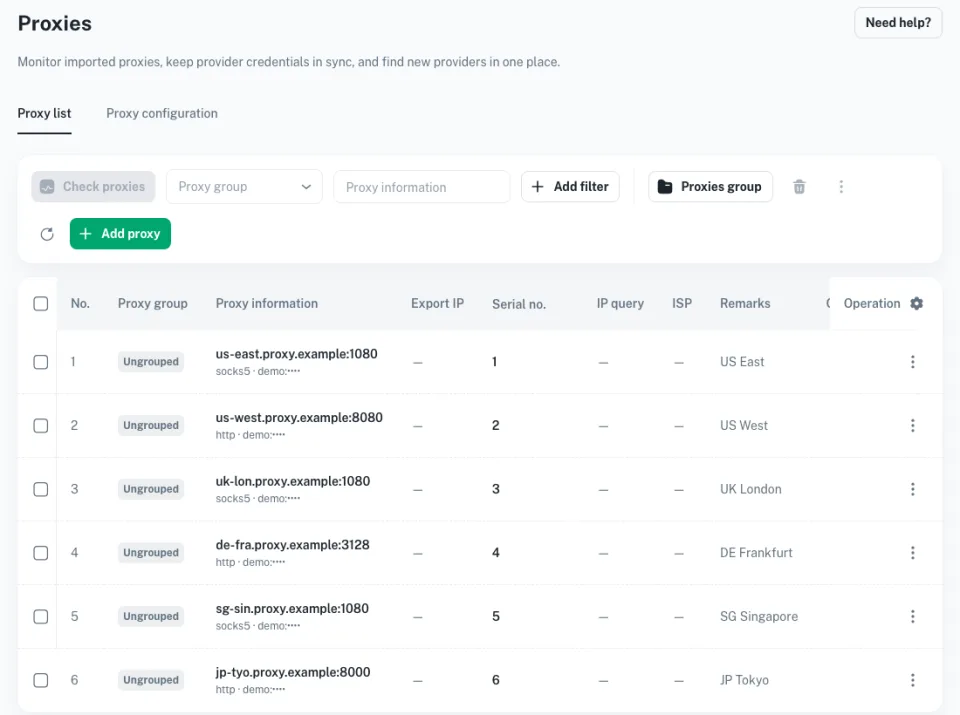
Work together without sharing passwords
Invite teammates, assign roles and see an audit trail of what happened.
- Vai trò và phân quyền
- Shared phone groups
- Activity history
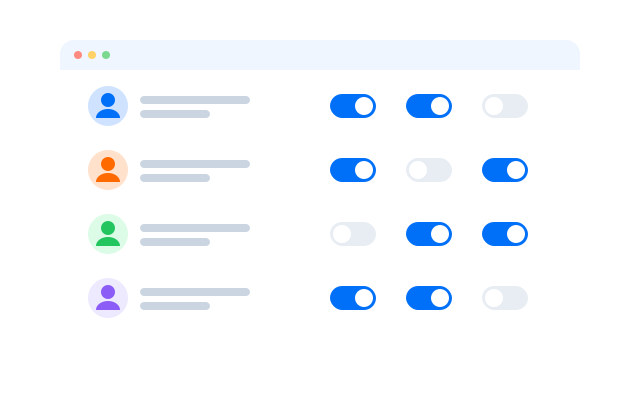
Create media for every account
Generate and adapt images, captions and short videos, then send them to your phones.
- Batch generation
- Brand presets
- Send straight to devices
How cloud phones compare
The best setup depends on whether your work happens in mobile apps, on local test devices, on physical hardware or in a browser.
| Geelark cloud phone | Physical phones | Android emulator | Browser profiles | |
|---|---|---|---|---|
| Runs mobile apps | Native Android apps | Native apps on your own devices | Depends on emulator support | Websites only |
| Managing devices | One web dashboard | By hand, device by device | Tied to one computer | Browser profiles |
| Adding capacity | New phones in seconds | Buy and set up more hardware | Limited by your CPU and RAM | More profiles, still web-only |
| Working as a team | Shared groups and roles | Hard to share remotely | Mostly single-user | Varies, web-focused |
| Tự động hóa | Templates, sync and API | DIY scripts or manual work | Custom scripting | Web automation |
| Best for | Many mobile accounts | A few offline devices | Testing apps locally | Web-based accounts |
Pick a cloud phone if…
you run native mobile apps for many accounts and need remote access, separation and teamwork.
Pick an emulator if…
you mostly test an app on your own computer.
Pick browser profiles if…
your accounts live on websites rather than mobile apps.
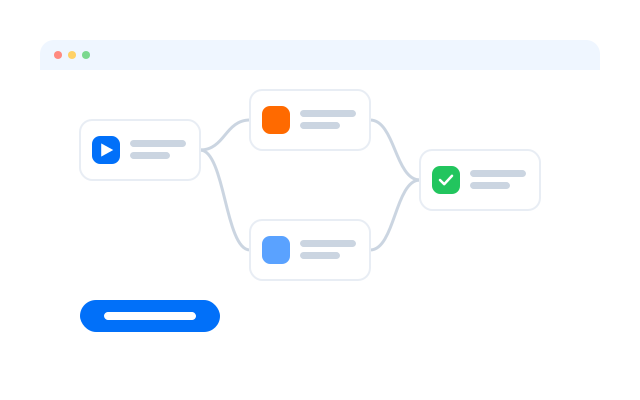
Kickstart with ready-made templates
Start your Pinterest automation from a template, then adjust the steps for each account.
Get started in three steps
Câu hỏi thường gặp
Can I create multiple Pinterest accounts?
Pinterest lets you add accounts and switch between them; each usually needs its own email address. Check Pinterest’s current Terms of Service and Community Guidelines for the rules that apply to you.
Can I use the same email for several Pinterest accounts?
Normally not. Give each account its own email address and password.
How many Pinterest accounts can I link or switch between?
Pinterest sets the limit for its own switcher and may change it. In Geelark each account sits on its own cloud phone instead.
Why do Pinterest accounts get linked?
Shared devices, networks and logins can make separate accounts look connected. Separate environments keep them apart.
How does Geelark help manage Pinterest accounts?
Each account runs in its own Android cloud phone with its own app data, proxy and labels, and your team opens them from one dashboard.
Is a cloud phone better than a browser profile for Pinterest?
Pinterest works in both. Use a cloud phone when your team works in the mobile app or also runs other app-first platforms; a browser profile is enough for web-only work.
Can I automate posting on Pinterest?
Yes. Templates can post images and videos to the accounts you choose on a schedule.
Who should use Geelark for Pinterest?
Brands, ecommerce teams, agencies and creators who run several Pinterest accounts for different products, niches or clients.
How much does it cost?
It depends on how many cloud phones you run. See Bảng giá.
Start running your Pinterest accounts in the cloud
Set up your first cloud phone in minutes.