Plug cloud phones and automation into your own stack
Use the Geelark API to create and run cloud phones, manage apps and files, start automation tasks, send Android commands and get notified when work finishes, all from your own tools and scripts.
You stay in control
Made for cloud phone work
Ready to scale
For developers
Fold cloud phone work into the way you already build
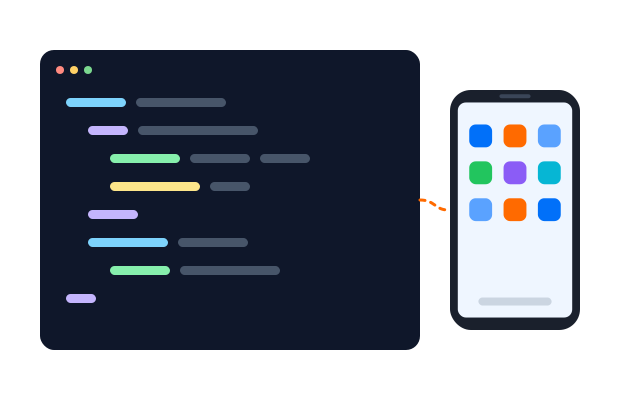
The API gives developers access to supported cloud phone management, automation, app details, files, library assets, ADB, webhooks and more. Your team can drive that work from its own apps, scripts and dashboards instead of clicking through it by hand.
Run cloud phones from code
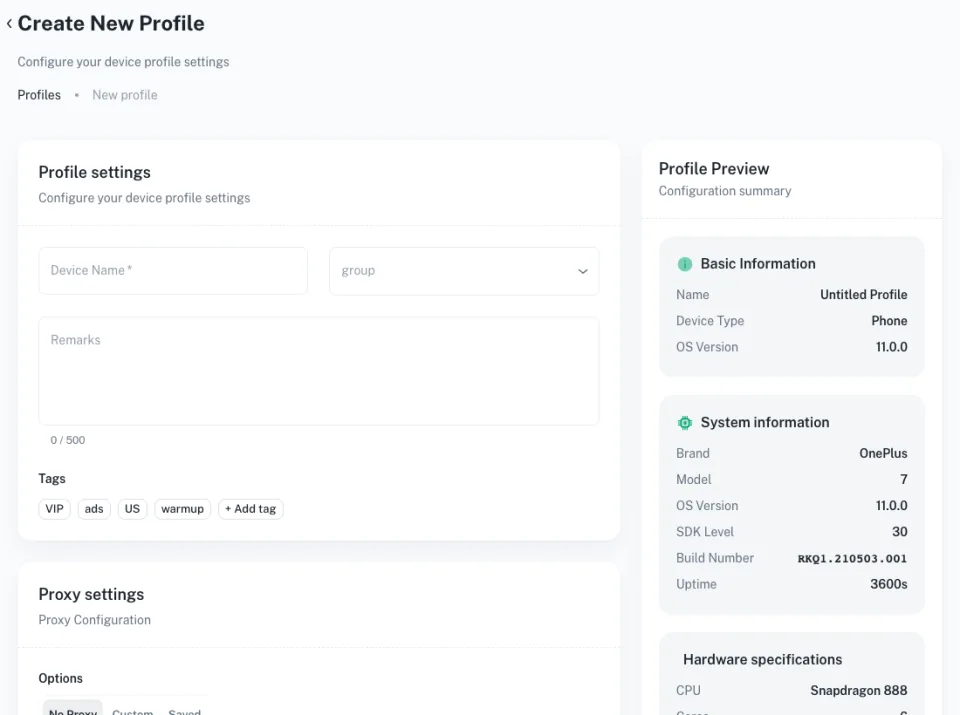
Create, start, stop, check, update and clone supported cloud phones from your own system.
Kick off automation
Hook supported Geelark automation tasks into the tools and processes your team already uses.
Send and receive data
Call the API from your app and use webhooks to hear back about results and events.
How it works
From your system to a running cloud phone
The API sits between your own software and supported cloud phone and automation operations.
01
Send a request
Call a supported endpoint from your app, backend, script or internal tool.
02
Start an operation
Create or manage phones, launch tasks, handle apps and files, or use other supported features.
03
Geelark runs it
The request is carried out on the chosen cloud phone or automation service.
04
Get the result
Check status through the API or receive results and events through your webhooks.
What the API covers
Run cloud phone work from your own system
Manage phones, start automation, handle apps and content, use supported Android operations and get event updates, all from the tools you already have.
Điện thoại đám mây
Tự động hóa
Apps and content
ADB and Android
Webhooks
Manage your phone fleet in code
Handle the full life of supported cloud phones from your own platform instead of working through them one at a time.
- Create cloud phones
- Start and stop devices
- Check device status
- Update and organise profiles
- Clone cloud phones
Start and track tasks from your system
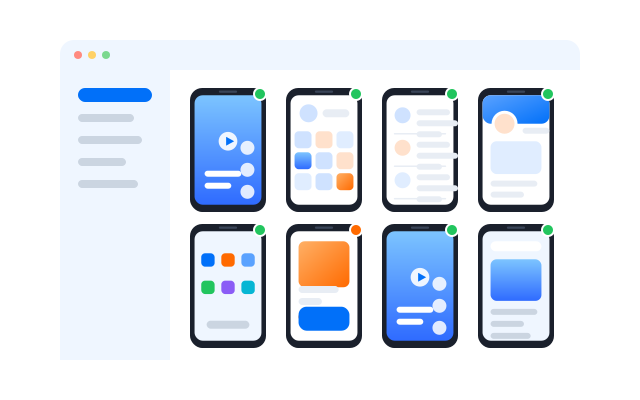
Trigger supported automation tasks when your own logic decides they should run.
- Launch automation tasks
- Pass task settings
- Check task progress
- Collect task results
Handle apps, files and library assets
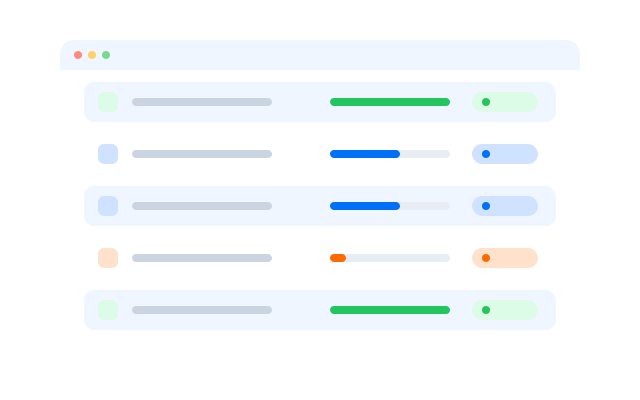
Install and look up apps, move files and work with your content library programmatically.
- Install and remove apps
- Read app details
- Upload and download files
- Work with library assets
Run supported Android commands
Send supported ADB and Android operations to your cloud phones from your own tooling.
- Run supported ADB commands
- Control device settings
- Read device information
Hear about results as they happen
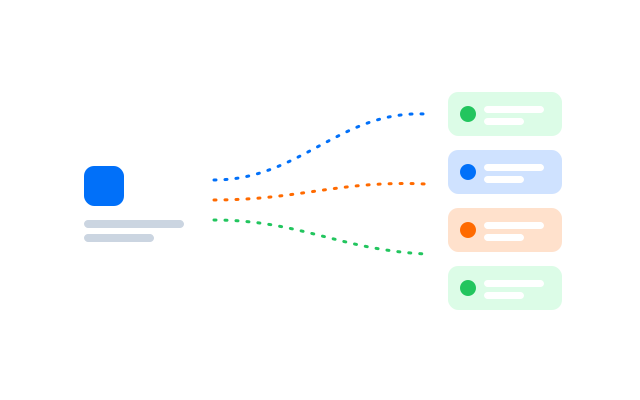
Set up webhooks so your system is told about finished tasks and other events.
- Task result notifications
- Event callbacks
- Status updates to your endpoint
Trường hợp sử dụng
Build cloud phones into the systems you already run
Made for technical teams that want cloud phone and automation work to be one part of a bigger setup.
Internal platforms
Build phone creation, device control, status checks and automation into the tools your team uses every day.
Social media operations
Connect cloud phone management and supported automation with your own campaign and content systems.
Automation orchestration
Let your own business rules decide when phones run and when tasks start.
Scripts and dev tools
Handle routine phone work with scripts instead of repeating it in the interface.
Choose your method
Pick the level of control you need
Repeat live actions, build no-code flows or connect Geelark straight into your own systems.
| Đồng bộ thao tác | RPA | API | |
|---|---|---|---|
| Good for | Live, repeated actions | Custom automated flows | Connecting your systems |
| How it runs | Mirrors what you do | Runs saved flows | Called from your code |
| Coding | No | No | Yes |
| Someone at the keyboard | Yes | No | No |
| Custom logic | Limited | Conditions, loops and variables | Whatever you build |
| Works with cloud phones | Yes | Yes | Yes |
| Typical job | Same step on many profiles | Recurring multi-step social tasks | Linking Geelark to internal tools |
Pick Synchronizer when
you want to do something once and have it repeated on many profiles while you stay in control.
Pick RPA when
you want reusable visual flows with conditions, loops and variables, without writing code.
Pick API when
you want your own app, script or internal system to drive supported Geelark operations.
Câu hỏi thường gặp
What is the Geelark API?
A set of endpoints that lets your own software manage cloud phones, start automation and work with apps, files and events.
What can I do with it?
Create and manage phones, run automation tasks, handle apps and files, use supported Android operations and receive webhooks.
Do I need to know how to code?
Yes. The API is for developers. If you prefer no code, try templates, the Synchronizer or RPA.
How do I get access?
Turn on API access in your workspace settings and create your credentials.
Does it support webhooks?
Yes. Set an endpoint to be told about task results and other events.
Can I use it together with RPA and templates?
Yes. Start supported automation tasks from your system and track their results through the API.
Are there rate limits?
Check the API documentation for the current request limits and quotas before you plan high-volume jobs.
How much does API access cost?
It depends on your Geelark plan. See the pricing page for what each plan includes.
Get started in three steps
Start building with the Geelark API
Connect your first cloud phone to your own system today.