Ecommerce and dropshipping
Run every storefront and seller account from its own web or mobile environment, and manage dozens or hundreds of stores from one dashboard.
Real Android devices
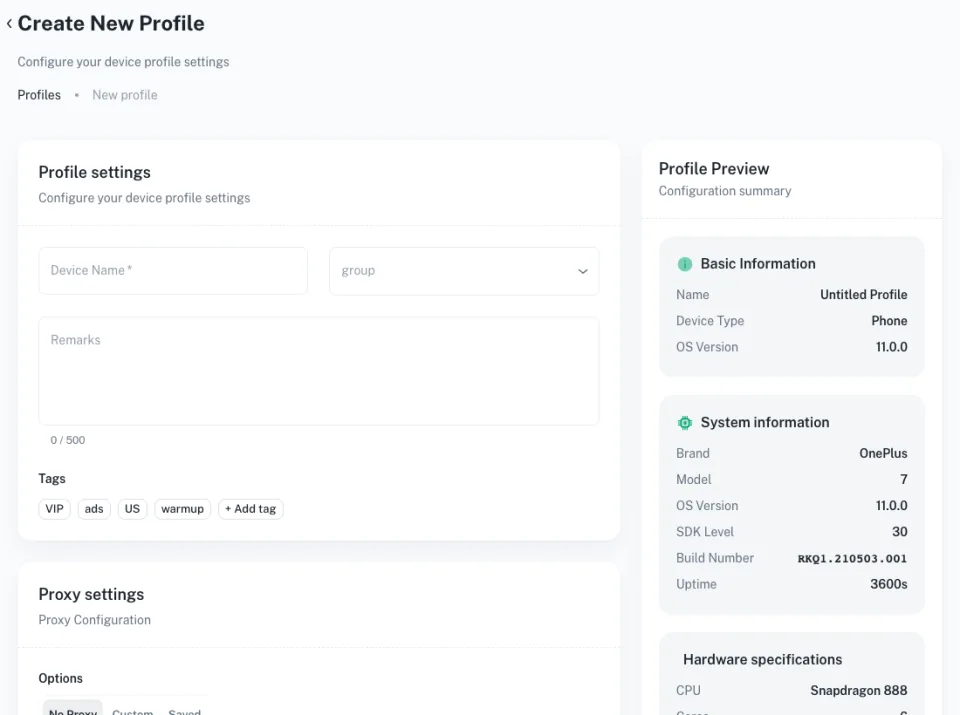
Each cloud phone runs full Android with its own device identity, so every seller account works from a separate phone.
Sell in any region
Match each phone’s location and network to the market a store serves, wherever your team is based.
Shop and social, side by side
Handle storefront apps, marketplaces and the social accounts that promote them in one workspace.
Hand routine work to automation
Schedule product posts, listing updates and promotions across stores with ready-made templates.
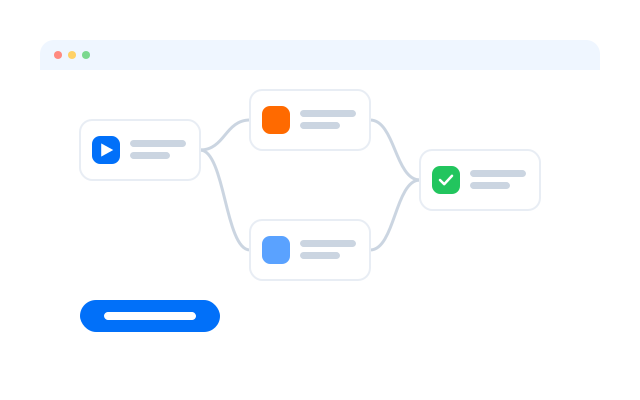
Launch store promotion faster
Start from templates built for posting products and keeping shop accounts active.
TikTok account warm-up
Instagram Reels publishing
YouTube Shorts publishing
YouTube account warm-up
Get started in three steps
Câu hỏi thường gặp
Why use Geelark for ecommerce and dropshipping?
It keeps each store, seller or social shop account in its own cloud phone or browser profile, with its own location and team access, so a growing number of stores stays organised.
Is it better than a multi-account browser?
For web-only marketplaces a browser profile may be enough, and Geelark includes those too. For app-first platforms such as TikTok Shop or Instagram, a cloud phone runs the native app.
Can I run several stores at once?
Yes. Put each store or seller account on its own cloud phone or browser profile and switch between them from one dashboard.
Do marketplaces allow multiple seller accounts?
Rules differ by platform. Check each marketplace’s current seller terms before opening more accounts.
Do I need to code to use the automation?
No. Templates and the visual workflow builder work without code; the API is there if you want it.
Can each store appear in a different country?
Yes. Set the location and proxy per phone to match the market each store serves.
How should I warm up new store accounts?
Complete the profile, start with normal browsing and a few listings, and increase activity gradually. Warm-up templates can schedule these steps.
Can my team share the work?
Yes. Give teammates access to the stores they manage, with permissions you control.
Run every store from one workspace
Set up your first cloud phone in minutes.