Play and run mobile games in the cloud
Keep Android games running around the clock on cloud phones, manage several game accounts side by side and free up your own devices.
Games that keep running
Leave games open on cloud phones without draining your phone’s battery or tying up your computer.
A device for every account
Run each game account on its own Android phone so progress and data stay separate.
Play from anywhere
Open your cloud phones from the desktop app or a browser and pick up where you left off.
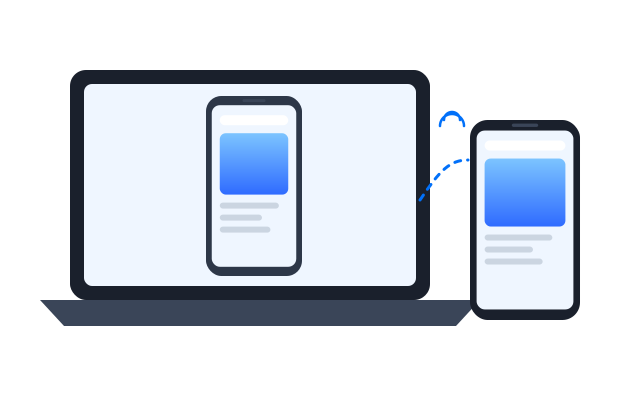
Repeat routine steps
Use the Synchronizer or automation for daily check-ins and other repetitive in-game tasks.
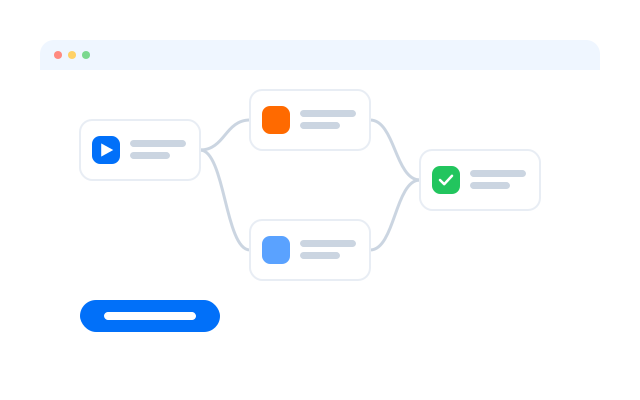
Save time on routine play
Start from templates and flows for repetitive daily tasks.
TikTok account warm-up
Instagram Reels publishing
YouTube Shorts publishing
YouTube account warm-up
Get started in three steps
Câu hỏi thường gặp
What is cloud gaming on a cloud phone?
Running a mobile game on an Android phone in the data centre and streaming it to your screen, so your own computer does not do the heavy work.
Why use cloud phones for gaming?
They stay on when your computer is off, can be opened from anywhere and keep each game account on its own device.
How are cloud phones different from emulators?
Emulators run on your computer and use its CPU and memory. Cloud phones run remotely on real Android.
Can I play several accounts at once?
Yes. Give each account its own phone and use the Synchronizer to repeat actions.
Is automation allowed in games?
It depends on the game. Check each game’s terms of service before automating play.
Which games are supported?
Most Android games that run on standard phones. Games that need special hardware, such as certain sensors or controllers, may not work; try the game on one phone first.
Play mobile games in the cloud with Geelark
Set up your first cloud phone in minutes.