Manage multiple Snapchat accounts with cloud phones
Run Snapchat accounts, Public Profiles, Stories, Spotlight content, chats and campaigns in separate Android cloud phone environments. Geelark helps creators, agencies, brands and local businesses run Snapchat at scale without piles of physical devices.
Each Snapchat workflow can have its own cloud phone, app session, proxy, content role, operator access and automation template.
Why Snapchat needs a mobile-first account workflow
Snapchat is built around the camera, private chats, Stories, Spotlight, Lenses and Public Profiles. Running it at scale is different from handling a desktop-first social calendar.
Snapchat work happens in the app
Posting Stories, replying to chats, checking Spotlight and testing camera-first content all happen inside the mobile app.
Account roles matter
A creator account, brand account, local campaign account and support account should not share one workflow.
Content is fast and contextual
Snapchat content depends on timing, place, audience, events and short-lived moments, so teams need a workflow that keeps up.
Snapchat accounts vs Public Profiles
| Snapchat account | Snapchat Public Profile |
|---|---|
| Used to sign in and use the Snapchat app. | Used to build a public presence for creators, brands and businesses. |
| Supports private chats, Stories and everyday activity. | Supports public Stories, Spotlight content and audience growth. |
| Best for personal communication, team operations or campaign work. | Best for creators, businesses, publishers and public-facing campaigns. |
| Managed as an individual mobile account. | Managed as a public brand or creator identity. |
| Can sit in its own Geelark cloud phone. | Can be organised next to other Public Profiles in a Geelark workspace. |
Where Geelark fits
Geelark does not replace Snapchat’s own account or Public Profile tools. It adds a cloud phone workspace for teams that need separate mobile environments, team access, campaign organisation and repeatable workflows.
Plan Snapchat account roles by use case
A good Snapchat setup starts with clear roles. Instead of creating random accounts, give each Snapchat account or Public Profile a specific purpose.
Creator account
For daily Stories, Spotlight tests, audience interaction and personality-led content.
Brand account
For product updates, campaigns, launches, promotions and official public content.
Local business account
For store promotions, event updates, local offers and location-specific audiences.
Spotlight testing account
For trying different creative formats, hooks, music styles and vertical video ideas.
Manage Stories, Spotlight, chats and Lenses from one workspace
Snapchat teams often handle several kinds of work at once: Stories for quick updates, Spotlight for short-form discovery, chats for private conversations, and Lens campaigns for interactive brand moments.
Stories workflow
Organise daily Stories, event updates, local promotions and creator content by account or campaign.
Spotlight workflow
Try short-form video ideas, hooks, formats and creative angles across selected Snapchat profiles.
Chat workflow
Give operators access to the right account environments for customer replies, campaign conversations or creator engagement.
Lens and AR campaign workflow
Support brand activations, local campaigns and creator promotions that rely on camera-first experiences.
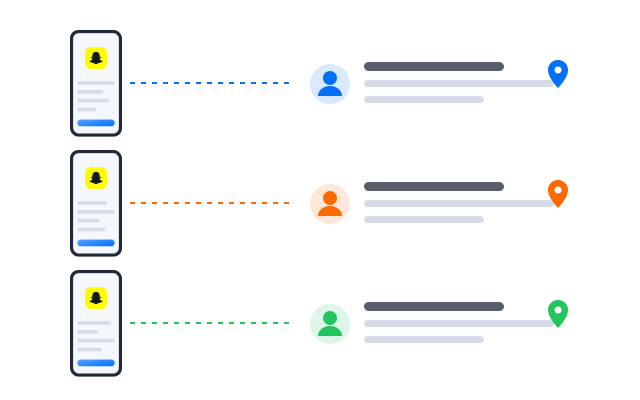
Keep each Snapchat environment separate
When a team runs several Snapchat accounts from the same device or shared logins, it becomes easy to mix up accounts, chats, campaigns and content. Geelark gives each account or account group its own Android cloud phone profile.
Separate app sessions
Run each Snapchat environment in its own cloud phone with separate app data, login session and labels.
Organise by account role
Label profiles by creator, brand, local business, support, Spotlight testing or campaign.
Assign team access
Give team members access only to the Snapchat profiles and workflows they need.
Reduce device overhead
Replace a drawer of physical phones with Android cloud phones you open and manage from one workspace.
Automation for Snapchat workflows
Geelark offers automation for every skill level. Choose from the synchronizer, no-code templates or API integrations to run repetitive account work across many phones.
Account warm-up routines
Plan gradual activity on a new phone before you increase posting, chatting or campaign volume.
Story and Spotlight preparation
Set up repeatable steps for uploading content, checking assets and organising campaign posts.
Chat response workflows
Help operators handle replies and customer conversations more consistently.
Campaign checklists
Create repeatable checklists for account role, content asset, posting time, region, operator and campaign goal.
Best ways to manage multiple Snapchat accounts
| Method | Best for | Limitations |
|---|---|---|
| Snapchat’s own account switching | Individuals with a few accounts | Limited for teams and campaign workflows |
| Public Profile switcher | Managing eligible Public Profiles | No separate cloud phone environments or team operations |
| Physical phones | Small teams with a few important accounts | Costly and hard to scale |
| Android emulators | Testing lightweight workflows | Less suited to stable mobile-first operations |
| Social media schedulers | Calendar planning | Limited for chats, Stories, camera-first work and app sessions |
| Geelark cloud phones | Teams managing Snapchat accounts, Public Profiles, Stories, Spotlight and chats | Needs clear account roles and workflow planning |
Use Snapchat’s own tools for official account and Public Profile management. Use Geelark when your team also needs separate Android environments, remote access, campaign organisation and repeatable mobile workflows.
Who uses Geelark for Snapchat account work?
Agencies and social teams
Organise client accounts, Public Profiles, campaign workflows and operator access from one workspace.
Creators and creator teams
Manage Stories, Spotlight tests, audience replies and content calendars across several creator accounts.
Local businesses
Run location-based promotions, event updates, local offers and customer chats through dedicated Snapchat accounts.
Brands and ecommerce teams
Test Spotlight content, promote launches, handle customer conversations and organise campaign assets.
Event and entertainment teams
Coordinate short-term campaign accounts, Stories, local event updates and audience engagement.
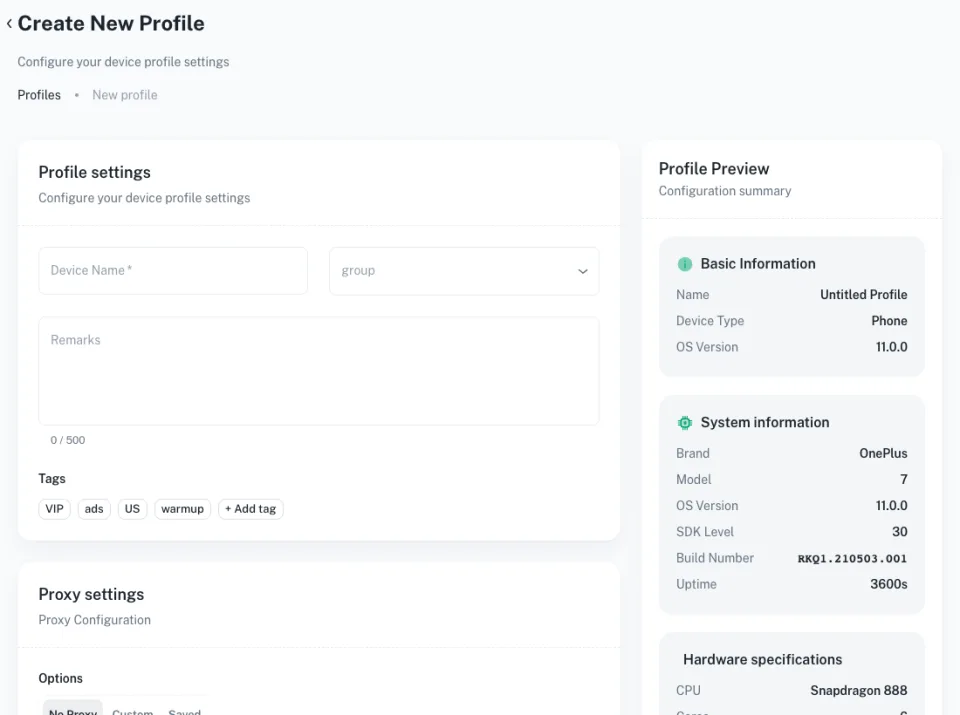
Get started in 3 simple steps
Câu hỏi thường gặp
Can I create multiple Snapchat accounts?
Snapchat sets its own rules on accounts, and they can change. Many people separate activity for personal, creator, brand or business purposes; check Snapchat’s current Terms of Service and give each account a clear purpose, its own login and responsible use.
Can I manage multiple Snapchat Public Profiles?
Snapchat has its own tools for Public Profiles; check its help pages for current limits. Geelark can keep the related mobile environments organised for your team.
What is the difference between a Snapchat account and a Public Profile?
An account is what you sign in with and use for chats and everyday activity. A Public Profile is a public identity for creators and businesses with public Stories and Spotlight content.
How does Geelark help manage Snapchat accounts?
Each account runs in its own Android cloud phone with separate app data, login session, proxy and labels, and your team opens them from one dashboard with role-based access.
Can I use Geelark for Snapchat Stories and Spotlight?
Yes. You use the official Snapchat app inside each cloud phone, so Stories and Spotlight work as they do on a phone.
Can I manage Snapchat chats with Geelark?
Yes. Give operators access to the cloud phones for the accounts they handle, so replies come from the right environment.
Is Geelark a replacement for Snapchat’s official tools?
No. Geelark adds a cloud phone workspace around the official app; it does not replace Snapchat’s account or Public Profile features.
Are cloud phones better than physical phones for Snapchat teams?
For teams, cloud phones remove device purchases, charging and handovers, and they can be opened remotely. For one or two accounts, a physical phone may be enough.
Who should use Geelark for Snapchat account management?
Agencies, creator teams, local businesses, brands and event teams that run Snapchat work across several people or accounts.
Set up a Snapchat multi-account workflow now
Manage several Snapchat accounts in separate Android cloud phone environments, with team access and repeatable workflows.