
Build custom social media workflows with no-code RPA
Automate repetitive work in Android apps across many accounts. Drag actions into a workflow, run it on your cloud phones and let Geelark handle publishing, account routines and other repeat tasks, without writing code.
No coding required
Runs on cloud phones
Built for multi-account workflows
RPA for cloud phones
Automate Android workflows without repeating every step
Geelark RPA is a visual builder for repetitive work in Android apps and supported browser tasks. Instead of opening apps, tapping buttons, typing text and uploading files by hand on every account, you turn those steps into a reusable workflow.
Build it once, assign it to your cloud phone profiles and let Geelark run the steps in the cloud.
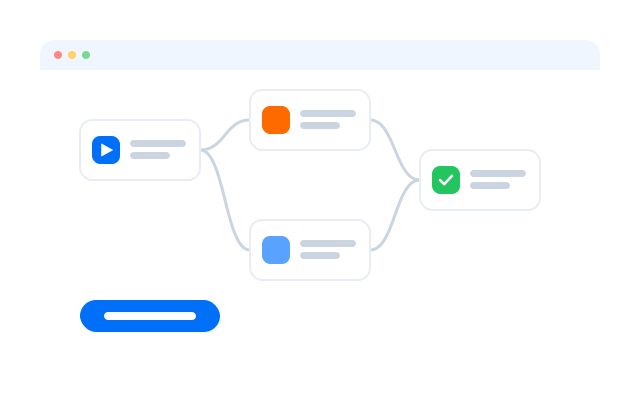
Create workflows visually
Combine taps, swipes, scrolling, text input, waits, uploads, app launches and other supported steps in a visual editor.
Add logic and conditions
Use conditions, loops, variables and error handling to build workflows that go beyond replaying the same clicks.
Run workflows on cloud phones
Assign tasks to cloud phone profiles and run them without operating each device yourself.
How it works
From manual steps to automated cloud phone workflows
Turn a repetitive mobile process into a workflow, assign it to the cloud phones you need and let Geelark carry out each step.
01
Choose a repetitive task
Start with something you do over and over: publishing content, browsing feeds, uploading media, moving through an app or looking after several accounts.
02
Build your RPA workflow
Turn each manual step into an action. Combine taps, swipes, text input, waits, app launches, uploads, conditions, loops and more.
03
Select your cloud phones
Pick the profiles the task should run on, with the apps and accounts the workflow needs.
04
Run and monitor the task
Start it now or on a schedule, then follow its status and logs instead of repeating the work on every phone.
RPA builder
Build workflows as simple, or as advanced, as you need
Start with basic actions for simple tasks, then add logic, loops, variables, data handling and error rules as your workflow grows.
Actions
Logic
Loops
Variables
Exception handling
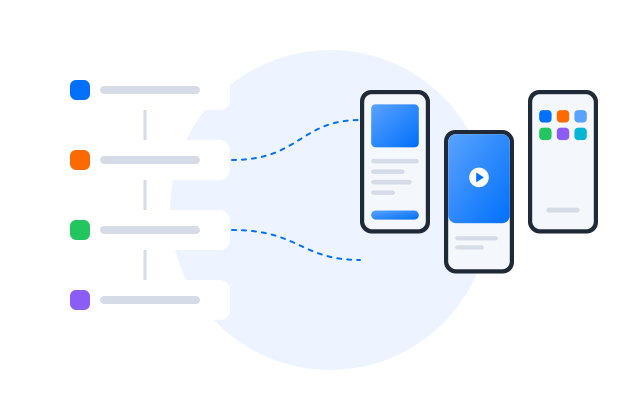
Recreate everyday mobile interactions
Open apps, tap elements, swipe, scroll, type text, wait, upload files and use the other supported actions in your workflow.
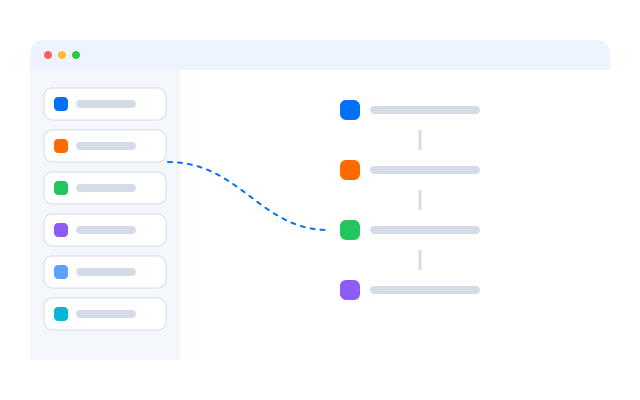
Make workflows respond to conditions
Check what is on screen and branch: continue when an element appears, skip a step when it does not, or take another path.
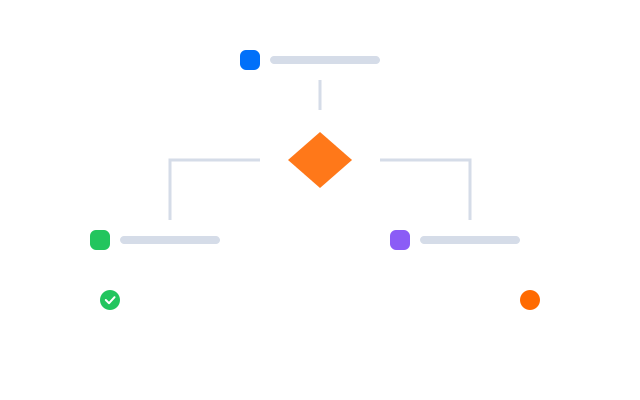
Repeat actions automatically
Repeat a group of steps a set number of times or over a list, for example to go through several posts or items.
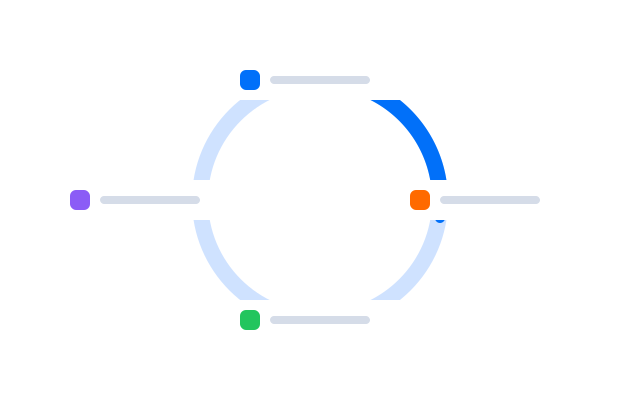
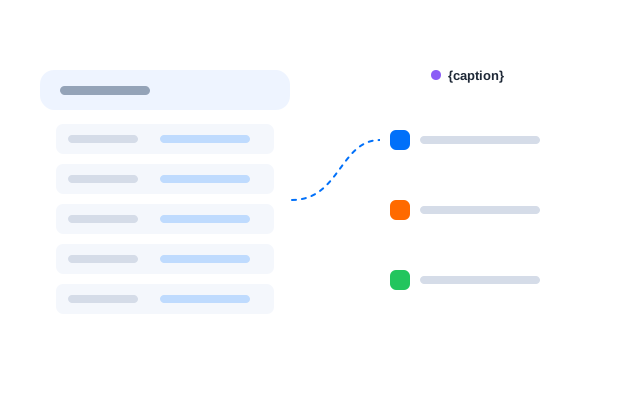
Work with changing data
Store values and feed in data such as captions, file names or links, so one workflow can handle different content on each run.
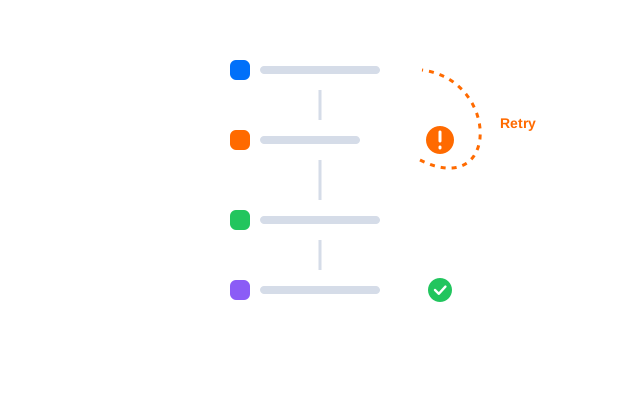
Control what happens when a step fails
Decide whether to retry, skip, stop or log a failed step, so one problem does not quietly break the whole run.
RPA templates
Start with a ready-made workflow
Not every automation needs to be built from scratch. Start from a template for a common social media task, choose your cloud phones and settings, then run it as is or adapt it.
Cloud execution
Run mobile automation where your apps already live
Geelark RPA runs inside Android cloud phones, so automated tasks work directly with mobile apps in cloud-based Android environments.
Instead of wiring physical phones to your computer or repeating steps by hand on each device, assign saved workflows to the cloud phone profiles that need them.
Android app environments
Run supported Android apps inside cloud phone profiles and automate the steps you take in them.
Multiple account environments
Assign workflows to the cloud phones and accounts involved instead of repeating the task on every device.
Cloud-based execution
Tasks run in the cloud, so you do not need physical devices or your own computer switched on.
Choose your automation method
Use the right automation method for each workflow
Geelark offers different ways to automate repetitive work. Pick the one that matches how much control, customisation and technical flexibility you need.
| Feature | Đồng bộ thao tác | RPA | API |
|---|---|---|---|
| Best for | Real-time repeated actions | Custom automated workflows | System integrations |
| How it works | Mirrors your live actions | Runs saved workflows | Triggers operations from code |
| Coding required | No | No | Yes |
| Manual control while running | Yes | No | No |
| Custom workflow logic | Limited | Conditions, loops, variables | Defined by your developers |
| Works with cloud phones | Yes | Yes | Yes |
| Typical use | The same action on many profiles at once | Recurring multi-step social media tasks | Connecting Geelark to your own tools |
Choose Synchronizer when:
you want to repeat the same supported actions on several accounts at once, while you stay in control.
Choose RPA when:
you need a reusable multi-step workflow with logic, loops or variables that runs without you watching every step.
Choose API when:
your developers want to connect Geelark to your own systems, tools or operational workflows.
Learning center
Learn Geelark RPA step by step
New to RPA? Start with the basics of automation, then move on to templates, the synchronizer and the API.
‹
Get started with automation
How Geelark automation is organised, from templates to schedules and task history.
Browse ready-made templates
Workflows for posting, warm-up and engagement you can run as they are or adapt.
Mirror actions with the synchronizer
When live, repeated actions are quicker than building a workflow.

Connect your systems with the API
Start tasks and manage cloud phones from your own tools.
Guides and tutorials
Step-by-step articles on cloud phones, automation and multi-account work.
›
Typical setups
How teams scale with Geelark cloud phones and automation
‹
TikTok publishing
One posting routine for every account
- A posting workflow built once in RPA
- Run on a schedule across TikTok profiles
- Failures retried or logged automatically
Agency operations
Client accounts on autopilot
- Templates adapted for each client group
- Operators assigned per client
- Task history checked in one place
Community growth
Warm-up without the busywork
- Warm-up routines with random waits
- Separate proxy for each profile
- Runs reviewed before scaling up
›
Illustrative workflows built from Geelark features. For real customer accounts, read our customer stories.
Câu hỏi thường gặp
What is Geelark RPA?
A no-code workflow builder for automating repetitive tasks in Android apps and supported browser workflows. Combine actions, conditions, loops, variables and other controls into reusable workflows.
Can Geelark RPA automate Android apps?
Yes. Workflows run inside Android cloud phones and work with the apps installed on them.
Can I use RPA for social media automation?
Yes, for tasks such as publishing, warm-up and routine account checks. Follow each platform’s rules on automated activity when you decide what to automate.
Do I need coding skills to use Geelark RPA?
No. You build workflows visually. The API is there separately for teams who want to connect their own systems.
What is the difference between RPA and automation templates?
Templates are ready-made workflows for common tasks. RPA is the builder you use to create your own workflows or adapt a template.
What is the difference between RPA and the synchronizer?
The synchronizer mirrors what you do live on one phone to others. RPA runs a saved workflow on its own, on a schedule or on demand.
Can RPA run across multiple cloud phones?
Yes. Assign a workflow to as many cloud phone profiles as your plan allows.
Get started with Geelark in 3 simple steps
Turn repetitive mobile tasks into automated workflows
Build custom RPA workflows, run them on Geelark cloud phones and spend less time repeating the same steps on every account.
Social media workflows
Automate repetitive social media tasks across accounts
Reddit
Pinterest
TikTok
Instagram
Facebook
YouTube
X
Content publishing
Open apps, upload prepared media, enter captions, move through publishing screens and finish the post.
Account warm-up
Browse feeds, scroll content, open pages and carry out other routine activity on new accounts.
Content interaction
Combine browsing, tapping, scrolling and text actions into interaction routines you can repeat.
Account maintenance
Automate profile checks, app navigation, uploads and other routine upkeep across many accounts.