Agency · Client accounts
An agency moves each client account off shared handsets and onto its own cloud phone.
Spin up real Android phones in the cloud, keep each account isolated, and let automation handle the repetitive work.
No credit card required
Free plan to start
Team access built in
Works with
 TikTok
 Instagram
 Facebook
 YouTube
 X
X
 Reddit
 Snapchat
 Pinterest
The challenge
Most of the friction comes from the setup, not from the content.
Mobile-first platforms notice when a phone account is driven from a desktop session, and trust drops fast.
Racks of handsets cost money, break, and need someone in the room every time something goes wrong.
Posting, replying and checking stats by hand leaves little time for the strategy that actually grows reach.
Our approach
App accounts belong on a phone and web accounts in a browser. Run both from one workspace, so growth stops depending on workarounds.
Real Android devices in the cloud for accounts that live in mobile apps
Isolated browser profiles for accounts that live on the web
Mobile + web
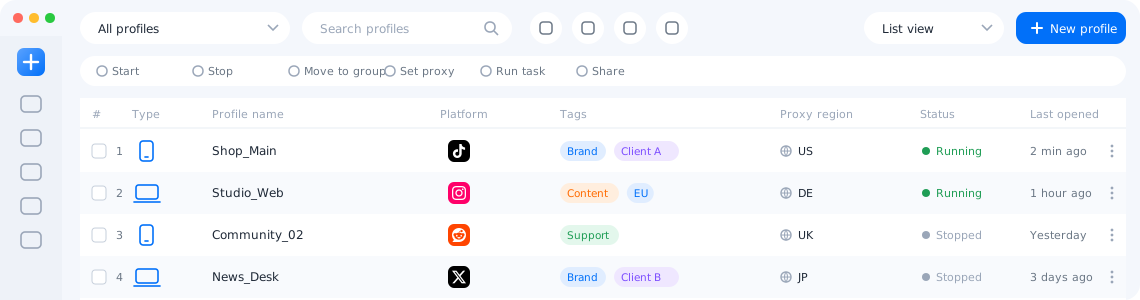
Create, group, share and check on cloud phones and browser profiles from a single list.
Every cloud phone runs on dedicated hardware, so apps see a real device with a unique fingerprint.
Sort a growing list of phones and profiles into groups and find any of them in seconds.
Run automation templates on a schedule across the group of accounts you pick.
Use the desktop app or a browser, with your whole team working on different devices at the same time.
Automation
Ready-made templates handle posting, engagement and warm-up across every account, on your schedule.
AI studio
Turn one idea into many on-brand variations, then publish them across accounts in a few clicks.
Insights
Analytics
Languages
Follow views, followers and engagement for every account in one report.
The app and its automation templates are available in many languages.
Teamwork
Permissions
Activity log
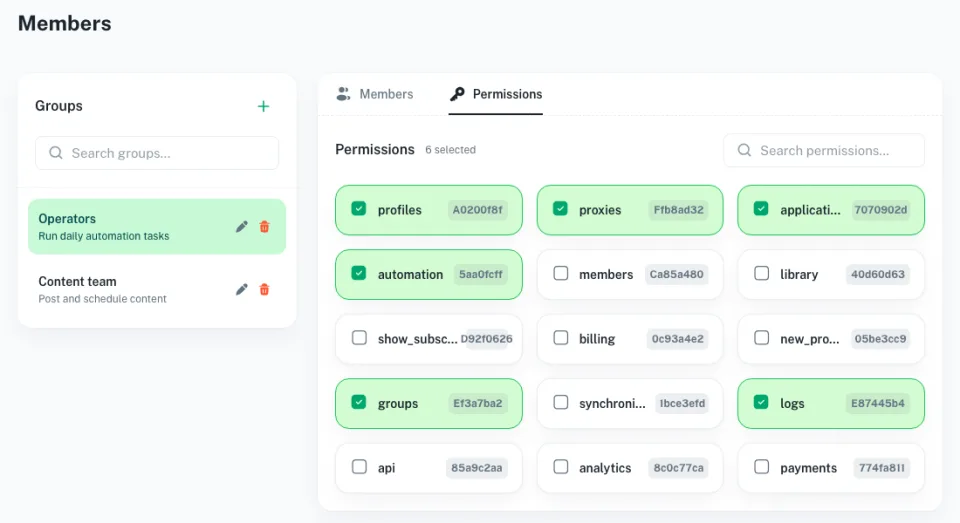
Decide exactly which profiles and features each teammate can use.
See who did what and when, so handovers stay smooth.
Use cases
Blog
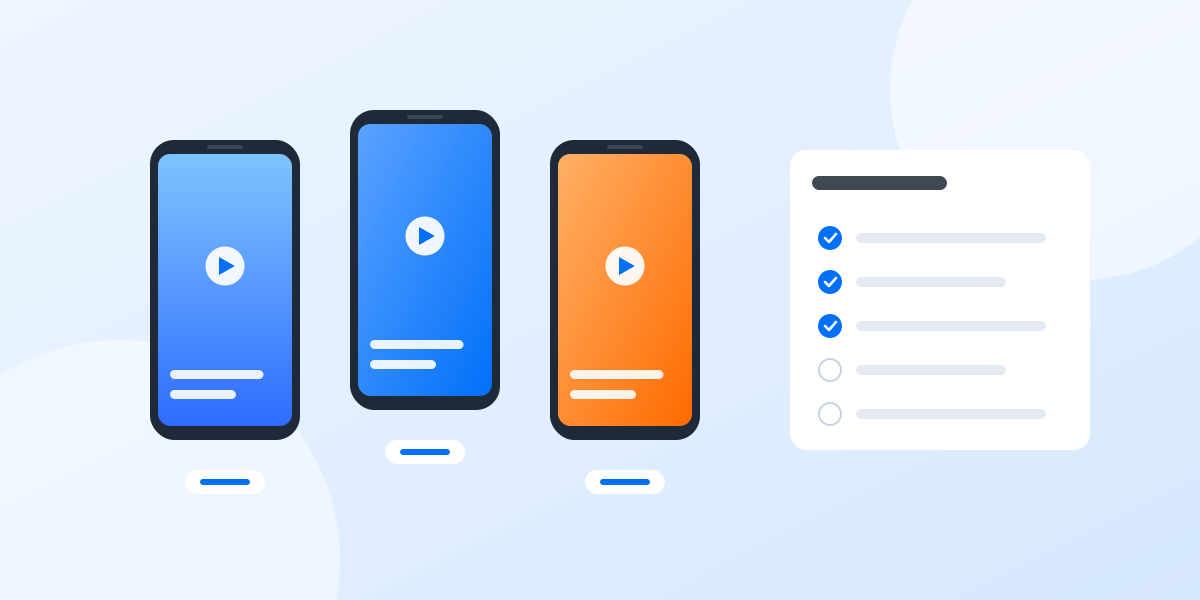
A practical setup for keeping several accounts apart: one cloud phone per account, one proxy per phone, clear names and a routine your team…
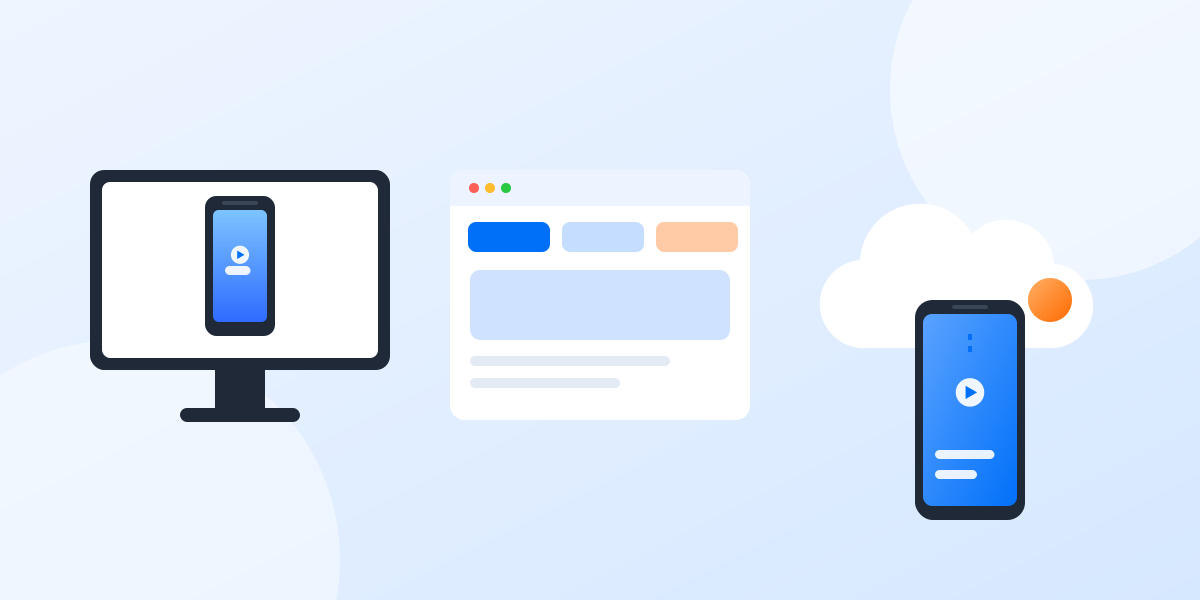
Three common ways to run several accounts from one computer, what each one is good at, and how to choose between them.
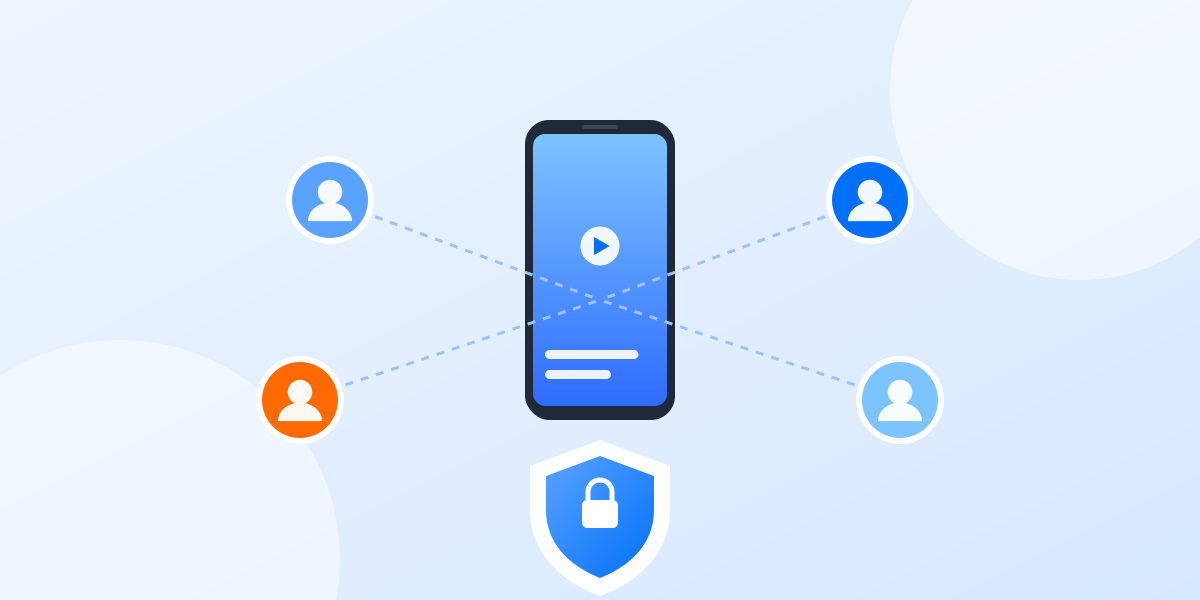
Shared passwords and screenshots of login codes do not scale. Here is a calmer way to give teammates access to the right accounts.
A real Android device hosted in a data center that you control remotely from your computer.
Any Android app you can install from an app store or an APK file.
Emulators simulate a phone in software. Cloud phones run on physical hardware, so apps see a genuine device.
Yes. Invite teammates and assign permissions per profile or feature.
Yes, you can start for free and upgrade when you need more phones.
Create your first cloud phone in under a minute and see the difference real devices make.