
SEO & SERP
Check rankings the way real users see them, research competitors quietly and test local search results from any location.
Private research
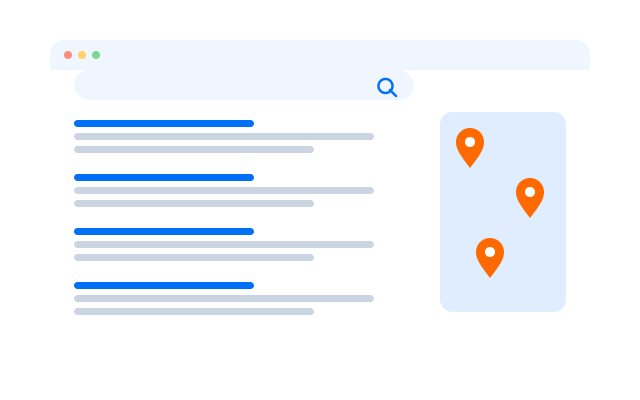
A clean space for SEO research
Look into competitors and test ideas from separate profiles that are not tied to your own browsing history, logins or past searches.

Cloud phones
Android phones that run in the cloud and behave like real devices, ready whenever you open them.

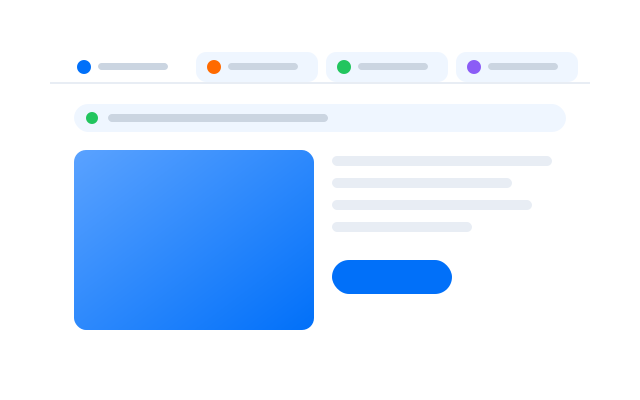
Browser profiles
Separate browser profiles, each with its own fingerprint settings, cookies and storage.

Proxy settings
Bring the proxies you already use and assign one to each phone or profile.

Search results depend on location, device and history. Separate cloud phones and browser profiles give you a cleaner view of what a new visitor sees.
Separate networks
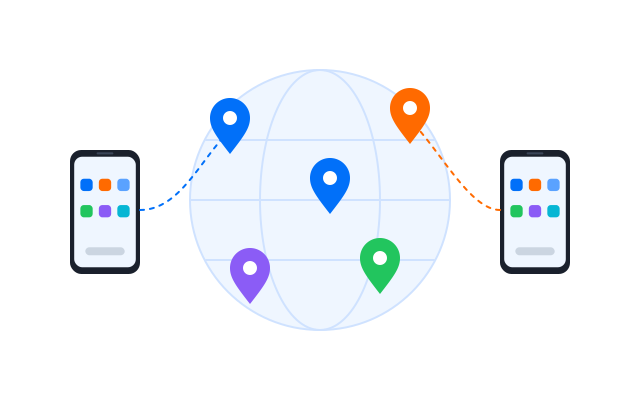
Give every profile its own network
Assign a proxy to each cloud phone or browser profile so research projects do not all run through one connection. Keep check rates reasonable and follow each search engine’s terms.
Save time
Automate the SEO checks you repeat
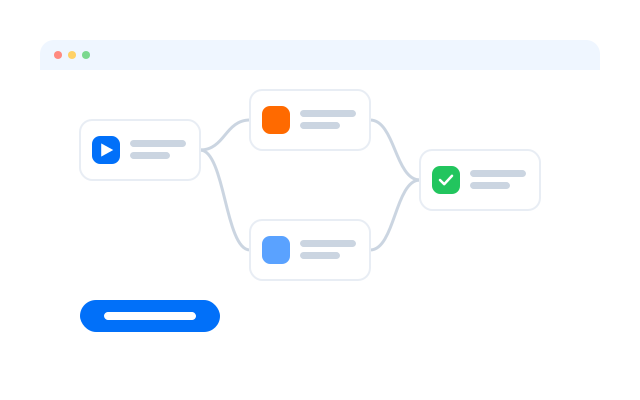
Turn routine tasks such as opening a list of keywords, recording positions or checking competitor pages into a workflow, then run it on a schedule.
Automate responsibly: follow each search engine’s terms on automated queries and keep the number of checks reasonable.

Synchronizer
Repeat what you do on one cloud phone across the other phones you have open.

RPA
Start from a ready-made template or build your own step-by-step workflow without code.

API
Create, start and manage phones and profiles from your own scripts and tools.
Local SEO
See local results from anywhere
Check how your pages rank in other cities and countries by setting the location, language and proxy on each profile, on desktop and on real Android devices.
Geelark makes multi-account management easy


Frequently asked questions
How does Geelark help with SEO and SERP work?
It gives you separate cloud phones and browser profiles, each with its own location, proxy and history, so you can see search results and competitor pages the way different users see them.
Why check rankings from separate profiles?
Search results are personalised by location, device and history. Clean profiles give you a view closer to what new visitors see.
Can I research competitors privately?
Yes. Use a profile that is not signed in to your own accounts, so your research is not mixed with your everyday browsing.
Can I check results in other locations?
Yes. Set the region, language and proxy for each cloud phone or browser profile.
Can I see mobile results?
Yes. Use cloud phones to view search results and app store listings on real Android devices.
Does Geelark include proxies?
You can bring your own proxies and assign one per profile. See Pricing for what each plan includes.
Can I automate rank checks?
Yes. Use RPA, templates or the API to repeat checks on a schedule. Follow each search engine’s terms when you do.
How is this different from an Android emulator?
Emulators run on your own computer. Geelark cloud phones run in the cloud, stay on when your computer is off and can be shared with your team.