
Edit social videos in bulk with AI
Upload your clips, apply effects and create fresh variations in one pass, then send the results straight to your library and cloud phones.
AI video editor
Do more with the videos you already have
Prepare clips for every channel without repeating the same edits by hand.
Batch editing
Upload a whole set of clips and process them together instead of one at a time.
Ready-made effects
Add transitions, text overlays, colour looks and motion styles in a few clicks.
Quick variations
Turn one video into several edited versions for different accounts and tests.
Straight to your phones
Finished clips land in your library and can be sent to cloud phones right away.
Connected workflow
From edited clip to published post
Editing is one step. Geelark links it with your library, automations and cloud phones so your team can go from raw footage to live posts in one place.
02
Save to your library
Every finished clip is stored automatically, ready for the next step.
04
Run on cloud phones
Publish and manage accounts on separate Android cloud phones.
Automate your workflow
Hand off to social media automation
When your clips are ready, carry on with Geelark automation for publishing and other routine jobs, using a template or your own RPA flow.
Post a TikTok video
Publish an Instagram Reel
Upload a YouTube Short
Share a video on Reddit
How it works
Edit your videos in four steps
01
Upload your clips
Add the videos you want to edit. You can upload several at once for batch work.
02
Pick your edits
Choose the editing options and effects that fit the content you are preparing.
03
Process and preview
Start the job and check the results as soon as they are ready.
04
Keep going
Find the finished clips in your library and use them in your next workflow.
More AI tools
Keep creating with Geelark AI
More AI tools to make, transform and edit content for your social workflows.
Image generator
Create visuals from a prompt, a reference image or both.
Text to video
Generate a video from a written prompt.
Image to video
Animate a still picture into a short clip.
Resources
Learn more about AI video editing
Guides on batch editing, effects and fitting edited clips into your social workflow.
How to run multiple social media accounts on cloud phones: a setup guide
Read more: How to run multiple social media accounts on cloud phones: a setup guideA practical setup for keeping several accounts apart: one cloud phone per account, one proxy per phone, clear names and a routine…

Cloud phone, emulator or multi-account browser: which one fits your accounts?
Read more: Cloud phone, emulator or multi-account browser: which one fits your accounts?Three common ways to run several accounts from one computer, what each one is good at, and how to choose between them.
How to share social media accounts with a team without sharing passwords
Read more: How to share social media accounts with a team without sharing passwordsShared passwords and screenshots of login codes do not scale. Here is a calmer way to give teammates access to the right…
What to automate across many accounts, and what to keep human
Read more: What to automate across many accounts, and what to keep humanAutomation saves hours on repetitive phone work, but not everything should be automated. A simple way to decide.
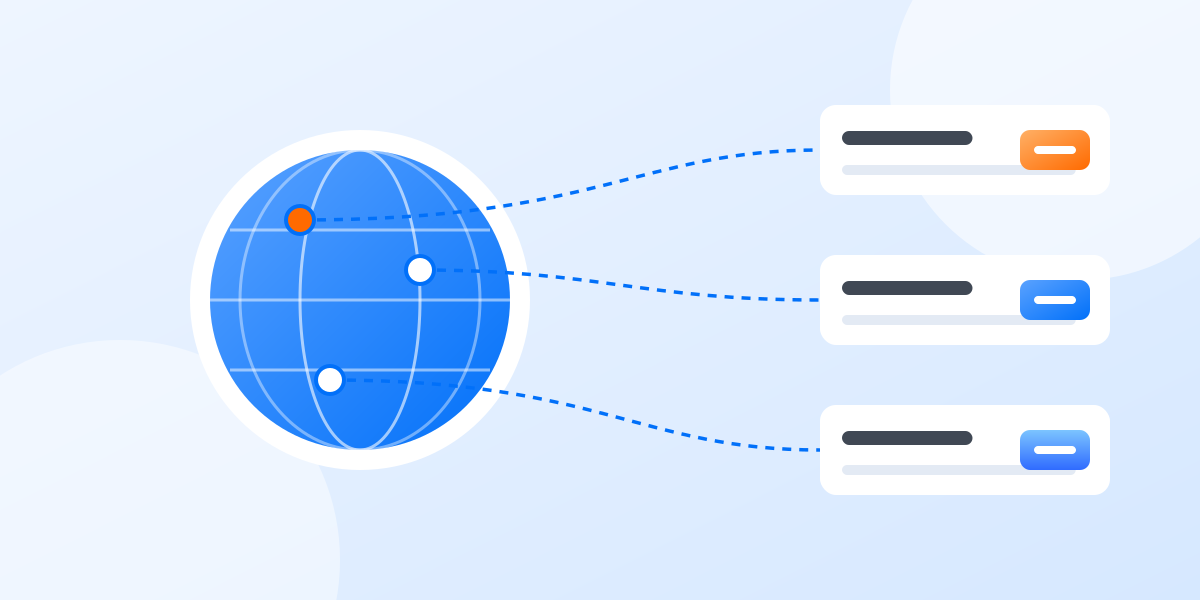
Proxies for multiple accounts: a plain-English guide
Read more: Proxies for multiple accounts: a plain-English guideWhat a proxy does, which kind to choose, and how to match proxies to accounts without overthinking it.
FAQs
What is the AI video editor?
A Geelark tool for editing videos in batches, adding effects and creating variations for social media.
How many videos can I edit at once?
The editor lets you select several videos at once. The exact batch size shown in the tool depends on your plan.
Which effects are available?
Transitions, text overlays, colour adjustments and motion styles, with more added over time.
Can I make several versions of one video?
Yes. Create variations for different accounts, audiences and tests.
Where do edited videos go?
Into your Geelark library, ready to download, reuse or add to automations.
Can I send edited videos to cloud phones?
Yes. Push them to your cloud phones and publish through the native apps.
Do I need editing experience?
No. Pick your options and let the editor handle the processing.
How much does it cost?
AI generation depends on your Geelark plan. See the pricing page for what each plan includes.
Get started in three steps
Edit a whole batch of videos today

Built for social media
Videos ready for every social channel
Prepare variations for short-form posts, campaigns and multi-account work across TikTok, Instagram, YouTube Shorts and more.
TikTok clips
Prepare batches of short videos for TikTok posting and scheduling.
Instagram Reels
Edit and sort Reels variations for ongoing campaigns.
YouTube Shorts
Get Shorts ready before they go into your publishing workflow.
Multi-account campaigns
Create and organise different versions for every account your team runs.
TikTok
Instagram
YouTube
X
Facebook
Reddit
Snapchat
Pinterest