Manage several X accounts on dedicated cloud phones
Organise brand, founder, support, regional and campaign accounts in separate Android cloud phones. Geelark helps X teams handle real-time posts, replies, community conversations and non-duplicative workflows without piles of physical devices.
Built for topic monitoring, reply workflows, support conversations, regional accounts and team-based operations.
What X allows and what it does not
X permits several accounts for different purposes, but it does not allow them to be used to manipulate conversations or amplify the same content. Read X’s platform manipulation and spam policy before you plan your setup.
Reasonable multi-account uses
- A founder account next to a company account.
- Separate support, product, community and marketing accounts.
- Regional accounts for different markets or languages.
- Campaign accounts with a clear, distinct purpose.
- Creator accounts that stay separate from brand accounts.
Behaviour to avoid
- Posting the same content across several accounts.
- Using several accounts to artificially inflate replies, likes or reposts.
- Creating accounts to get around suspensions or limits.
- Coordinated replies that look like independent voices.
- Sending aggressive follows, replies or DMs.
- Automating spam, misleading content or manipulation.
Geelark is designed for organised account operations, not platform manipulation. Use it to give each role its own environment and clear ownership. How Geelark cloud phones work for X →
Build an X account portfolio by role
Effective X teams do not run random accounts. They build a portfolio where every account has a clear role, voice, audience and owner.
Brand account
Official announcements, product updates, launches and company messages.
Founder or executive account
Personal insight, industry opinion and thought leadership with a human voice.
Support account
Customer questions, service updates, troubleshooting and issue routing.
Community account
Conversations with users, creators, partners and community members.
Regional or language account
Local updates and conversations for specific markets or languages.
Campaign or launch account
Events, product launches, temporary campaigns and educational threads.
| Account role | Main job | Geelark setup |
|---|---|---|
| Brand account | Official updates | Dedicated cloud phone and an approval step |
| Founder account | Trust and leadership | A separate profile with its own owner |
| Support account | Replies and issue handling | Team access and a reply routine |
| Community account | Engagement | Topic and community labels |
| Regional account | Local market updates | Regional proxy and language labels |
| Campaign account | Launches and events | Campaign group and posting calendar |
Run real-time engagement workflows on X
X moves fast. Trends, breaking news, product questions, customer complaints and community conversations all happen in real time, so teams need workflows that keep the right account in the right conversation.
Topic monitoring
Assign accounts to specific topics, keywords, communities or markets, so operators know which conversations to follow.
Reply workflows
Use support, community or brand accounts to reply from the right role instead of mixing voices.
DM workflows
Handle customer questions, partner outreach or creator messages through dedicated account environments.
Post timing and queues
Prepare posts for different accounts, regions or launches so each one publishes on its own plan.
Conversation review
Review high-risk replies, campaign posts or brand messages before they go out.
Keep each X account environment separate
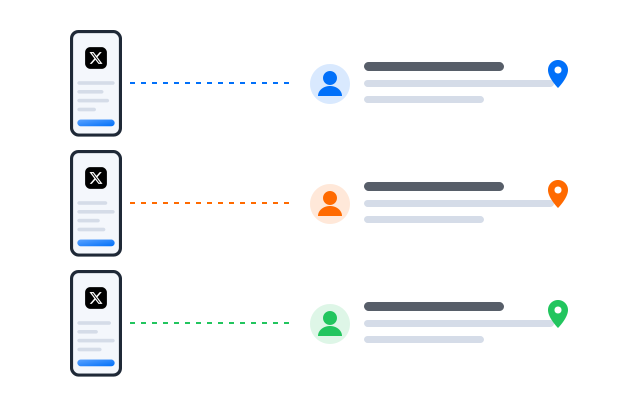
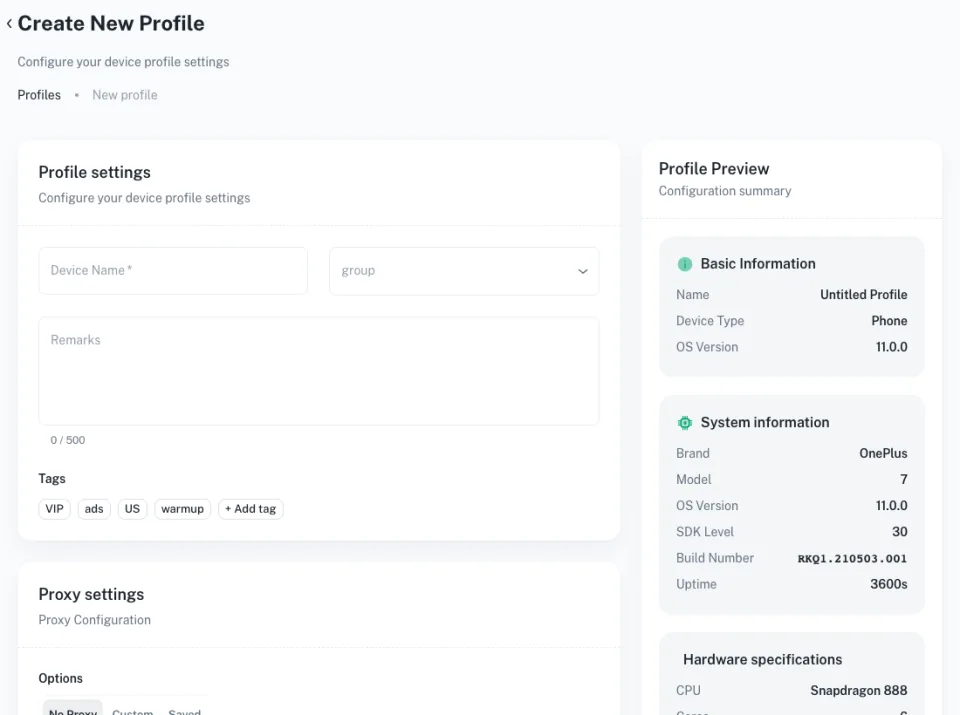
When a team runs many X accounts from the same device, browser or shared login, it is easy to post from the wrong account or mix up conversations. Geelark gives each account or group its own Android cloud phone profile, with its own app session, proxy settings, labels and team access.
Separate app sessions
Each X account runs in its own cloud phone with its own session, data and history.
Proxy and region planning
Set proxies by account role, region, language or campaign group.
Role-based access
Give team members access only to the accounts they handle.
Cleaner operational review
See which account was used, by whom and for which workflow.
Automate X workflows without duplicating content
Automation on X should reduce repetitive work, not create duplicate activity. Use it to support routine tasks while every account keeps its own voice, audience and purpose.
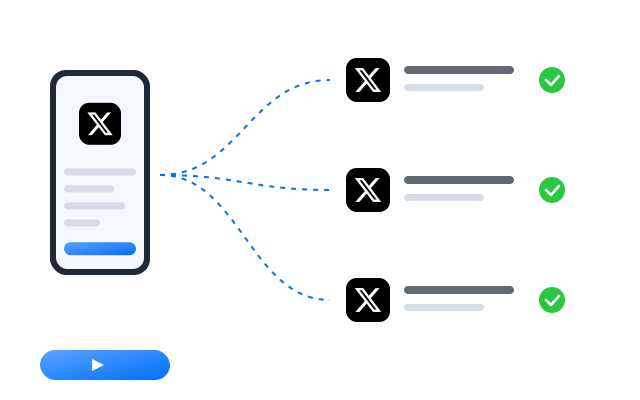
Warm up environments gradually
Use warm-up routines to support normal activity on new account environments.
Publish role-specific posts
Prepare different posts for brand, founder, support, community or regional accounts.
Support reply and DM routines
Use structured workflows for repetitive support or community tasks.
No duplicate amplification
Do not use several accounts to repost, like or reply to the same content in a coordinated way.
Start faster with X automation templates
Templates help teams standardise routine X work such as warm-up, publishing and messages.
Templates that run on real Android
Each template drives the X app inside a cloud phone. Write different content per account and keep a person reviewing sensitive posts.
Best ways to manage multiple X accounts
Different X teams need different tools. Each option below solves part of the problem; the right one depends on how many accounts you run and who works on them.
| Method | Best for | Limitations |
|---|---|---|
| X’s own account switching | Personal users with a few accounts | Not built for large teams or many account roles |
| Social media schedulers | Calendar planning and publishing | Limited for real-time replies, DMs and mobile workflows |
| Browser profiles | Web-based separation | Easy to lose track of ownership and roles |
| Physical phones | Small teams with a few high-value accounts | Expensive and hard to scale |
| Antidetect browsers | Browser environment separation | No native mobile app |
| Geelark cloud phones | Teams running role-based X accounts | Needs clear role planning and content rules |
Use schedulers for calendars and X’s account switching for personal use. Use Geelark when your team needs separate mobile environments, role-based access, real-time reply workflows and repeatable operations.
Who uses Geelark for X account work?
Brand and social media teams
Separate brand, support, campaign and community accounts while keeping each workflow organised.
Founders and creator teams
Manage founder, company and creator accounts with distinct voices and owners.
Customer support teams
Handle public replies, DMs, service updates and issue routing from dedicated accounts.
Agencies and community operators
Organise client accounts, event accounts and campaign accounts with access by role.
Regional marketing teams
Run local accounts for different markets, languages and campaigns.
Get started in three steps
FAQs
Can I have multiple X accounts?
X allows several accounts for different purposes, such as a personal account and a company account. Its platform manipulation and spam policy prohibits using them to amplify the same content or mislead people. Check X’s current rules before you plan your setup.
How should I organise multiple X accounts?
Give each account one role, such as brand, founder, support, community, regional or campaign, an owner and its own content plan. Geelark lets you group cloud phones and set access per group.
Can I post the same content from several X accounts?
Avoid it. Posting identical or near-identical content across accounts can count as spam under X’s rules. Write content for each account’s audience.
What is X automation?
Using tools to run routine steps such as warm-up, publishing or messages. X has rules on automated activity, so automate carefully and keep a person in charge.
How does Geelark help manage X accounts?
Each account runs in its own Android cloud phone with its own session, proxy and labels, and your team opens them from one dashboard with role-based access.
Is Geelark the same as a social media scheduler?
No. Schedulers plan posts. Geelark gives each account a mobile environment for real-time replies, DMs and app workflows, and can sit alongside a scheduler.
Do I need a separate proxy for every X account?
Many teams give each account or regional group its own proxy so its network stays consistent. Geelark lets you set one per cloud phone.
Can Geelark be used to create X bots?
Geelark is not designed for bot networks or manipulation. Follow X’s automation rules and use automation only for legitimate routine work.
Who should use Geelark for X accounts?
Brand and social teams, founders, support teams, agencies and regional marketers who run several X accounts with clear roles.
Start running your X accounts in the cloud
Set up your first cloud phone in minutes.