
Web scraping
Collect public data you are allowed to use, from websites and mobile apps, in organised and repeatable workflows. Respect each site’s terms and robots rules, and prefer an official API whenever one exists.
One dashboard
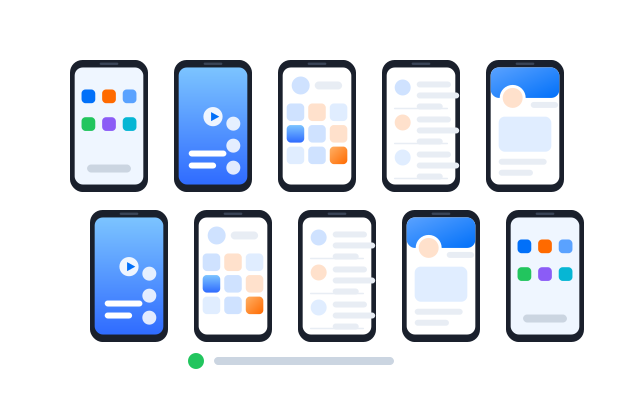
Manage every collection project in one place
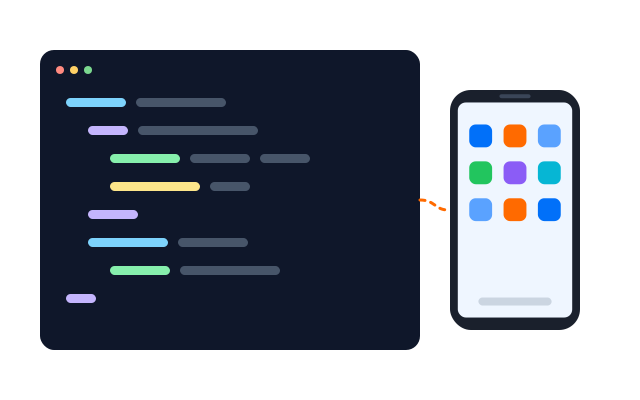
Give each project its own cloud phone or browser profile, group them, and see which ones are running from a single dashboard.

Cloud phones
Android phones that run in the cloud and behave like real devices, ready whenever you open them.

Browser profiles
Separate browser profiles, each with its own fingerprint settings, cookies and storage.

Proxy settings
Bring the proxies you already use and assign one to each phone or profile.

Before you collect anything, check the site’s terms of service and robots.txt, avoid personal data unless you have a lawful basis, and keep request rates low.
Real rendering
See pages as real browsers and phones show them
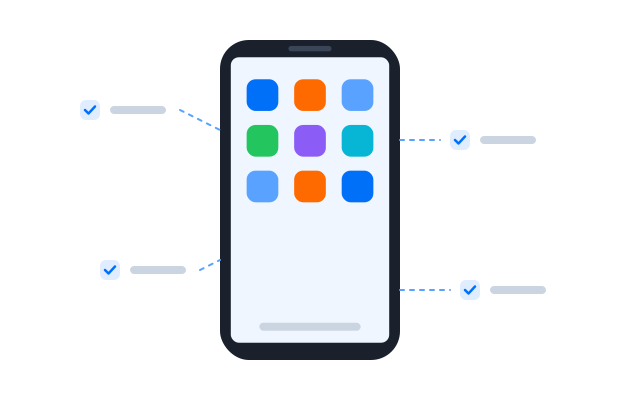
Many sites render content with JavaScript or only in their app. Cloud phones and browser profiles show the page exactly as a visitor sees it, which makes extraction more reliable.
Automation
Automate collection you are permitted to do
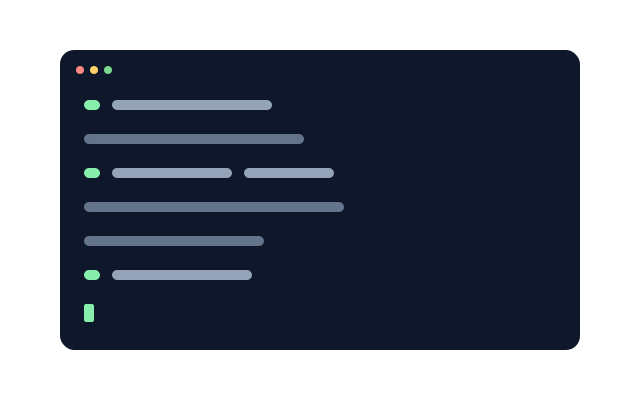
Build workflows with RPA or the API to open pages, read values and export results on a schedule, at a polite pace that does not overload the site.
If a website offers an official API or data export, use it. Use automation for the rest only where the site allows it.

Synchronizer
Repeat what you do on one cloud phone across the other phones you have open.

RPA
Start from a ready-made template or build your own step-by-step workflow without code.

API
Create, start and manage phones and profiles from your own scripts and tools.
Local data
Collect local versions of public pages
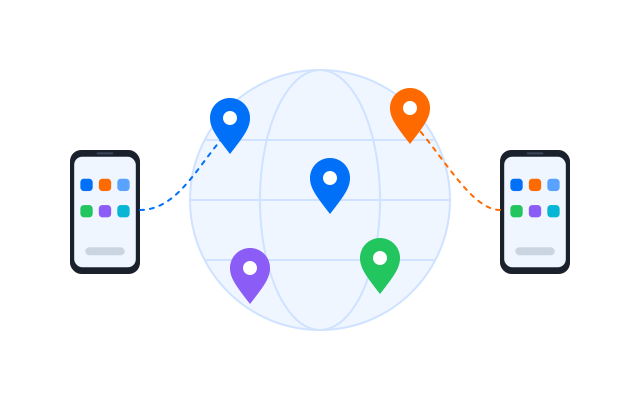
Assign a region and proxy to each profile when you need the local version of a public page, such as prices or listings in a given country.
Geelark makes multi-account management easy


Frequently asked questions
What is web scraping?
Web scraping is the automated collection of information from web pages or apps, for example prices, listings or public statistics, and saving it in a structured format such as a spreadsheet.
Is web scraping legal?
It depends on what you collect, how and where. Website terms, copyright, database rights and privacy laws such as the GDPR can all apply, and the rules differ by country. Read the site’s terms and robots.txt, avoid personal data and get legal advice for anything you are unsure about.
What is web scraping software?
Tools that open pages, extract the parts you need and store them. Some are code libraries, others are visual tools. Geelark provides the browsers and phones those workflows run on, plus RPA and an API.
Can Geelark be used to get around blocks or rate limits?
No. If a site blocks or limits automated access, that is its decision to make. Respect it, contact the site owner for permission or an API, and keep your request rates reasonable.
What does Geelark offer for data collection?
Cloud phones for apps, browser profiles for websites, per-profile proxy settings, RPA workflows and an API, all managed from one dashboard.
Can I run several collection projects at once?
Yes. Each project can have its own phones or profiles, and you can start, stop and group them centrally.