Handle many Facebook accounts from a single workspace
Run Facebook accounts, Pages, Marketplace work and business operations on separate Android cloud phones. Geelark helps social media teams, resellers, agencies and ecommerce operators manage many Facebook environments without piles of physical devices.
Each Facebook environment can have its own cloud phone, app session, proxy, operator access and automation templates.
What Facebook allows and what gets risky
Facebook generally expects each person to have one personal account. For business use, teams usually work with Pages, Marketplace, ad accounts, groups and business assets connected to legitimate profiles. Read Meta’s Terms of Service for the current rules.
Common Facebook multi-account risks
Several accounts created or logged in from the same device.
Accounts that share one IP address or an unstable VPN connection.
Operators switching accounts by hand and mixing up sessions.
Marketplace, Page or group actions that start too quickly on new accounts.
Passwords, devices or browser profiles shared without access control.
Accounts that reuse names, profile details, content or habits.
Geelark helps teams keep Facebook operations organised by putting each account environment on its own Android cloud phone.
How to manage multiple Facebook accounts more safely
If you only run one personal profile and a few Pages, Meta Business Suite may be enough. For Marketplace profiles, client Pages, regional accounts or high-volume social commerce, you need more structure.
1
Separate personal accounts, Pages and business assets
Before choosing any tool, write down what you manage: personal profiles, Pages, Marketplace work, ad accounts, groups and business assets.
2
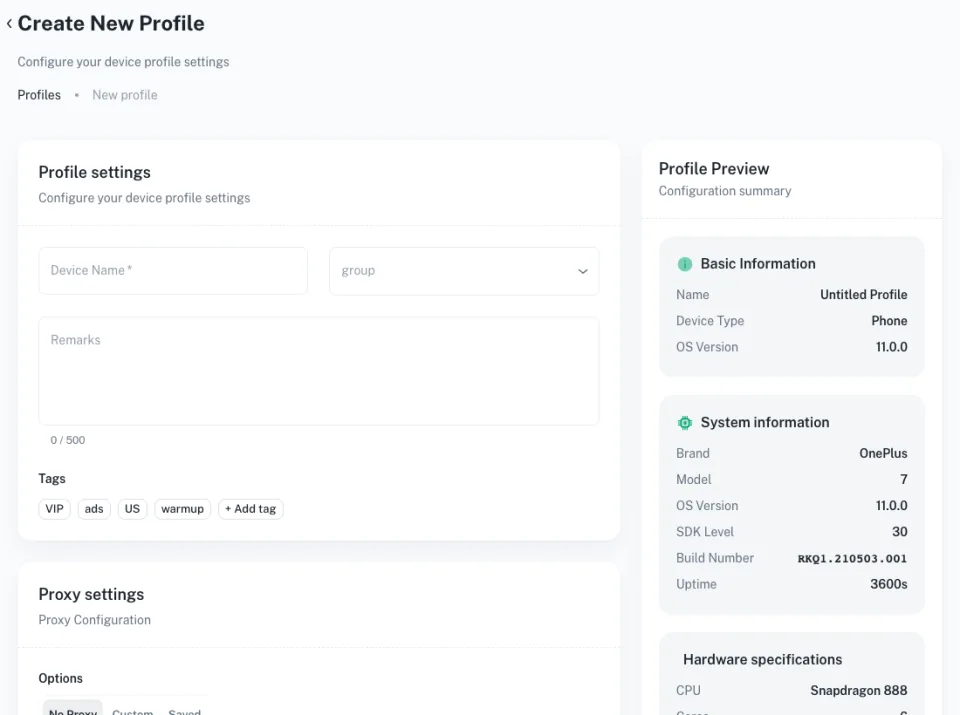
Create a cloud phone for each account environment
Give each Facebook account its own Android cloud phone, so it works like an independent mobile device in the cloud.
3
Configure the proxy and region
Set proxy and region per account group, based on your market, campaign or client, so unrelated work does not share a network.
4
Warm up new environments gradually
New accounts should not start with high-volume actions. Begin with normal use, a complete profile and light browsing.
5
Organise by campaign, client or operator
Use labels, groups and team access to sort profiles by client, store, Marketplace workflow, niche, region or teammate.
6
Automate repeated work carefully
Once a setup is stable, move warm-up, posting, comments and Reels into templates with a sensible pace.
Keep every Facebook account on its own Android cloud phone
Facebook is used heavily on mobile: feeds, Marketplace, Pages, groups and Messenger. For teams with many accounts, a dedicated cloud phone per environment is easier to manage than a shared browser or a shelf of handsets.
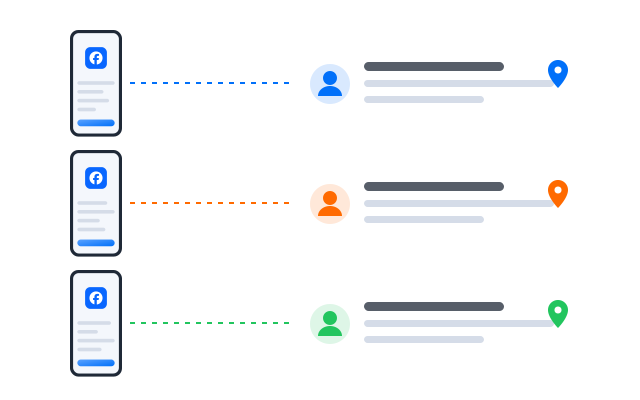
Separate app data and sessions
Each account keeps its own app data, login session, cache and files.
A dedicated mobile environment
Device details stay with one profile instead of being shared across accounts.
Remote team access
Teammates open the phones they are allowed to use from any computer, without passing devices around.
Lower hardware cost
Replace physical phones with cloud phones you start and stop when you need them.
Manage Marketplace, Pages and business workflows
Different Facebook work needs different structure. A Marketplace reseller, a social agency and an online store all run Facebook differently, so group your environments by the job they do.
Marketplace workflows
Organise Marketplace profiles, listings, replies and follow-ups by region or store.
Page operations
Plan posts, comments, Reels and engagement for several brands or client Pages.
Client and agency workspaces
Keep each client’s accounts, assets and operators in their own group.
Ecommerce and social commerce
Support product promotion, customer messages and community engagement from mobile.
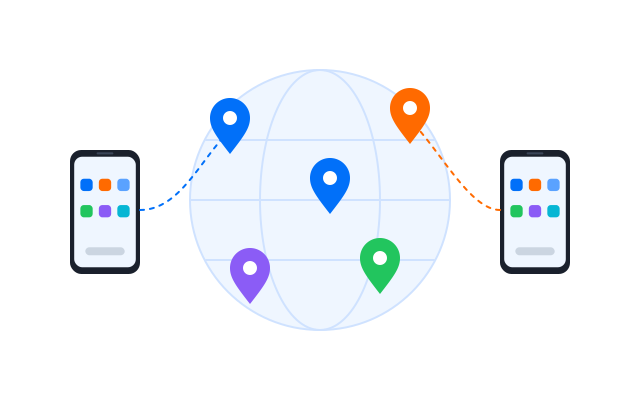
Set proxies and regions for Facebook account groups
Proxy and region planning matters when a team runs accounts in different markets, for different clients or across stores. Geelark lets you set the network for each cloud phone so every account group uses the setup chosen for it.
Assign proxies by account group
Group profiles by market, client, store, campaign or operator and give each group its network.
Keep unrelated work apart
Do not run unrelated accounts, regions or clients through one shared environment.
Keep proxy use consistent
Avoid switching an account’s proxy often; keep its location and network stable.
Automate Facebook warm-up, posting, comments and Reels
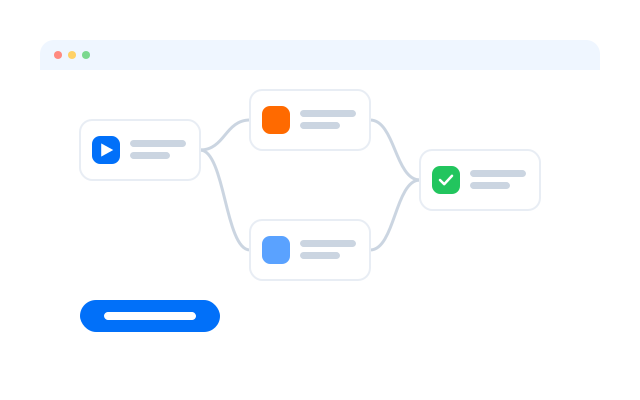
Repetitive Facebook work slows a team down once the account list grows. Templates and no-code workflows handle the routine steps across the phones you choose.
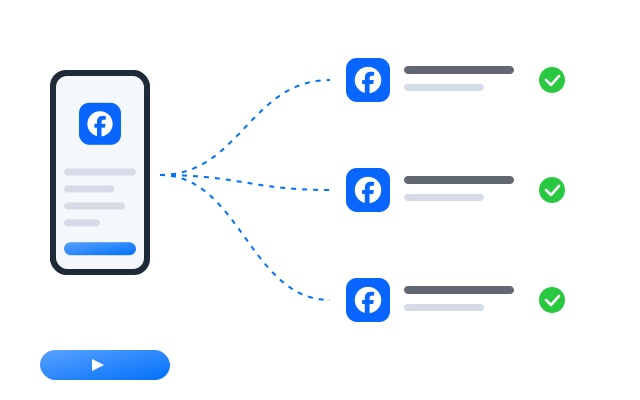
Warm up account environments
Plan gradual, normal activity on new accounts before you add volume.
Post content and Reels
Prepare and publish posts and Reels to selected profiles at staggered times.
Manage comments and engagement
Handle routine comment and engagement steps per Page or account.
Support Marketplace work
Repeat listing and follow-up steps while people handle the conversations.
Start faster with Facebook automation templates
Ready-made templates for common Facebook jobs. Adjust the steps, choose the phones and set a schedule.
Templates that run on real Android
Each template drives the Facebook app inside a cloud phone, with the same screens your team uses by hand.
Best ways to manage multiple Facebook accounts
Different Facebook teams need different tools. Each option below solves part of the problem; the right one depends on how many accounts you run and who works on them.
| Method | Best for | Limitations |
|---|---|---|
| Meta Business Suite | Official Pages, ad accounts and business assets | Not designed to separate one mobile environment per account |
| Facebook’s account switcher | Personal users with a few accounts | Not suited to large teams |
| Physical phones | Small teams with high-value accounts | Expensive, hard to scale and hard to share |
| Desktop browsers | Web-based checks and light management | Limited for mobile-only actions, Marketplace and app work |
| Android emulators | Testing and lightweight experiments | Less suited to stable, long-running operations |
| Antidetect browsers | Browser sessions and web workflows | No native mobile app |
| Geelark cloud phones | Teams running Facebook accounts, Pages, Marketplace and mobile workflows | Needs a proxy plan, warm-up and workflow planning |
For teams that need mobile access, account environment separation, automation and remote collaboration, cloud phones are a practical alternative to physical phones, emulators and browser-only tools.
Who uses Geelark for Facebook accounts?
Social media agencies
Organise client Pages, accounts, content and comment workflows in separate client workspaces.
Ecommerce and dropshipping teams
Support product promotion, customer messages and social commerce from mobile.
Marketplace resellers
Manage Marketplace profiles, listings, replies and follow-ups from separate environments.
Affiliate and performance marketers
Manage campaign profiles, content tests and engagement routines with separate environments.
Remote operations teams
Give operators access to the profiles they need without sharing phones or passwords.
Get started in three steps
FAQs
Can I have multiple Facebook accounts?
Facebook generally expects each person to keep one personal account, and business work to happen through Pages, Business Manager and related assets. Check Meta’s current Terms of Service and Community Standards before you plan your setup.
What is the difference between a Facebook account and a Page?
An account belongs to a person. A Page is a public presence for a brand, business or creator that one or more accounts manage.
How do I manage several Facebook Pages?
Meta Business Suite handles Pages and ad accounts. Geelark adds separate mobile environments and team access when many people work on them from the app.
Why do Facebook accounts get restricted?
Common triggers include sudden bursts of activity, repeated content, shared devices or networks and reports from other users. Meta explains its rules in its Help Center.
How does Geelark help with account separation?
Each account runs in its own Android cloud phone with its own app data, session and proxy.
Can I use Geelark for Marketplace work?
Yes. Run the Facebook app in a cloud phone per Marketplace profile and follow Marketplace’s commerce policies.
Can I automate Facebook posting and comments?
Yes, with templates, the workflow builder or the API. Keep the pace reasonable and follow Meta’s rules on automated activity.
Do I need a different proxy for each account?
Many teams give each account or account group its own proxy. Geelark lets you set one per cloud phone.
Are cloud phones better than emulators for Facebook?
Emulators suit testing on your own computer. Cloud phones run remotely, stay on and can be shared with a team.
Is Geelark a replacement for Meta Business Suite?
No. Keep using Meta’s tools for Pages, ads and business assets. Geelark adds the mobile environments and team workflow around them.
Start running your Facebook accounts in the cloud
Set up your first cloud phone in minutes.