

Hide all TikTok videos without deleting them
Need a clean profile but want to keep your content? This template switches each video to private on the profiles you choose, so you can bring them back later.
Set it up in five steps
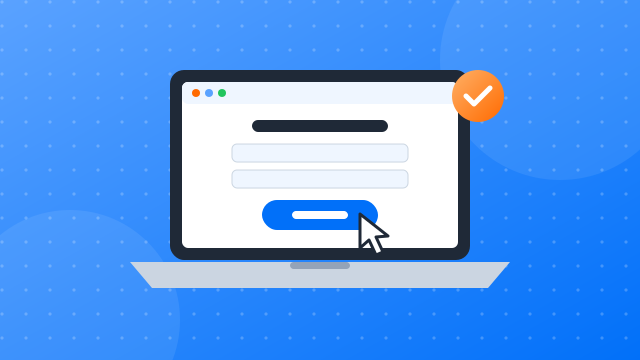
Step 1: Sign up and install the client
- Create a free account.
- Download the desktop client for Windows or macOS.
- Install it and sign in with your new account.
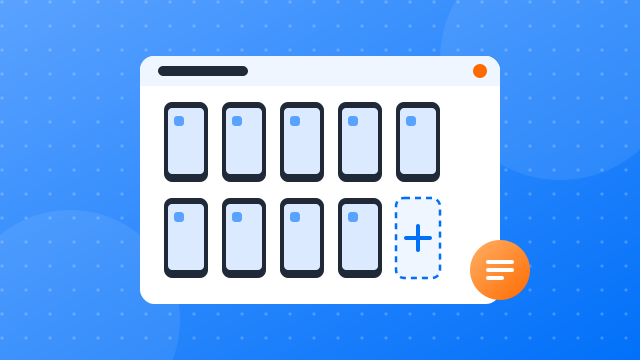
Step 2: Create your first cloud phone profile
- New profile: give it a name you will recognise, such as “TikTok 01”.
- Proxy: assign a proxy so the profile connects from its own IP address.
- Device settings: pick the phone model and region for the profile.
- Start: confirm to launch the cloud phone.
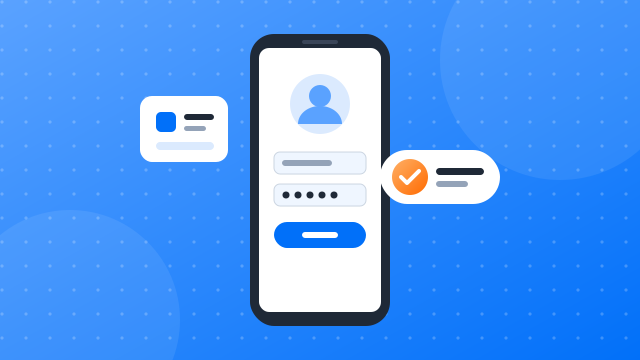
Step 3: Install TikTok and log in
- Open the app library: find the apps section in the client.
- Install TikTok: add it to the profiles you plan to use.
- Open and sign in: launch TikTok on each cloud phone and log in to the account that belongs to it.
- Keep the session: the profile remembers the login, so later runs start signed in.

Step 4: Add the “Hide all TikTok videos” template and configure it
- Find the template: open the automation template library and search for “Hide all TikTok videos”.
- Choose profiles: select the cloud phones the task should run on.
- Limit (optional): stop after a set number of videos.
- Start: run it now or set a schedule, then confirm.

Step 5: Check the run reports
- Open the reports: every run is listed with its profile, start time and status.
- Filter: narrow the list by date, profile or task.
- Inspect a run: see each step, its result and any error, then adjust the settings for the next run.
Housekeeping for many TikTok accounts
Routine account changes, done in one pass
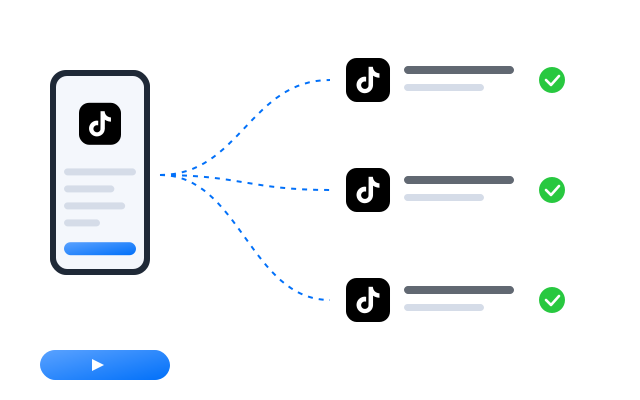
Looking after accounts is necessary but repetitive: changing profile details, cleaning up old posts, signing in to freshly prepared profiles. On one account it takes minutes; on fifty it takes an afternoon. This template applies the same change on every profile you select, each inside its own cloud phone, and records the outcome. Try it on one profile first, check the result, then roll it out to the rest of the group.
More automation guides

How to run multiple social media accounts on cloud phones: a setup guide
A practical setup for keeping several accounts apart: one cloud phone per account, one proxy per phone, clear names and a routine…

Cloud phone, emulator or multi-account browser: which one fits your accounts?
Three common ways to run several accounts from one computer, what each one is good at, and how to choose between them.
How to share social media accounts with a team without sharing passwords
Shared passwords and screenshots of login codes do not scale. Here is a calmer way to give teammates access to the right…
FAQ
Can I make the videos public again?
Yes. Hidden videos stay on the account and can be made public again from each video’s privacy settings in TikTok.
Can I try it on one profile first?
Yes, and we recommend it. Run the task on a single profile, check the result in the app and in the run report, then start it for the rest of the group.
Can the change be undone?
It depends on the action. Profile details can be edited again later, while deleted content is usually gone for good on TikTok. Read the template settings carefully before you start.
Is automating TikTok allowed?
TikTok sets its own rules on automated activity and on running more than one account, and those rules change over time. Read TikTok’s current terms of service and community guidelines before you automate anything. Our templates operate the app on your cloud phones; they do not change what TikTok permits.