Put your multi-account work on autopilot
Hand routine jobs on cloud phones and browser profiles to Geelark. Start from a ready-made workflow, mirror actions live, build your own RPA flow or plug in your own systems through the API.
Ready-made workflows
Synchronizer
RPA
API
How it fits together
One automation layer for every kind of task
Geelark brings several ways to automate into one workspace, from ready-made workflows and live mirroring to your own RPA flows and API calls. Use whichever fits the job.
Cloud phone profiles
Where mobile apps run
Browser profiles
Where web accounts run
Apps and accounts
Grouped and kept apart
Ready-made templates
Pick a workflow for a common task, set it up once and run it on as many phones as you need.
Synchronizer
Do something on one phone or profile and watch the others follow along live.
RPA builder
Drag and drop steps, add AI where it helps and build your own flow without code.
API
Drive phones, apps and tasks from your own tools and scripts.
Four ways to automate, one workspace
Mobile and web
Automate work on cloud phones and browser profiles alike.
From templates to code
Start with a ready-made flow or go as custom as you need.
One task or thousands
Use the same tools for a single job or a whole fleet of accounts.
Four ways to automate
Pick the right method for each workflow
Not every job needs the same tool. Use a template, repeat actions across accounts, build your own logic or wire automation into your own stack.
01
Start from a template
Browse the template library, choose a workflow for a recurring task, then pick your phones and run it.
02
Build your own with RPA
Open the RPA builder and chain actions, conditions and reusable steps into a visual flow.
03
Mirror actions live
Open the Synchronizer, choose your phones and repeat what you do on one across the rest.
04
Connect through the API
Turn on API access and call Geelark from your own systems for supported operations.
Templates for quick wins
Pre-built flows for common social tasks across your phones.
Synchronizer for bulk work
Repeat the same steps on many accounts without doing each one by hand.
RPA for custom flows
Multi-step automations for posting, engagement and account upkeep.
API for developers
Control cloud phones from your own tools and pipelines.
See it in action
From one-off tasks to full automated workflows
Ready-made workflows
Synchronizer
RPA
API
Get a workflow running in minutes
Choose a template for a recurring job, select your phones, adjust the settings and run it.
Post a TikTok video
Publish an Instagram Reel
Upload a YouTube Short
Share a video on Reddit
Template library
Pick a template, choose your phones, fill in the details and run it.
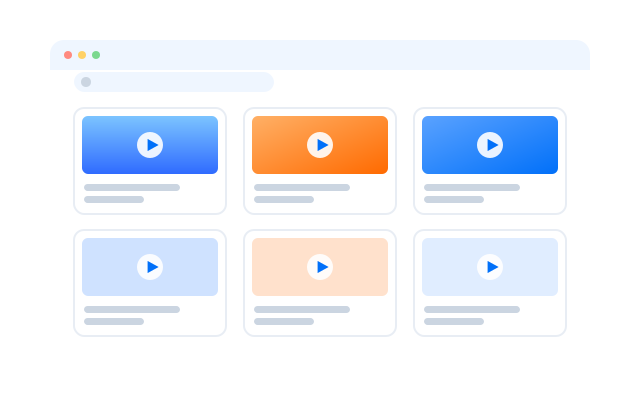
Control many phones at once
Pick a lead phone and the ones that should follow, then work as usual while every phone repeats your actions.
Synchronizer
Pick a main window and the phones that follow it. Every supported tap, swipe and scroll is repeated on the others.
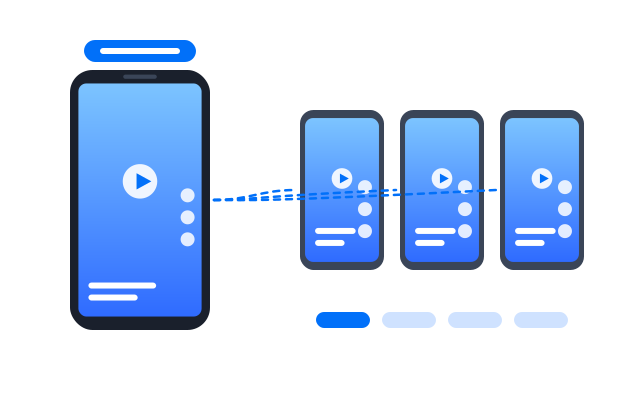
Build flows without writing code
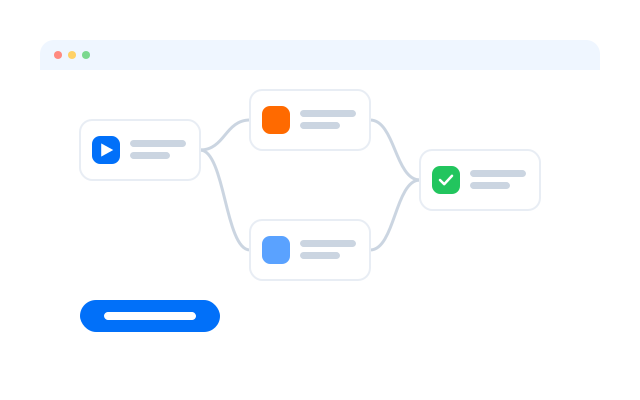
Lay out steps visually, add conditions and loops, and save your flow to reuse across accounts.
RPA builder
Drag steps onto the canvas, add conditions and save the flow for reuse.
Automate from your own systems
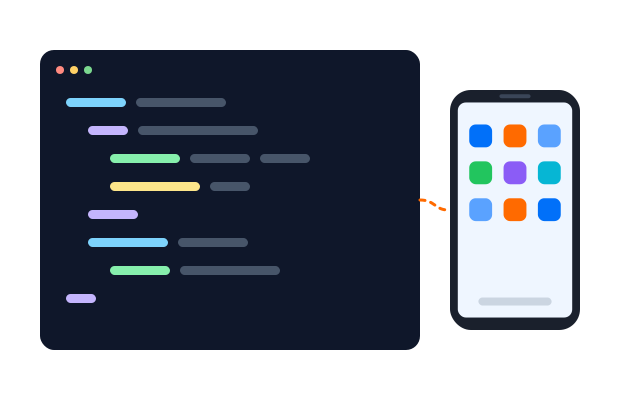
Use the API to create phones, start tasks and read results from the tools your team already uses.
API
Call an endpoint from your own system and follow the task through to its result.
Built for mobile
Automation that runs on real Android phones
Many tools stop at web dashboards and API calls. Geelark runs mobile workflows directly inside cloud phones, while you manage everything from one place.
Geelark workspace
Accounts, tasks and results together
Profile A
TikTok · Instagram
Profile B
Profile C
YouTube · X
Every cloud phone keeps its own Android environment and app data.
Runs on cloud Android
Mobile workflows run inside cloud phones instead of a rack of physical devices.
Runs per profile
Apply a task to chosen phones so each account works in its own environment.
Managed in one place
See tasks, selected phones and results from the Geelark workspace.
Across platforms
One automation workspace for all your social accounts
Use cloud phones and automation across every platform your team runs.
TikTok
YouTube Shorts
X
Automate routine TikTok work
Combine templates, RPA, the Synchronizer and the API for publishing, warm-up and day-to-day account tasks.
TikTok workflow
Posting, warm-up and routine account upkeep for TikTok profiles.
Automate routine Instagram work
Combine templates, RPA, the Synchronizer and the API for publishing, warm-up and day-to-day account tasks.
Instagram workflow
Reels, Stories and routine account upkeep for Instagram profiles.
Automate routine Facebook work
Combine templates, RPA, the Synchronizer and the API for publishing, warm-up and day-to-day account tasks.
Facebook workflow
Posts, Reels browsing and routine upkeep for Facebook profiles.
Automate routine YouTube Shorts work
Combine templates, RPA, the Synchronizer and the API for publishing, warm-up and day-to-day account tasks.
YouTube Shorts workflow
Shorts publishing and warm-up for YouTube channels.
Automate routine X work
Combine templates, RPA, the Synchronizer and the API for publishing, warm-up and day-to-day account tasks.
X workflow
Posts, replies and warm-up for X profiles.
Automate routine Reddit work
Combine templates, RPA, the Synchronizer and the API for publishing, warm-up and day-to-day account tasks.
Reddit workflow
Posts, comments and warm-up for Reddit accounts.
TikTok
X
YouTube
Snapchat
Why Geelark
Automation that lives where your accounts live
Cloud phones, browser profiles, account management and automation share one workspace, so you stop jumping between disconnected tools for every routine task.
Patchwork setup
Racks of physical phones
Scripts scattered across tools
Separate browser tools
Logging in and out by hand
A different dashboard for everything
Coordinating by message
Geelark workspace
Cloud phones
Browser profiles
Ready-made workflows
Synchronizer
RPA
API
Resources
Guides to automate your social accounts
Workflows and tutorials for each major platform.
How to run multiple social media accounts on cloud phones: a setup guide
Read more: How to run multiple social media accounts on cloud phones: a setup guideA practical setup for keeping several accounts apart: one cloud phone per account, one proxy per phone, clear names and a routine…
Cloud phone, emulator or multi-account browser: which one fits your accounts?
Read more: Cloud phone, emulator or multi-account browser: which one fits your accounts?Three common ways to run several accounts from one computer, what each one is good at, and how to choose between them.
How to share social media accounts with a team without sharing passwords
Read more: How to share social media accounts with a team without sharing passwordsShared passwords and screenshots of login codes do not scale. Here is a calmer way to give teammates access to the right…
What to automate across many accounts, and what to keep human
Read more: What to automate across many accounts, and what to keep humanAutomation saves hours on repetitive phone work, but not everything should be automated. A simple way to decide.
Proxies for multiple accounts: a plain-English guide
Read more: Proxies for multiple accounts: a plain-English guideWhat a proxy does, which kind to choose, and how to match proxies to accounts without overthinking it.
FAQs
What is social media automation?
Running repetitive account work, such as posting, warm-up, engagement and profile upkeep, through set workflows instead of doing it by hand on every account.
What can Geelark automate?
Tasks inside Android apps on cloud phones and in browser profiles, using templates, the Synchronizer, RPA or the API.
How are templates different from RPA?
Templates are ready-made workflows for common jobs. RPA lets you build your own flow step by step.
What does the Synchronizer do?
It repeats what you do on one phone across a group of phones in real time.
Do I need to know how to code?
No. Templates, the Synchronizer and the RPA builder work without code. The API is there if you want it.
Can I automate many accounts at once?
Yes. Run a task on a whole group of phones or profiles in one go.
Is automation allowed on every platform?
Each platform has its own rules. Check the current terms of the platforms you use and set up your workflows to follow them.
How much does automation cost?
It depends on your Geelark plan. See the pricing page for what each plan includes.
Get started in three steps
Spend less time on repetitive work
Set up your first automated workflow in minutes.