
Remote Android phones for social media and mobile app operations
Geelark lets you create and control cloud-based Android phones from one computer. Run mobile apps, keep accounts separate, configure proxies, automate repetitive actions and work with your team, without looking after physical devices.
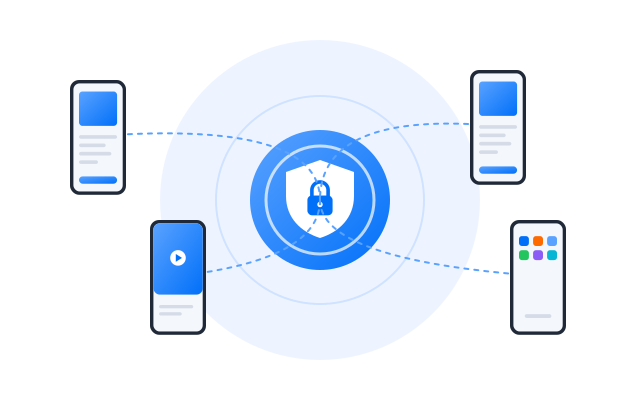
Cloud Android devices
Separate device environments
Proxy and automation support
What is a remote Android phone?
A remote Android phone is an Android device that runs in the cloud and that you control from your computer. Instead of buying and maintaining handsets, you create phones in the cloud, install apps, log in to accounts, set proxies and run mobile work remotely.
Geelark remote phones are built for teams that need Android environments for social media, mobile app operations, account separation, automation and remote collaboration.
Not a business phone system
Geelark is not a VoIP or office telephone service for making calls. It provides remote Android cloud phones for running mobile apps, managing accounts, setting proxies and doing mobile-first work from a computer.
Why use remote phones instead of physical devices
Running many mobile accounts on physical phones is expensive, slow to scale and hard to share with a remote team: every device needs setting up, charging, storing and fixing.
Geelark replaces scattered devices with cloud-based Android phones that you create, configure and manage from one dashboard.
Scale Android environments faster
Create more Android cloud phones as work grows, without buying hardware or setting up devices one by one.
Access phones from anywhere
Team members log in from their own computers and open the phones assigned to them, with no device in hand.
Reduce device maintenance
Skip the daily charging, updating, storing and labelling of a drawer full of phones.
Keep accounts separated with unique device environments
Each Geelark remote phone runs as its own Android cloud environment. Set device details, proxy, apps and account sessions separately for each account.
For teams with many social or app accounts, that separation keeps operations tidy and avoids running everything from one shared device.
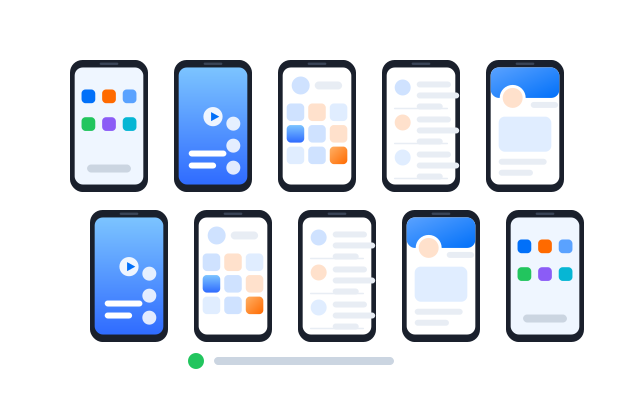
Unique device profiles
Set up separate device environments for different accounts, projects, clients or regions.
Cleaner account organisation
App data, login sessions, settings and workflows stay with the remote phone they belong to.
Designed for multi-account workflows
Manage groups of accounts more clearly than with browser-only tools, local emulators or shared handsets.
Configure proxies for each remote phone
Give each remote Android phone its own proxy, so different accounts can use different network setups for regional social media work, local ad checks, app testing and other location-sensitive tasks.
Match proxies to remote phones, accounts or projects to keep the setup easy to follow.
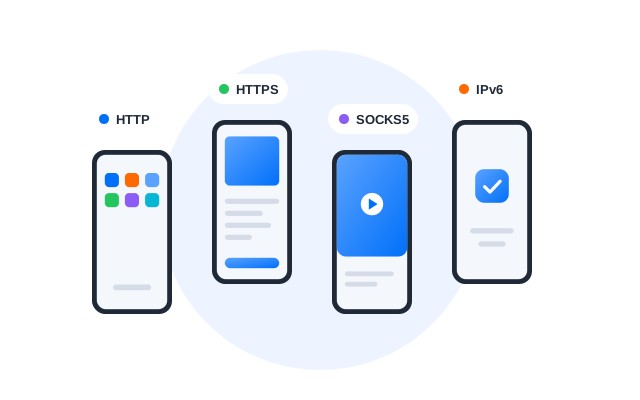
Assign proxies by account or project
Connect different proxies to different remote phones based on account group, client, market or workflow.
Support regional workflows
Use location-specific network settings for local campaigns, regional accounts or mobile app checks.
Control and automate multiple remote phones
When work involves many accounts or repeated mobile actions, Geelark helps you run remote phones more efficiently with bulk control and automation.
Use synchronised actions, RPA workflows, the API and AI tools to cut repetitive manual work across many Android cloud phones.
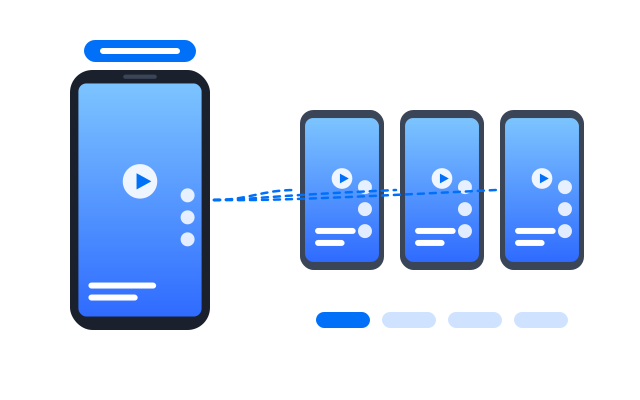
Synchronise actions across phones
Repeat the same action on selected remote phones at once to speed up repetitive mobile work.
Automate routine tasks
Use RPA workflows for repeated steps such as opening apps, completing simple actions or following set flows.
Connect workflows with the API
Link remote phone operations with your internal tools or business systems.
Use AI to support content work
Generate captions, images and videos with AI tools and pass them into your mobile workflows.
Manage remote phones with your team
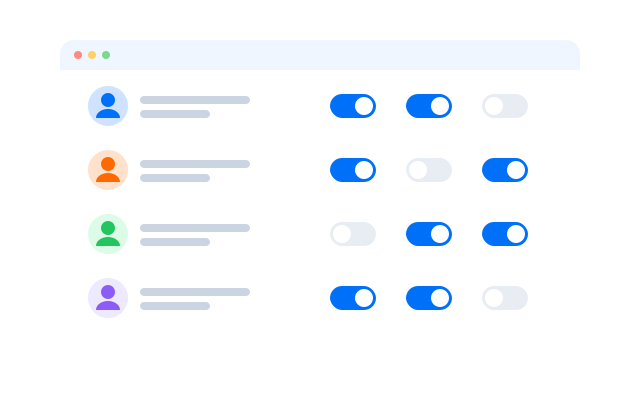
Geelark is designed for teams that manage mobile accounts together. Instead of passing phones around or sharing emulator setups, teams open their assigned remote phones from their own computers.
Organise remote phones by project, client, platform or region, and let each person work within the environments they are responsible for.
Assign work by phone profile
Create remote phones for different accounts, campaigns, clients or markets, then assign them to the right people.
Support remote operators
Let distributed teams handle mobile work without shipping devices or giving access to everything.
Keep team operations organised
Use separate phone profiles and clear project structures to avoid mix-ups and mistakes.
Remote phone vs Android emulator vs physical phone farm
Teams often weigh remote phones against emulators and physical phone farms. The right choice depends on how much you need scale, account separation, mobile app compatibility, remote access and teamwork.
| Feature | Geelark remote phone | Android emulator | Physical phone farm |
|---|---|---|---|
| Device environment | Android phone in the cloud | Simulated Android on a local computer | Real handsets you own |
| Hardware required | None | A computer with enough resources | Many devices plus racks and power |
| Scale | Create and manage many phones | Limited by computer performance | Costly and slow to expand |
| Team access | Built for remote teams | Hard to share safely | Needs physical access or extra tools |
| Account separation | Separate profiles per account | Depends on emulator setup | Strong, but hardware-heavy |
| Proxy setup | Set per remote phone | Manual or tool-dependent | Manual or network-dependent |
| Automation | Synchronizer, RPA, API and templates | Needs separate tools | Usually manual or complex |
| Best for | Social media, mobile apps, multi-account work | Basic testing or light use | Hardware-based operations |
Remote phones suit teams that need scalable Android environments without maintaining physical devices or relying on local emulators.
What can you do with Geelark remote phones?
Remote phones support mobile-first work where teams need separate Android environments, organised accounts, proxy setup and remote access.
Social media management
Manage TikTok, Instagram, Facebook, X, YouTube Shorts and other accounts from separate Android cloud phones.
Mobile app testing
Test apps, user flows and behaviour across Android environments without preparing many physical devices.
E-commerce and affiliate workflows
Run store, campaign and marketplace work that needs Android app access.
Multi-account operations
Organise accounts by phone, proxy, project, client or market to keep control of the work.
Ad verification
Use remote phones with different network setups to check mobile ads, landing pages and app experiences in other regions.
FAQs
What is a remote phone?
An Android phone that runs in the cloud and that you control from your computer, with its own apps, storage, device profile and proxy.
Is a remote phone the same as a cloud phone?
In Geelark, yes: remote phones are our cloud phones viewed from how you use them, opened and controlled remotely. See Cloud phone.
Is Geelark a phone system for calls?
No. Geelark is not a VoIP or office phone service. It provides Android cloud phones for running apps and managing accounts.
Can I use remote phones for social media accounts?
Yes. Put each account on its own remote phone. Follow each platform’s terms of service on multiple accounts and automation.
Can each remote phone have a different proxy?
Yes. Assign one proxy per remote phone in proxy management.
How is a remote phone different from an Android emulator?
An emulator simulates Android on your computer and uses its resources. A remote phone runs in the cloud with its own environment, so it scales further and is easier to share.
Can my team use the same remote phones?
Yes. Assign phones to team members and set permissions per group.
Typical setups
How social media teams scale with Geelark
‹
Content production
More creators, the same phones
- One remote phone per creator account
- AI tools used for captions and drafts
- Finished posts queued from the dashboard
Community work
Replies kept in the right account
- Community accounts split by topic
- Each phone given its own proxy
- Moderators work only in their phones
App marketing
Store checks across regions
- App builds installed on several phones
- A proxy region set per phone
- Screens compared side by side
Automation
Routine steps handed to RPA
- A workflow saved for daily checks
- Run on a schedule across a group
- Exceptions reviewed in the task log
›
Illustrative workflows built from Geelark features. For real customer accounts, read our customer stories.
Start managing remote Android phones with Geelark
Create remote phones, set proxies, automate routine work and share access with your team.
Manage social media accounts in isolated remote phones
Geelark remote phones are made for mobile-first social work. Run TikTok, Instagram, Facebook, X, YouTube Shorts and other apps, each account in its own Android cloud phone.
Every remote phone keeps its own apps, proxy, device profile and sessions, which keeps accounts organised and avoids mixing them up.
X
Facebook
YouTube
Reddit
TikTok
Instagram
Pinterest
Separate Android environments for each account
Put every account on its own remote phone so its app data, sessions, device settings and history stay apart.
Mobile app access from your computer
Run apps that only work on mobile from a desktop workspace, instead of being limited to browser tools.
Better control for teams and agencies
Agencies, social teams and e-commerce operators assign access and manage work without sharing physical devices.