Browse privately with the Geelark proxy browser
Route every browser profile through the proxy you pick and keep its fingerprint separate, so each session stays apart from the others.
What can you get from Geelark
Web and mobile solutions
Use browser profiles and cloud phones side by side, depending on whether an account lives on the web or in an app.
Unique fingerprint
Each browser profile has its own fingerprint and proxy, so sessions stay separate.
Bulk actions
Create, open and update many profiles at once instead of one by one.
Synchronizer
Repeat what you do in one profile across the others you select.
RPA
Turn routine steps into workflows that run on a schedule, without code.
Geelark AI
Draft text, images and video and get help with your workflows.
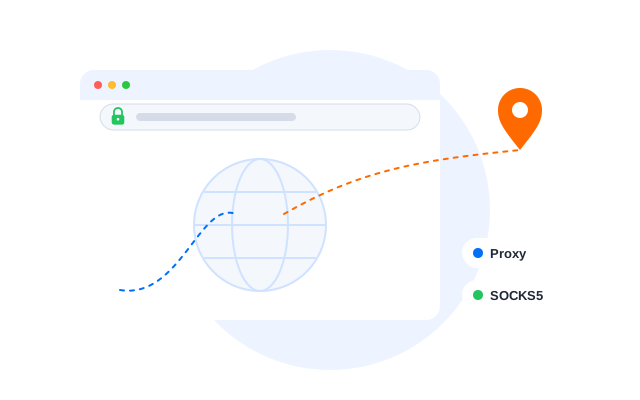
Mask your real IP address
Send each profile’s traffic through its own proxy and keep settings such as WebRTC, time zone and screen size consistent with it, so sites see the profile, not your machine.
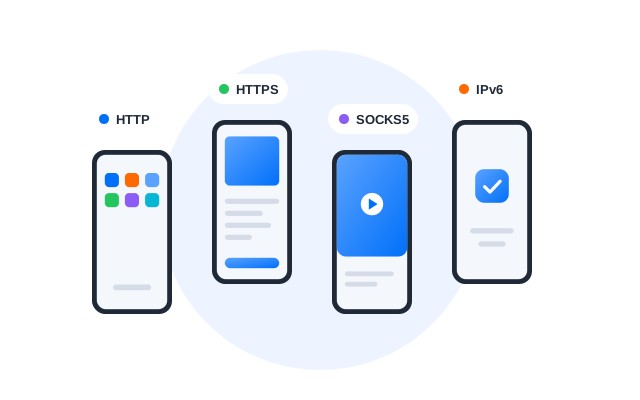
Supports all major proxy types
Use HTTP, HTTPS and SOCKS5 proxies, whether residential, datacenter or mobile, and swap them per profile when you need to.
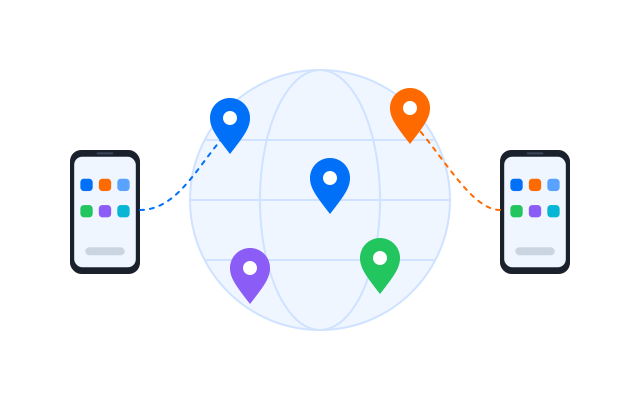
Work around regional restrictions
Choose a proxy in the region you need to see content and services as they appear there. Respect each site’s terms and local law.
Work and create with Geelark AI
Ask Geelark AI about the app, generate content and automate tasks without leaving your workspace.
FAQs
What is a proxy browser?
A browser set up to send its traffic through a proxy server instead of connecting to websites directly, so sites see the proxy’s address rather than yours.
How does Geelark help with privacy?
Each browser profile has its own proxy, fingerprint, cookies and storage, so what you do in one profile is not linked to the others or to your own browser.
What is the difference between a proxy server and a proxy browser?
A proxy server is the machine that relays your traffic. A proxy browser is the browser configured to use it, in Geelark per profile, together with matching fingerprint settings.
Can a proxy browser help with regional restrictions?
A proxy in another region lets you see content as it appears there. Whether you may access a service that way depends on its terms and on local law.
Does a proxy always slow my connection down?
It adds a step, so speed depends on the proxy’s quality and distance. Test a proxy in proxy management before assigning it.
Browse without boundaries
Start browsing through separate, proxied profiles with Geelark.