Run every social account on its own cloud phone
Manage TikTok, Instagram, Facebook, X, Reddit, YouTube Shorts and more from separate cloud phones and browser profiles. Run mobile-first workflows, automate the busywork and grow from one workspace.
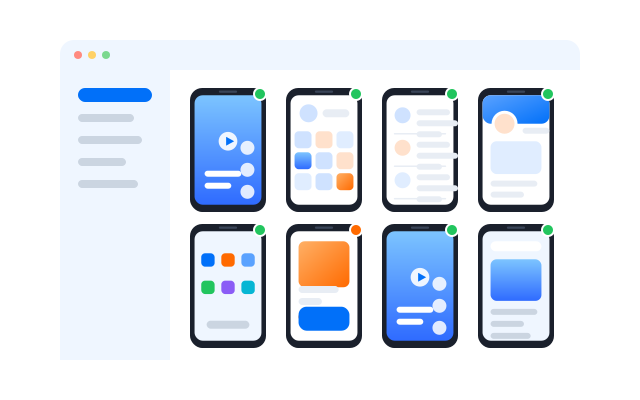
Juggling many social accounts gets messy quickly
Teams handle accounts across platforms, brands, clients, regions and campaigns. As the number grows, swapping devices, sharing logins and repeating the same steps by hand gets harder to keep under control.
Scheduling and reporting tools help, but much of the real work still happens inside mobile apps. Geelark brings cloud phones, browser profiles, AI content tools, automation and team access together for that work.
Common problems Geelark solves
Too many accounts across too many platforms
Posting, liking, following and warm-up done by hand
Hard to keep account environments apart
Little control over app-only workflows
Messy handovers between teammates
The cost of buying and maintaining phones
How is Geelark different from social media management tools?
Most tools focus on scheduling, shared inboxes and analytics. Geelark focuses on the hands-on work of running many accounts on mobile.
Each account can live in its own cloud phone or browser profile, so your team can work in the native apps, automate repetitive steps, create content variations with AI and organise everything by account, campaign, client or operator.
| Social media management tools | Geelark | |
|---|---|---|
| Main focus | Scheduling, inbox, analytics | Running many accounts and automating them |
| Mobile app work | Limited | Cloud phones for native apps |
| Account environments | Usually shared | A separate profile per account |
| Automation | Mostly publishing | In-app templates and RPA |
| Best for | Brand publishing and reports | Teams running many accounts |
Run your social accounts from one workspace
Cloud phones, browser profiles, automation and team access in one place.
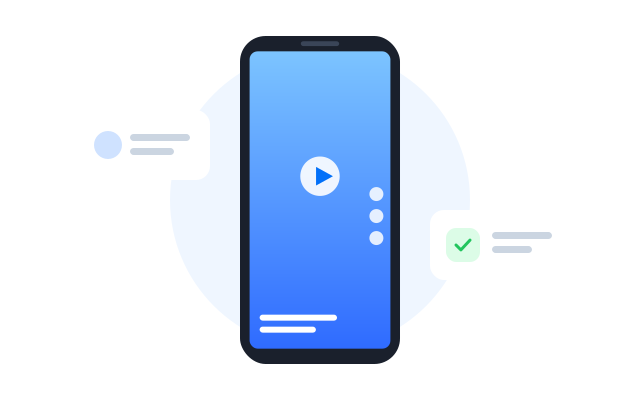
A separate profile for every account
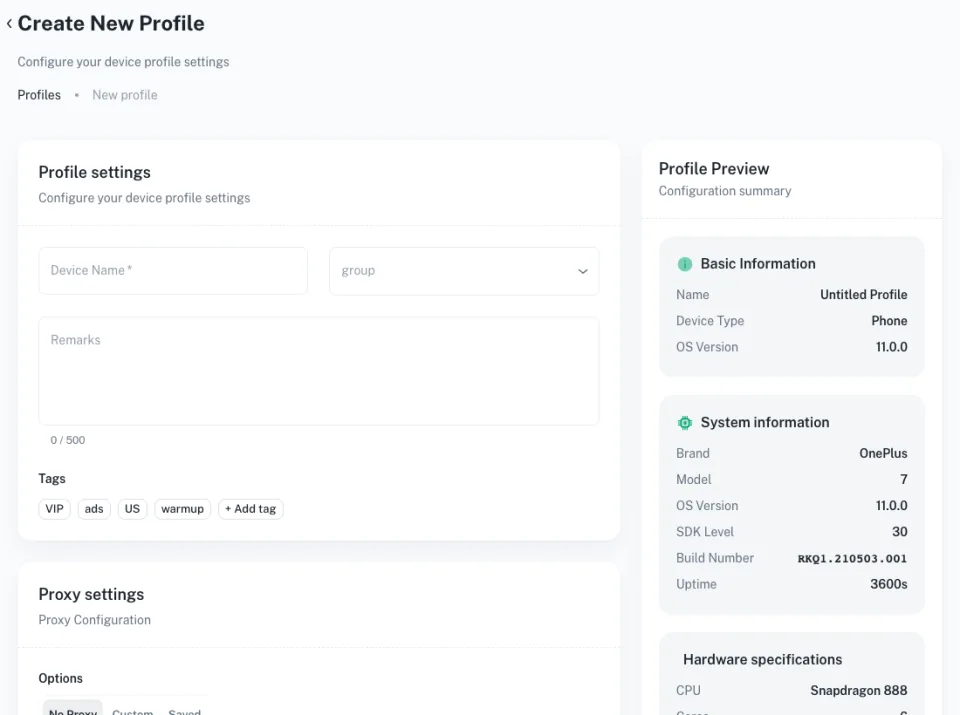
Give each account its own cloud phone or browser profile, and sort them by platform, brand, client, campaign, region or teammate.
Cloud phones for app-first platforms
Run TikTok, Instagram, YouTube Shorts, Facebook, X and Reddit inside Android cloud phones, for work that desktop tools cannot reach.
Browser profiles for web work
Use browser profiles for dashboards, creator tools, ad accounts and community management that work better on desktop.
Team access and control
Assign profiles to teammates and organise accounts by workspace, without passing phones around or sharing every login.
One social media workspace for every major platform
Run app-first platforms on cloud phones and web dashboards in browser profiles, side by side in one place.
 TikTok
 Instagram
 X (Twitter)
 Facebook
 YouTube Shorts
 Reddit
 Pinterest
 Snapchat
 Threads
TikTok accounts
Run TikTok in separate cloud phones and use templates for warm-up, posting and routine account work. TikTok accounts →
Instagram Reels and profiles
Manage profiles, Reels and Stories for many brands without swapping devices. Instagram accounts →
YouTube Shorts publishing
Repeat Shorts publishing and channel upkeep across several channels with templates. YouTube Shorts channels →
Facebook, X, Reddit and Pinterest
Handle Pages, communities, posts and engagement across more platforms from one workspace. All platforms →
Automate repetitive social tasks
Growing on social means doing the same things again and again: posting, warming up accounts, browsing feeds, following and checking profiles. Geelark turns those steps into reusable workflows.
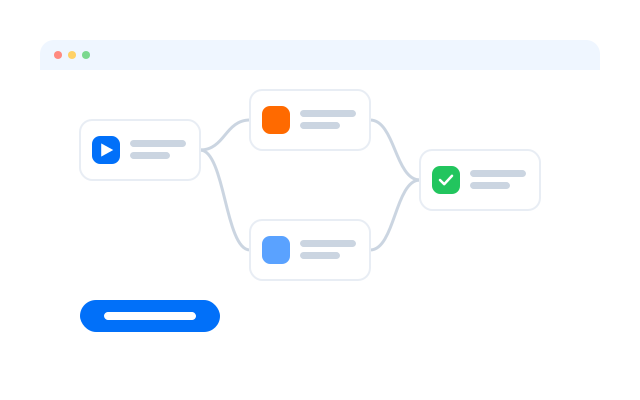
Ready-made automation templates
Start faster with templates for TikTok warm-up, Instagram warm-up, YouTube Shorts publishing and other routine social media work.
Automation for native mobile apps
Workflows run inside the apps on each cloud phone, so they also cover platforms and actions that only exist on mobile, not just desktop dashboards.
No-code workflow automation
Build repeatable routines with a visual editor instead of code, and cut the manual steps in daily social media operations.
Create more content with Geelark AI
Teams need fresh captions, post ideas and variations every day. Geelark AI helps you draft faster and adapt one idea for different accounts, platforms and audiences.
Captions and post ideas
Draft captions, hooks, replies and short-video ideas for each platform.
Variations for each account
Turn one campaign idea into several versions so accounts do not all post the same thing.
AI plus automation
Feed AI-made content into automation templates to cut down repetitive work.
Swap physical phones for cloud phones
Physical phones work for a handful of accounts, but they get expensive and hard to manage as you grow.
With Geelark your team creates and opens Android cloud phones remotely, instead of charging, storing, updating and passing around real devices.
Cloud phones are a good fit when
You run many social accounts
Your work depends on mobile apps
You need accounts kept apart
Your team works remotely
You want less device upkeep
You need repeatable automation
Made for social teams, agencies and growth operators
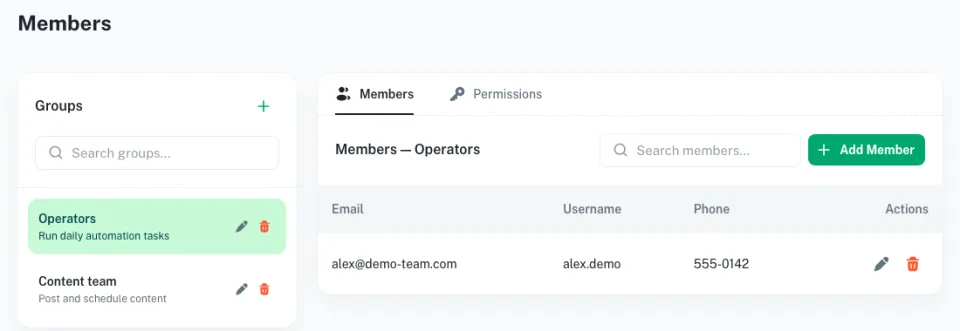
Roles, permissions and activity logs keep everyone working from the same place.
For agencies
Organise client accounts by workspace, platform, operator and campaign without scattered devices or manual handovers.
For growth teams
Run experiments, manage campaign accounts and standardise routine work across platforms and regions.
For creators and operators
Keep accounts organised, create content with AI, automate routine steps and switch less between apps and logins.
Get started in three steps
FAQs
What is social media management with cloud phones?
Running each social account in its own Android phone in the cloud, so mobile apps, sessions and settings stay separate and your team can open any account from a computer.
How does Geelark help manage several social accounts?
It gives every account its own cloud phone or browser profile, with a proxy, labels, automation and team access, all in one dashboard.
Which platforms can I manage?
Any platform with an Android app or a website, including TikTok, Instagram, Facebook, X, Reddit, YouTube and Pinterest.
Is Geelark a scheduling tool?
Not mainly. It focuses on running accounts in separate environments, with automation and team access on top. Many teams use it alongside a scheduler.
Is running multiple accounts allowed?
It depends on each platform. Read and follow the current terms of the platforms you use.
Can Geelark replace physical phones?
For most social media work, yes: cloud phones run the same apps without handsets to buy, charge or pass around.
Can my team work together?
Yes. Assign profiles, set permissions and review activity logs.
How much does it cost?
It depends on how many cloud phones and profiles you run. See Pricing for the current plans.
Grow your social accounts with Geelark
Start with a free cloud phone today.