Manage multiple Facebook accounts from one place
Run each account on its own cloud phone, automate the routine work and create content with AI, all from your computer.

TikTok

YouTube

X


Gmail

Telegram

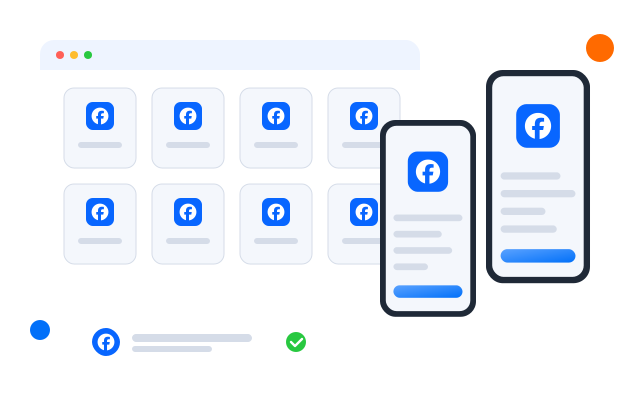
Manage Facebook accounts without physical devices
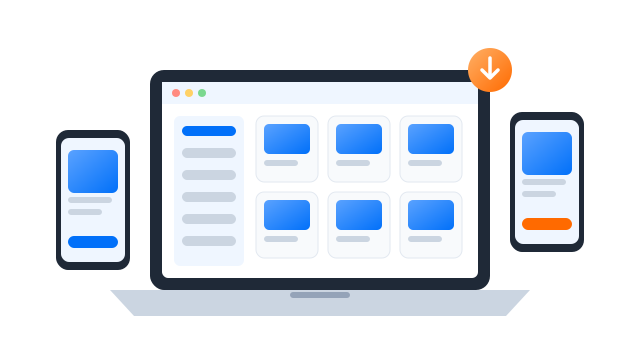
Say goodbye to drawers of phones. Each account gets its own cloud Android phone, so there is no hardware to buy or maintain.
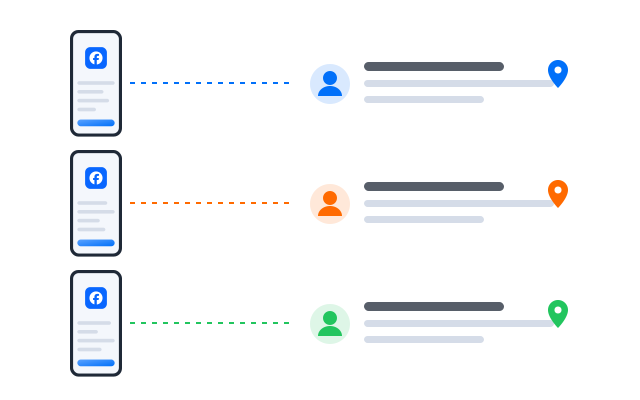
Set up proxies and switch locations
Assign a proxy (HTTP, HTTPS or SOCKS5) to each phone so every account connects from its own address.
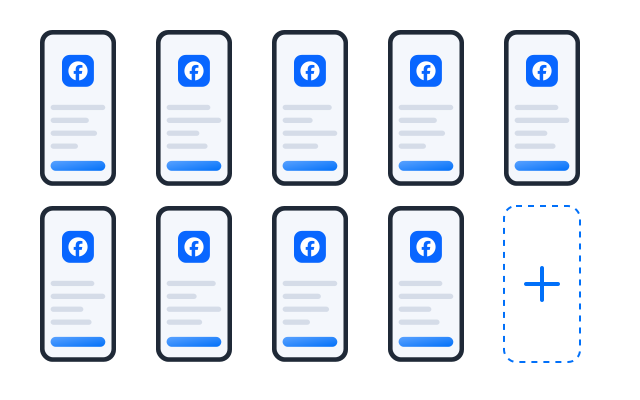
Running Pages for several clients or brands? Keep each account on its own cloud phone, and follow Facebook’s rules on who may hold which accounts.
Automate routine tasks with in-app templates
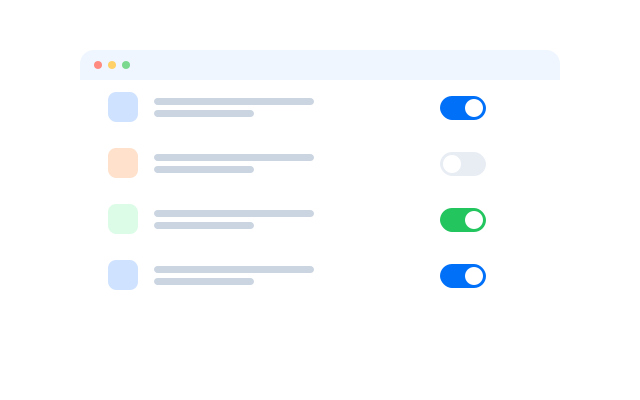
Turn posting, replying and other routine steps into workflows, and run them on a schedule across the phones you choose.
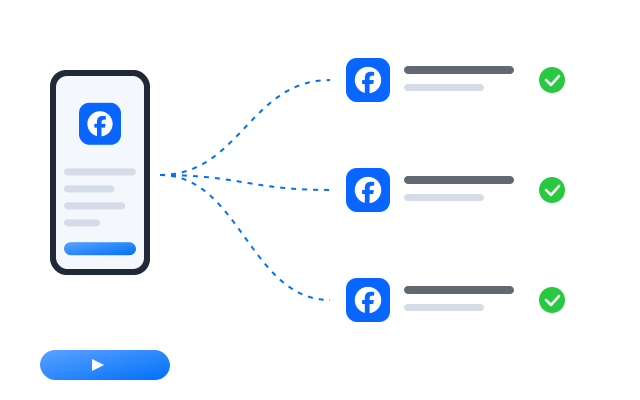
Work and create with Geelark AI
Write posts and captions, generate images and short videos, then send them to your publishing workflow.
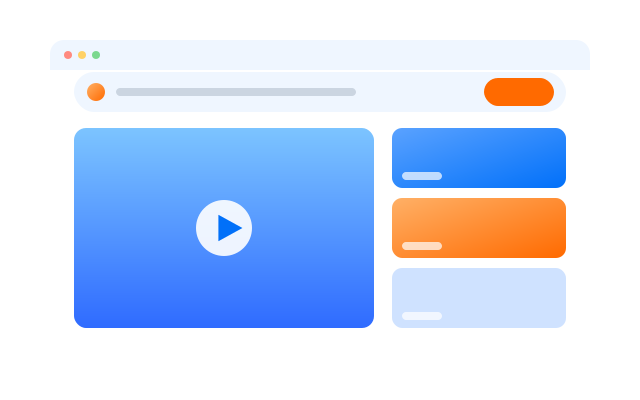
Kickstart with AI-powered templates
Start from a template and launch your Facebook automation.
Get started in 3 simple steps
FAQs
Can I have more than one Facebook account?
Facebook’s own terms decide this. They generally expect one personal account per person, and offer Pages and business tools for running brands. Read Facebook’s Terms and Community Standards before you create accounts.
What does Geelark do for Facebook accounts?
It gives each account you manage its own cloud phone, with its own apps, storage and network settings, and lets your team work on them from one dashboard.
How do I set up an account on a cloud phone?
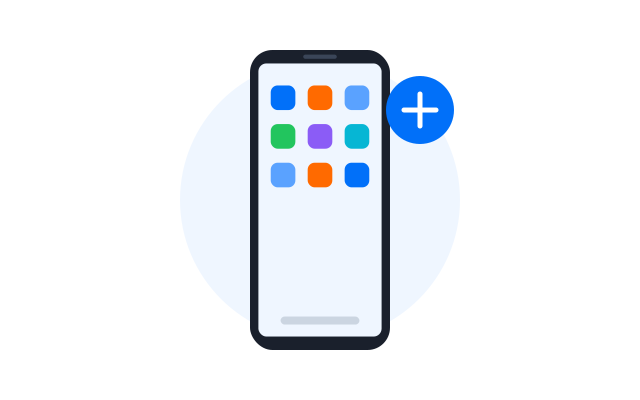
Create a cloud phone, assign a proxy if you use one, install Facebook from the app store and sign in, just as you would on a new phone.
Can my team work on the same accounts?
Yes. Share individual phones with teammates and set what each person may do, without sharing passwords.
What are the risks of running many accounts?
Accounts that break a platform’s rules can be restricted or removed whatever tools you use. Keep to Facebook’s rules, and use automation for routine work, not spam.
The SMM grind ends here
Manage your social accounts from one place, starting today.