
For teams running many social accounts
Manage TikTok, Instagram and YouTube accounts at scale without device chaos.
Geelark gives your team cloud phones, native apps, clear access and organised workflows, so you can run mobile-first social work without juggling devices, passwords or unclear ownership.
- No device drawer: every account runs on its own cloud phone.
- Organised: group accounts by client, market or campaign.
- Controlled access: teammates get the workspace they need, nothing more.
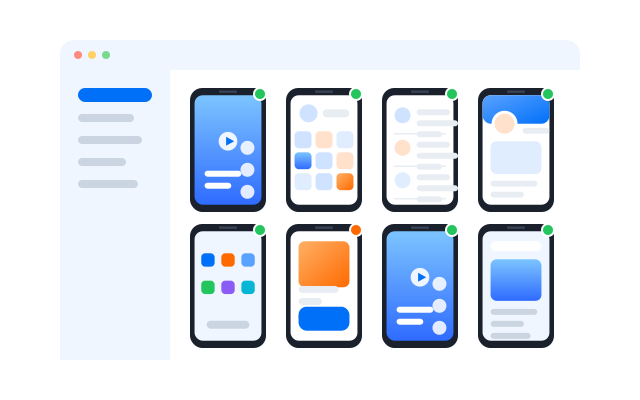
Why social teams outgrow phones, tabs and unclear access

Too many devices
Running many accounts on physical phones slows everything down.

Messy handoffs
People lose context when accounts, assets and notes live in different places.

Login risk
Shared passwords and unclear access create security and ownership problems.

No clear workflow
Publishing, review and account work are spread across tools that do not fit mobile-first work.
Built for teams managing many social accounts
Agencies managing client accounts
Keep each client’s workspace separate, so your team can work without mixing accounts.
In-house teams running channels in several markets
Run brand accounts, campaigns and team access from one system instead of a pile of phones.
Operators scaling creator, UGC or community work
Handle daily work across TikTok, Instagram, YouTube, Facebook, X, Reddit and Threads without rebuilding the process for each one.
How Geelark helps your team run social operations in one place
Cloud phones for every account
Run TikTok, Instagram, YouTube and other apps on dedicated cloud phones instead of switching devices all day.

Structured team workflows
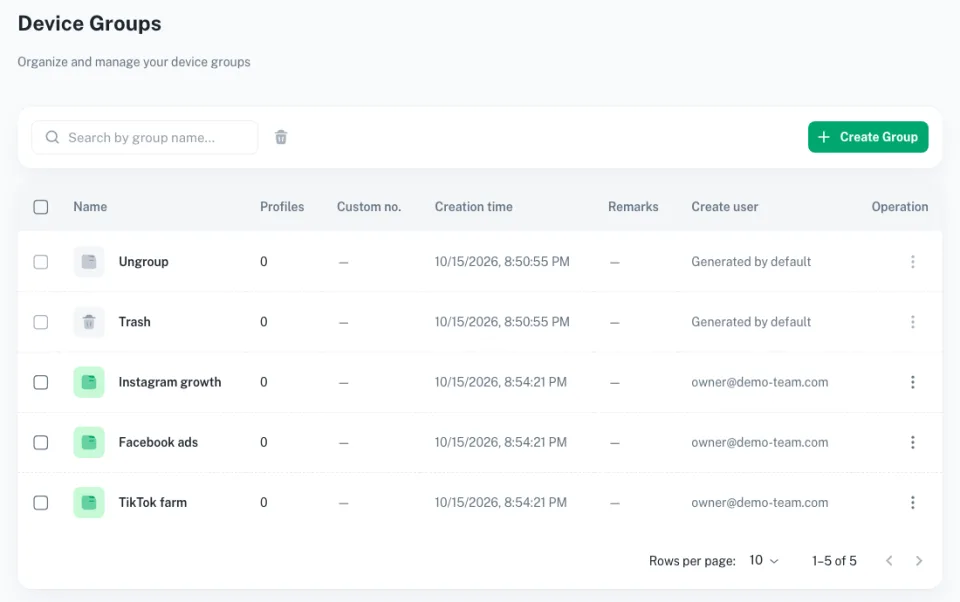
Group accounts by client, campaign or market so everyone knows where work belongs.
Controlled access
Teammates work in the spaces they are given, while managers keep access and responsibilities clear.
What teams notice when they switch
The changes people see first are about everyday work, not features.
Quick to start
Create a workspace, add cloud phones and invite teammates in a few steps, without new hardware.
One place for cloud phones
Every phone, its group and its owner are visible from one dashboard.

Feels like a real phone
Apps run natively on Android, so daily work feels like using the phone in your hand.
Start with one workspace, then scale
- Create your workspace. Set up cloud phones by platform, market, client or campaign.
- Add cloud phones and account groups. Install the apps you need and group phones by the way your team works.
- Invite your team and start working. Give each teammate the access they need and launch your first workflow.
Add AI content and automation when your workflow is ready
Geelark also helps teams prepare content, reuse templates and standardise repeatable work, but the core value starts with making mobile-first account operations easier to run.
Give your team a cleaner way to work together
Clear access, smoother handoffs and activity you can review.
Clearer access control
Make it obvious who can view, operate, edit or manage each workspace.
Smoother handoffs
Share working setups with teammates instead of rebuilding the same environment each time.
Better visibility
Review activity logs when you need to see what changed, who did it and when.
Common questions before getting started
Short answers for teams comparing cloud phones, AI content and access controls.
Do I need physical phones to manage accounts in Geelark?
No. Geelark runs cloud phones with native apps, so your team works on social accounts from cloud Android phones instead of devices on a desk.
Can teammates work without sharing passwords?
Yes. You share the cloud phone, not the password, and decide what each teammate may do.
Can I organise accounts by client or campaign?
Yes. Group phones by client, campaign or market, and give each group its own access.
How fast can I set up my first workspace?
Usually within a session: sign up, create cloud phones, install your apps and invite your team.
Build your first social account workspace in Geelark
Start with one account flow, one team and one workspace. Expand only when you are ready.
Less mess starts here