
App tests
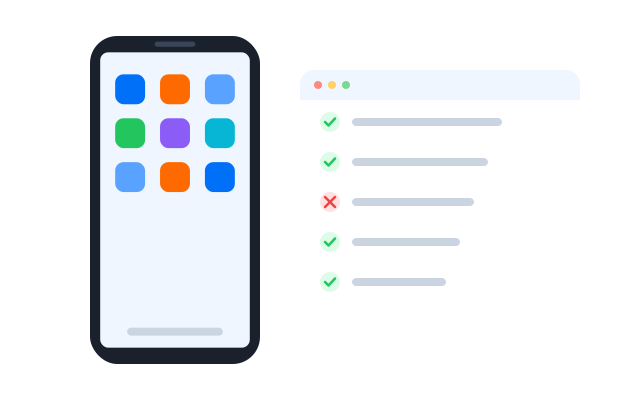
Test Android apps on real cloud devices with different settings, locations and accounts, without building a device lab.
Many accounts
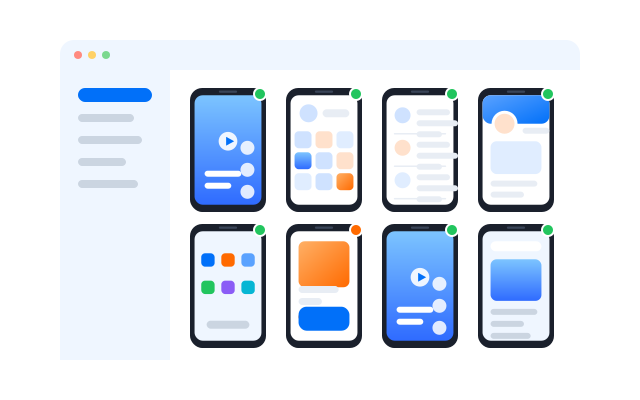
Test features that need several accounts
Chat, sharing, invites, marketplaces and multiplayer features need more than one user. Give each test account its own cloud phone and run them side by side.

Cloud phones
Android phones that run in the cloud and behave like real devices, ready whenever you open them.

Browser profiles
Separate browser profiles, each with its own fingerprint settings, cookies and storage.

Proxy settings
Bring the proxies you already use and assign one to each phone or profile.

Install your build on a cloud phone, give each tester access to the phones they need and keep every test account apart.
Any location
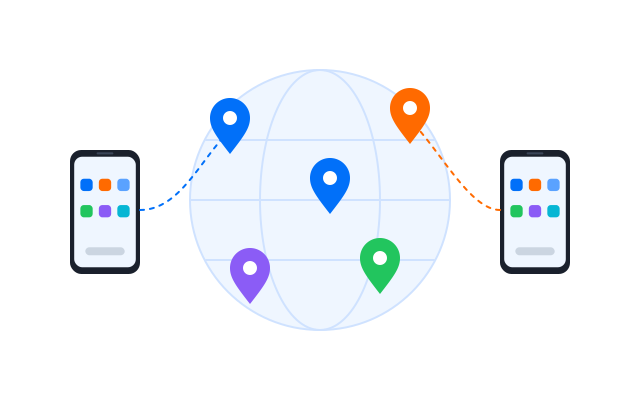
Test location-specific features
Set the location, language and proxy per phone to check regional content, pricing, payments and permissions the way users in each market see them.
Automation
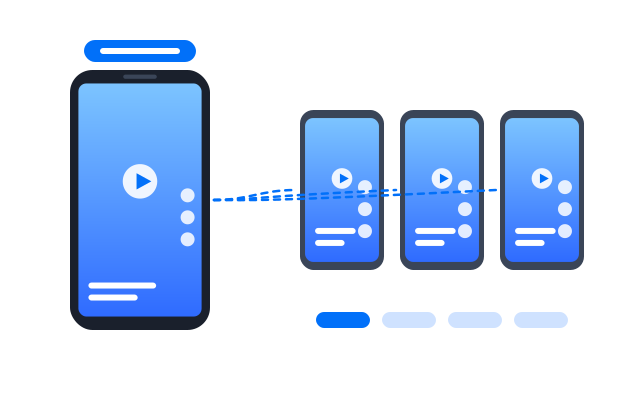
Speed up testing with automation
Mirror the same steps on many phones with the Synchronizer, build repeatable flows with RPA, or drive phones from your own test scripts through the API.
Test the apps you build or are authorised to test, and use test accounts rather than real customer data.

Synchronizer
Repeat what you do on one cloud phone across the other phones you have open.

RPA
Start from a ready-made template or build your own step-by-step workflow without code.

API
Create, start and manage phones and profiles from your own scripts and tools.
Real devices
Test on genuine Android hardware
Install builds on cloud phones and see how native and hybrid apps behave on real devices with different Android versions, instead of emulators.
Geelark makes multi-account management easy


Frequently asked questions
What Android devices can I use for app tests?
Cloud phones with a range of Android versions and device profiles. Pick the setup you need when you create each phone.
How is this different from an emulator?
Cloud phones run real Android in the cloud, so you see behaviour closer to what users get, and they stay on when your computer is off.
Can I install my own builds?
Yes. Upload an APK or install from an app store on any cloud phone.
How do concurrent tests work?
Open several phones at once and run the same steps on each, by hand with the Synchronizer or automatically with RPA or the API.
Can I run location-based tests?
Yes. Set the location, language and proxy per phone to check regional features.
Can I test features that need several accounts?
Yes. Sign each test account in on its own phone, so chats, invites and sharing can be tested end to end.
Can I automate tests on many devices?
Yes. Use RPA workflows, or connect your own test scripts through the API.
Can I test native and hybrid apps?
Yes. Anything that installs on Android can run on a cloud phone.
Can I check ads inside my app?
Yes. Open your app on phones set to different regions to see how ad placements appear.
Can my QA team share devices?
Yes. Give teammates access to specific phone groups with permissions.