Your entire phone farm, now in the cloud
Run mobile apps, manage many accounts and automate routine actions, all in the cloud.
What you get with Geelark cloud phones

Cloud phones
Android phones in the cloud that work like real devices.

Unique device profiles
Each phone has its own device details, so every account has its own phone.

Bulk actions
Start, stop, group and update many phones at once.

Synchronizer
Mirror what you do on one phone to the others you have open.

RPA
Use templates or build your own workflows without code.

Geelark AI
Create images, videos and captions, then post them automatically.
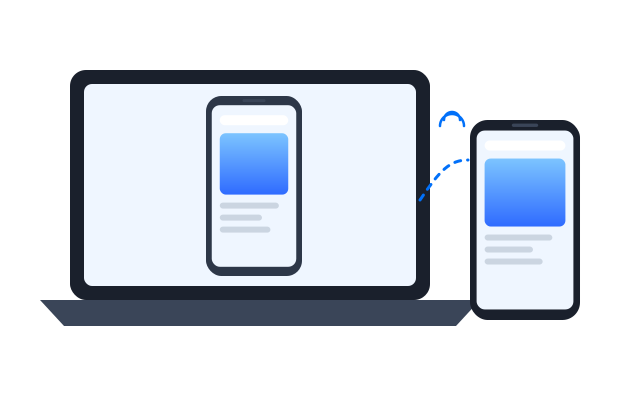
Control cloud phones from your computer
Use cloud phones instead of physical devices. They are always on, always reachable and save you buying and charging handsets.
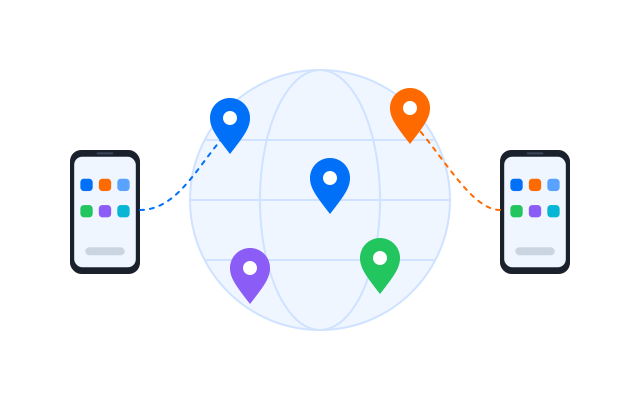
Set up proxies and switch locations
Assign a proxy (HTTP, HTTPS or SOCKS5) to each phone so every account connects from its own address and region.
Automate account actions
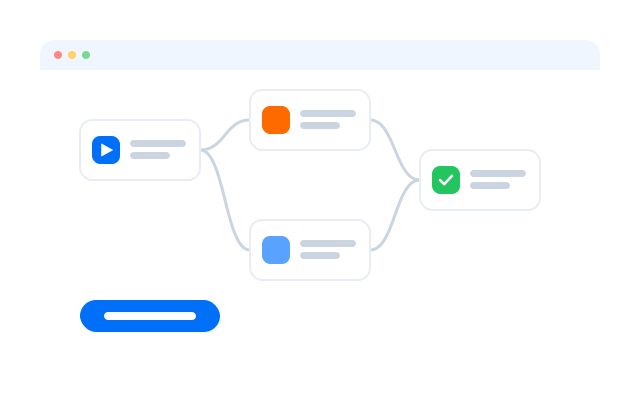
Use the synchronizer and in-app templates for tapping, typing, posting and scheduling, across as many phones as you need.
Work and create with Geelark AI
Generate images and short videos, write captions and hand them to your posting workflows.
Related solutions you might be interested in
Get started in 3 simple steps
FAQs
What is a cloud phone?
An Android phone that runs on a server instead of in your hand. You open it from your computer and use apps on it just as you would on a real phone.
What are the benefits over physical phones?
No hardware to buy, charge or replace, access from any computer, and tools to manage, automate and share many phones at once.
How is a cloud phone different from an Android emulator?
An emulator imitates a phone on your own computer and is limited by its resources. A cloud phone runs on dedicated hardware in the cloud, so it keeps running when your computer is off and does not slow it down.
Do cloud phones include proxies?
You bring your own proxies and assign one to each phone. HTTP, HTTPS and SOCKS5 are supported.
Are iOS cloud phones available?
No. Geelark cloud phones run Android.
Which apps can I run?
Most Android apps, installed from the app store or as an APK. Each app’s own terms still apply to how you use it.
Ditch the hardware. Go cloud.
Run many cloud phones from your computer, starting today.