Manage Web3 testing and community accounts
Run the wallets, apps and community accounts you use for Web3 projects in separate, organised environments, and keep the routine work moving with automation.
Separate environments
Keep each wallet app and community account on its own cloud phone or browser profile.
Try dApps on real devices
Test mobile wallets and dApps on genuine Android hardware before you rely on them.
Stay organised
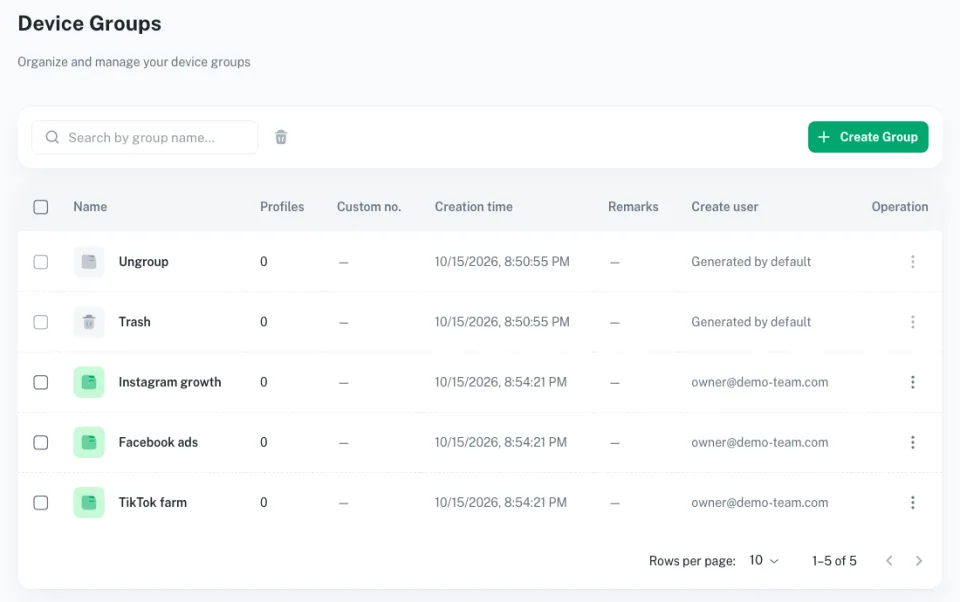
Group phones by project, chain or teammate so nothing gets mixed up.
Automate repetitive steps
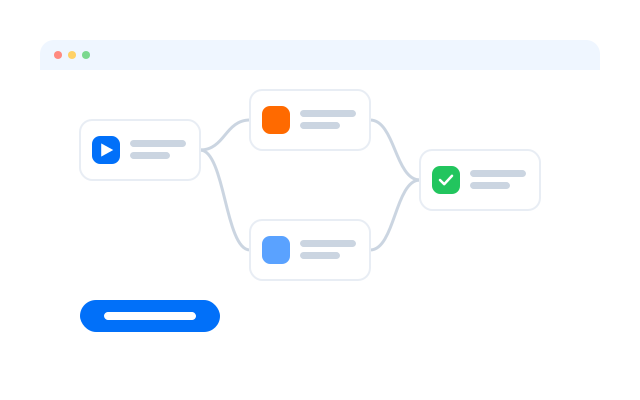
Use templates and RPA for routine check-ins and social tasks around the projects you follow.
Get started with templates
Start from workflows for routine community and social tasks.
TikTok account warm-up
Instagram Reels publishing
YouTube Shorts publishing
YouTube account warm-up
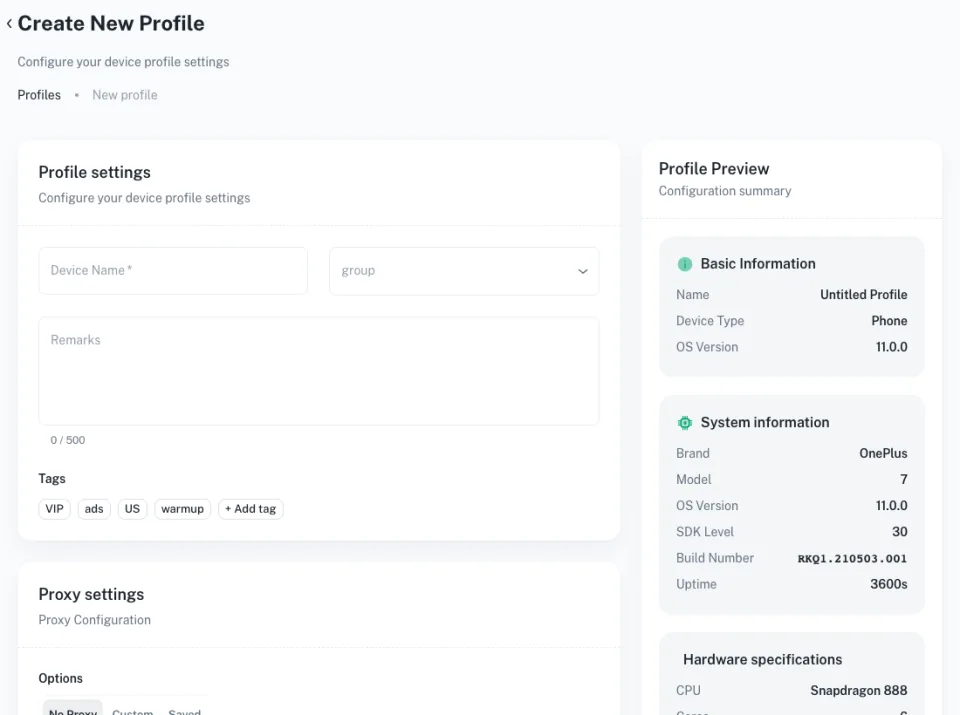
Get started in three steps
FAQs
What is an airdrop?
A distribution of tokens by a project to users who meet its criteria, often early users or community members.
What can I use Geelark for in Web3?
Running wallet apps, dApps and community accounts in separate cloud phones and browser profiles, and testing your own Web3 apps.
Can I run many wallets for one airdrop?
Many projects ban multiple wallets per person and screen for it. Always read and follow each project’s eligibility rules.
Why use cloud phones instead of a browser?
Many wallets and Web3 apps are mobile-first. A cloud phone runs them natively and keeps each environment separate.
Can automation help with routine tasks?
Yes. RPA can repeat routine steps such as opening apps or checking balances. Do not automate anything a project’s rules prohibit.
Can my team share access?
Yes. Give teammates access to specific phone groups with permissions you control.
Do I need to write code?
No. Templates, the Synchronizer and RPA work without code.
How do I keep wallets secure?
Use strong passwords, keep seed phrases offline and limit who has access to each phone group.
Organise your Web3 accounts with Geelark
Set up your first cloud phone in minutes.