
Proxy management
Keep all your proxies in one place: add them, test them, organise them and make sure every cloud phone connects through the right one.
Bulk operations
Bulk proxy management
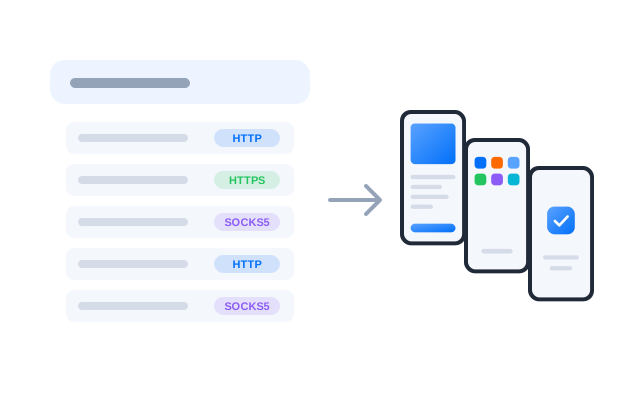
Add a whole list of HTTP, HTTPS and SOCKS5 proxies at once instead of one by one. Duplicates are caught during import, so your pool only holds unique entries.

One proxy per cloud phone, tested before use and easy to find again: that is what keeps a large set of accounts manageable. See how it fits with cloud phones.
Proxies supported
Supports all proxy types
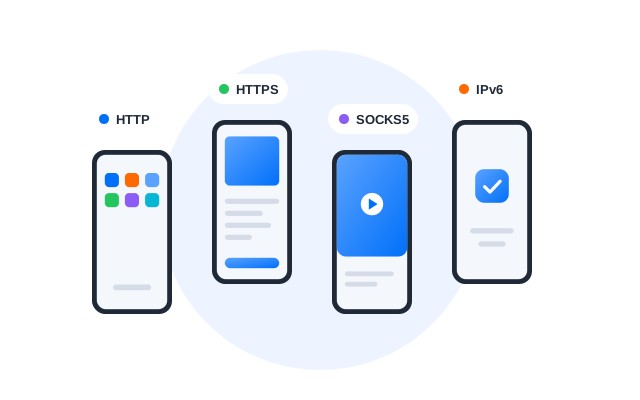
Residential, datacenter, mobile, static or rotating: bring the proxies you already use and assign them per cloud phone, whatever your workflow needs.
Easy management
Comprehensive proxy overview
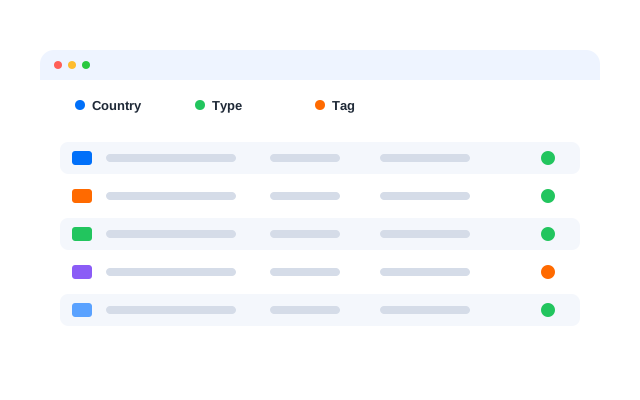
See every proxy with its details in one list. Add notes, edit or remove entries, and filter by tag, protocol, country or status to find the one you need fast.
Multi-accounting made easy with Geelark
Frequently asked questions
Why manage proxies when running several social media accounts?
If many accounts connect from the same IP address, platforms can link them together. Giving every cloud phone its own proxy keeps each account on its own network, and proxy management keeps that setup organised as it grows. Follow each platform’s terms on running more than one account.
Can I import proxies in bulk?
Yes. Paste or upload a list of proxies and add them in one go. Duplicates in the list are flagged so the same proxy is not added twice.
Which proxy types and protocols are supported?
HTTP, HTTPS and SOCKS5, from residential, datacenter, mobile, static or rotating providers. Both IPv4 and IPv6 addresses can be used.
Can proxy management check a proxy before I use it?
Yes. Run a check to see whether a proxy connects and which country it reports, before you assign it to a cloud phone.
How do I find a proxy in a long list?
Filter and sort by protocol, group, tag, note, country or status, then edit, reassign or remove the proxies you need, several at a time.