Ad verification
See your ads the way real users in each market see them, on real Android devices and browser profiles set to the right location.
Check ads on real devices
Open apps and sites on genuine Android phones to confirm how ads load and display.
View from any location
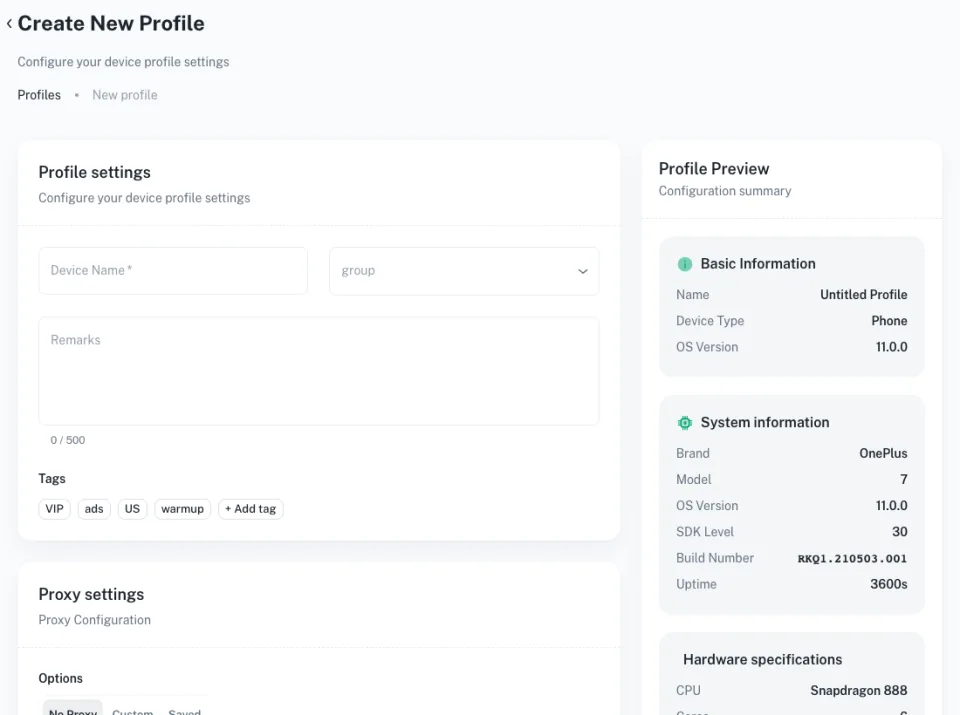
Set the region and network per profile to check geo-targeted placements.
Catch problems early
Spot broken creatives, wrong landing pages and unexpected placements before they cost you.
Scale checks with automation
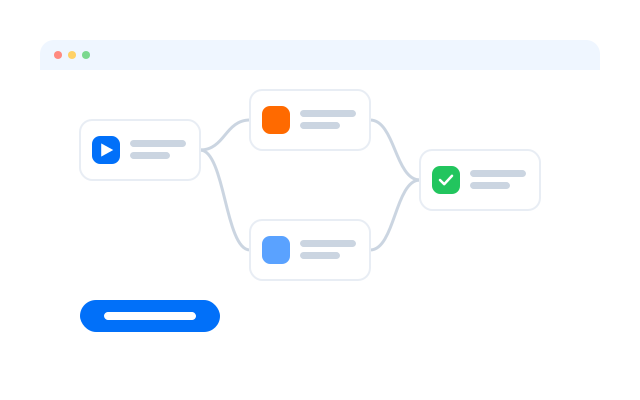
Repeat the same checks across many profiles and markets with templates and the Synchronizer.
Get started in three steps
FAQs
What is ad verification?
Checking that ads appear where, when and how they should for the audiences you paid to reach.
Why use cloud phones for ad verification?
Many ads only run inside mobile apps. Cloud phones run those apps on real Android, so you see placements as users do.
Can I check ads in other countries?
Yes. Set each cloud phone or browser profile to the region you want to test.
Does it work for in-app ads?
Yes. Cloud phones run real Android apps, so you can see in-app placements as users do.
Can it help spot cloaking?
Comparing what different regions and devices see can show when a landing page or ad changes for different visitors. Report suspected cloaking to the ad platform.
Can I check ads on TikTok or Instagram?
Yes. Open the native apps on cloud phones set to the audiences you target.
Can I automate checks?
Yes. Use templates, RPA or the Synchronizer to repeat checks across profiles.
Check and improve your ads with Geelark
Set up your first cloud phone in minutes.