Once you manage a handful of accounts, the same taps repeat all day: open the app, check notifications, publish the planned video, move to the next phone. Automation can take a lot of that off your plate. The trick is choosing the right tasks.
Every platform has rules about automated activity. Read them before you plan a workflow, and keep anything that interacts with other people within those rules.
Good candidates for automation
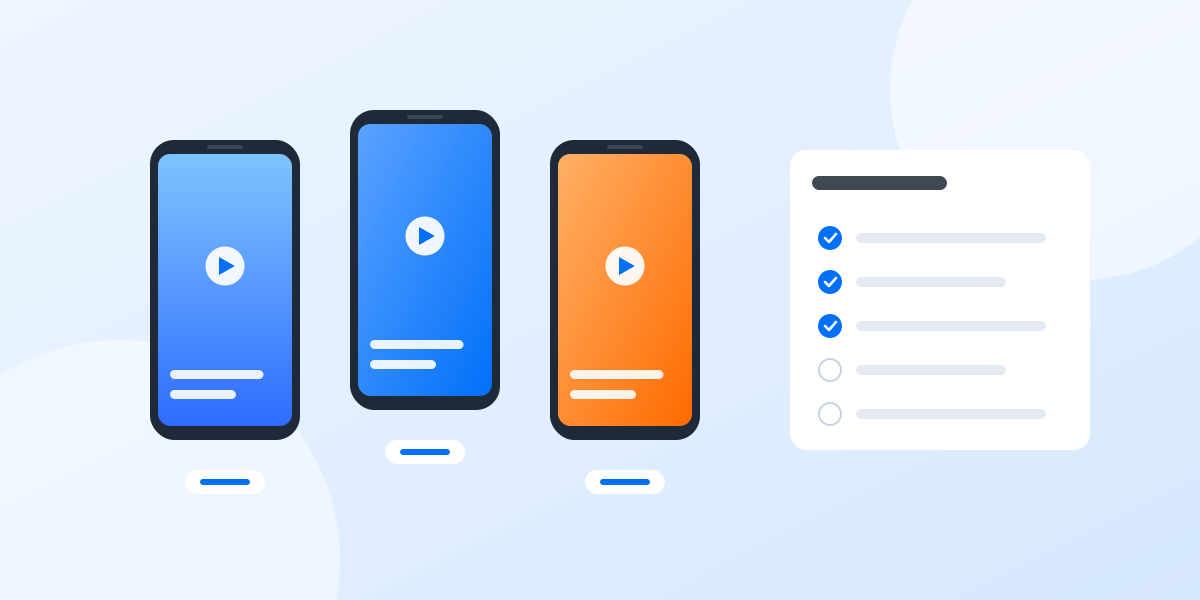
Tasks that are repetitive, predictable and the same on every account are the best place to start:
- Publishing planned content: uploading a prepared video or image with its caption at a set time.
- Routine housekeeping: clearing caches, updating apps, opening each account so sessions stay fresh.
- Bulk changes: applying the same profile update to several accounts at once.
- Collecting information: opening each account and noting follower counts or new messages for a daily report.
Keep these human
- Conversations: replies to comments and messages should come from a person who read them. AI can draft, a human should send.
- Anything that judges content: deciding what to post, what to report and what to remove.
- Account recovery and security steps: verification, password changes and appeals.
Three ways to automate
Synchronize
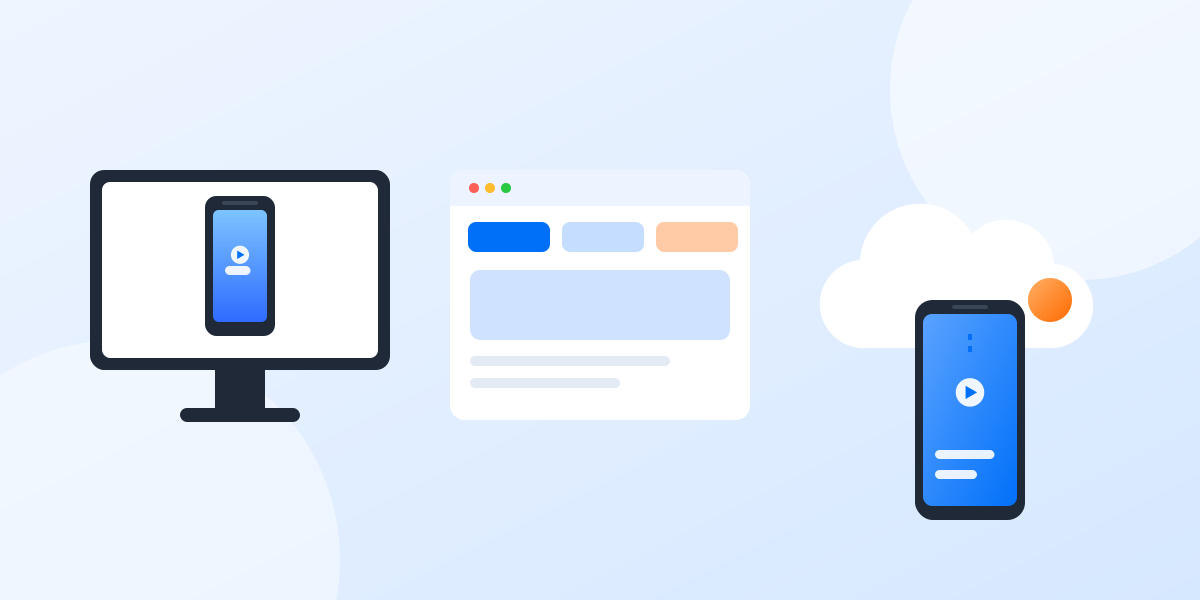
Do the task once on one phone and have the same taps mirrored on the others in real time. Good for one-off changes across a small group. See the synchronizer.
Templates
Start from a ready-made workflow for a common job, such as publishing a video, fill in your content and run it on the profiles you choose. Browse the automation templates.
Build your own
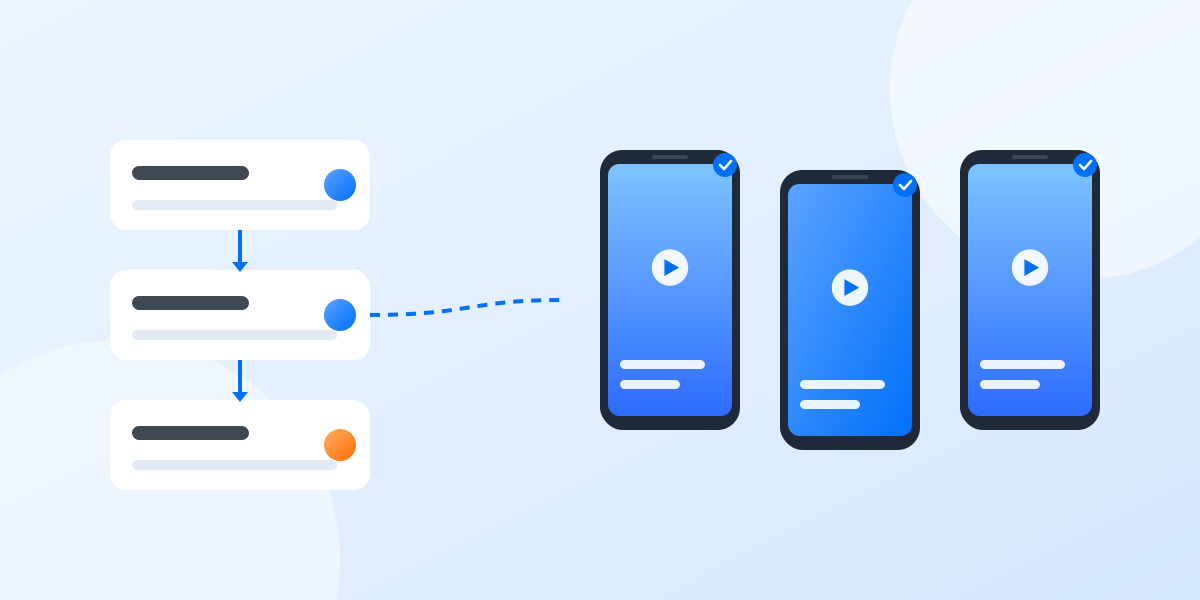
Record or assemble a workflow step by step for tasks specific to your team, then schedule it. Developers can also drive phones from their own code through the API.
Start small
Pick one task that eats the most time, automate it on two or three profiles, and watch the results for a week before rolling it out. Keep a person responsible for each automation, so somebody notices when an app update changes a screen and the workflow needs adjusting.