Browser profiles
Trình duyệt đa tài khoản
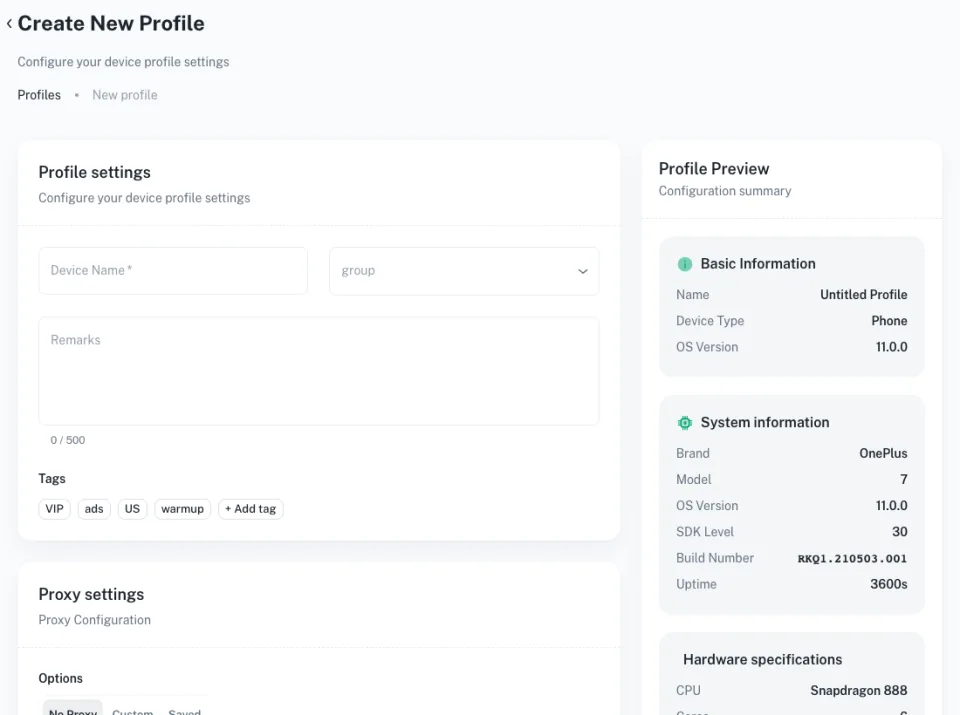
Run every account in its own browser profile with a separate fingerprint, proxy and storage, so sessions never cross over.
Create a free account and set up your first browser profiles.
Everything you need in one place
Browser profiles, cloud phones and the tools around them, managed from one Geelark workspace.
Điện thoại đám mây
Pair browser profiles with real Android devices in the cloud when an account needs the mobile app.
Separate fingerprints
Every profile gets its own device signature, so accounts look like different people on different machines.
Bulk actions
Open, update or close many profiles at once instead of clicking through them one by one.
Đồng bộ thao tác
Repeat what you do in one window across a whole group of profiles in real time.
Tự động hóa
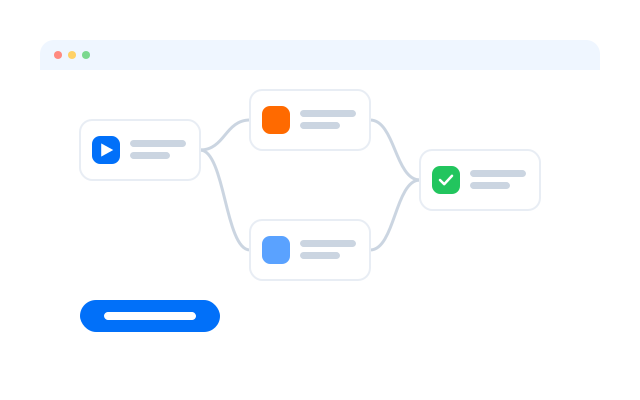
Start from ready-made templates or build your own task flows for routine work.
Trợ lý AI
Get answers about the app and generate content without leaving your workspace.
Keep your real IP private
Set the IP address, WebRTC behaviour and screen size for each profile so every session looks independent and is hard to track.
Works with the proxies you use
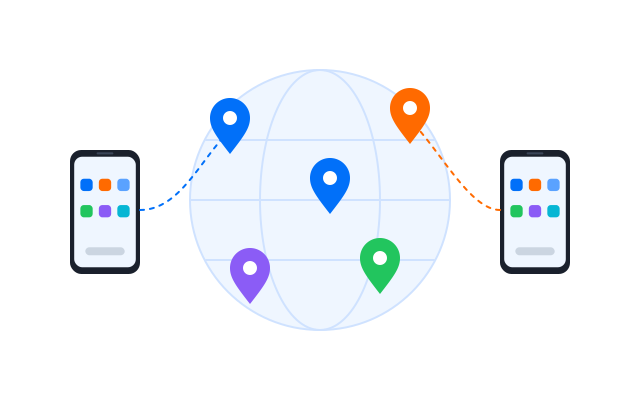
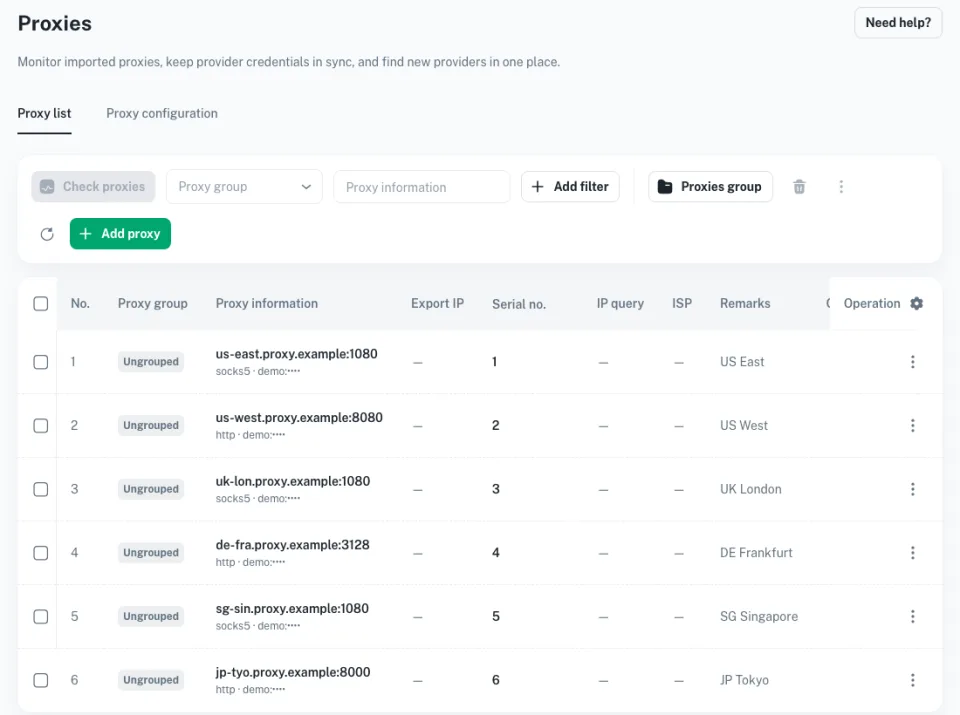
Add HTTP, HTTPS, SOCKS5 or mobile proxies per profile and switch them whenever you need to.
Reach the content you need
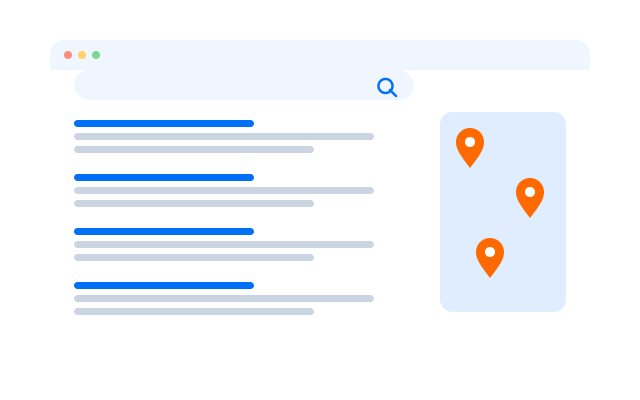
Choose a location per profile to see region-specific pages and work around network limits.
Create faster with AI
Ask the built-in assistant how to do something, automate a task or draft content for your accounts.
One workspace, two environments
Browser profiles or cloud phones: pick per workflow
Use a browser profile when the work happens on a website. Use a cloud phone when an account lives in a mobile app. Both sit side by side in the same Geelark workspace.
| Compare | Browser profiles | Điện thoại đám mây |
|---|---|---|
| Environment | A separate browser profile | A separate Android device in the cloud |
| Best for | Websites, seller portals and web dashboards | Native mobile apps and app-only features |
| Account data | Cookies and storage kept per profile | App data and sessions kept per phone |
| Settings | Browser fingerprint and proxy per profile | Device details, apps and proxy per phone |
| Team access | Share profiles by role | Share phones and groups by role |
Tài nguyên
Learn more about browser profiles
Short guides on profiles, proxies and sharing accounts with a team.
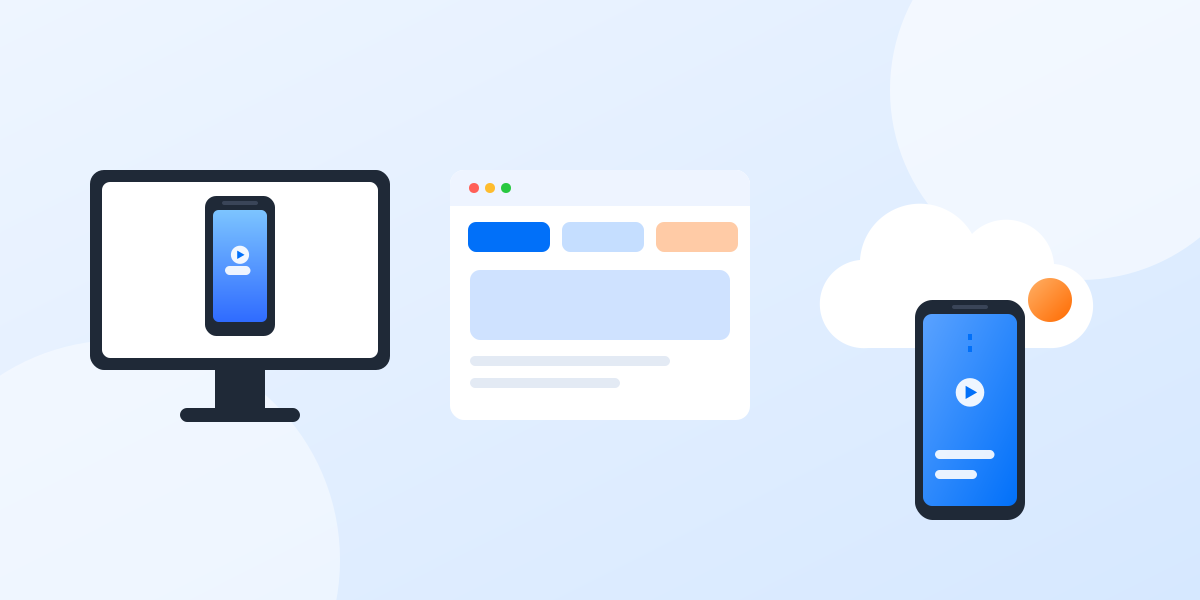
Cloud phone, emulator or multi-account browser: which one fits your accounts?
Three common ways to run several accounts from one computer, what each one is good at and how to choose between them.
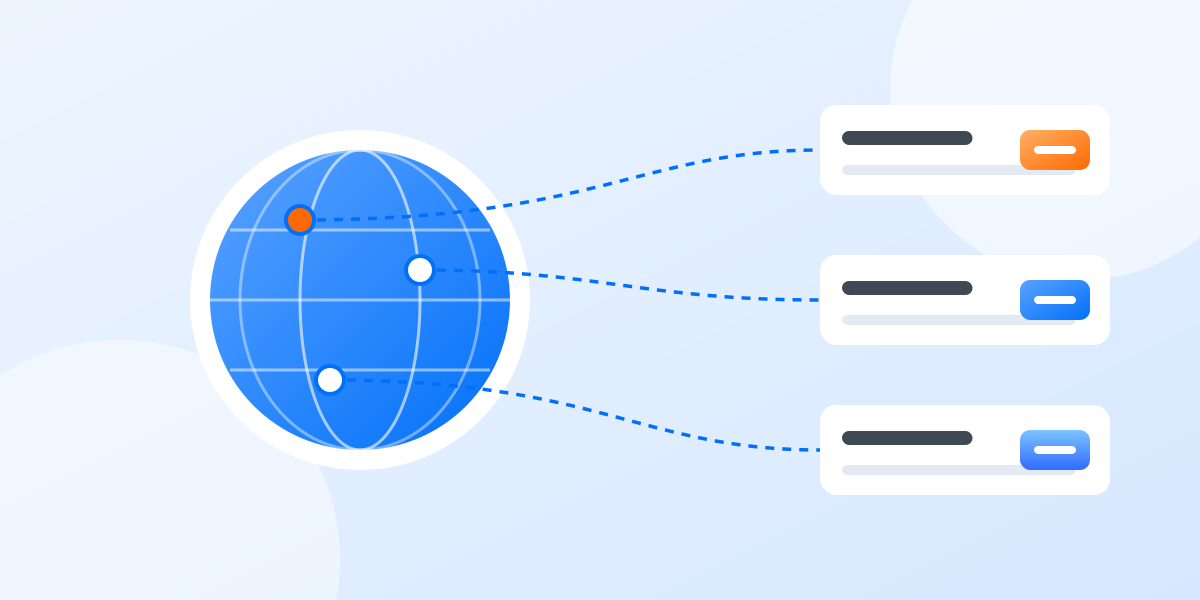
Proxies for multiple accounts: a plain-English guide
What a proxy does, which kind to choose and how to match proxies to profiles without overthinking it.
How to share social media accounts with a team without sharing passwords
Shared passwords and screenshots of login codes do not scale. A calmer way to give teammates the right access.
Get started in three steps
Câu hỏi thường gặp
What is a multi-account browser?
A browser that keeps many profiles fully apart, each with its own cookies, storage, fingerprint and proxy, so you can stay signed in to several accounts on the same site at once.
How does it keep accounts from being linked?
Each profile presents a different device signature and network, so websites see separate visitors rather than one person switching accounts.
What is a browser fingerprint?
A set of details such as screen size, fonts, time zone and hardware that sites combine to recognise a device. Giving each profile its own set keeps them distinct.
Do I need proxies?
For most multi-account work, yes. A proxy gives each profile its own IP address and location.
Can I manage both websites and mobile apps?
Yes. Use browser profiles for web accounts and Geelark cloud phones for accounts that need the mobile app.
One browser, every account
Start running all of your accounts side by side with Geelark.
For Windows, macOS and Ubuntu.