When you run several accounts from one office, they all reach the internet through the same connection. A proxy gives an account its own route, so it connects from a different IP address. This guide explains the options in plain terms.
What a proxy does
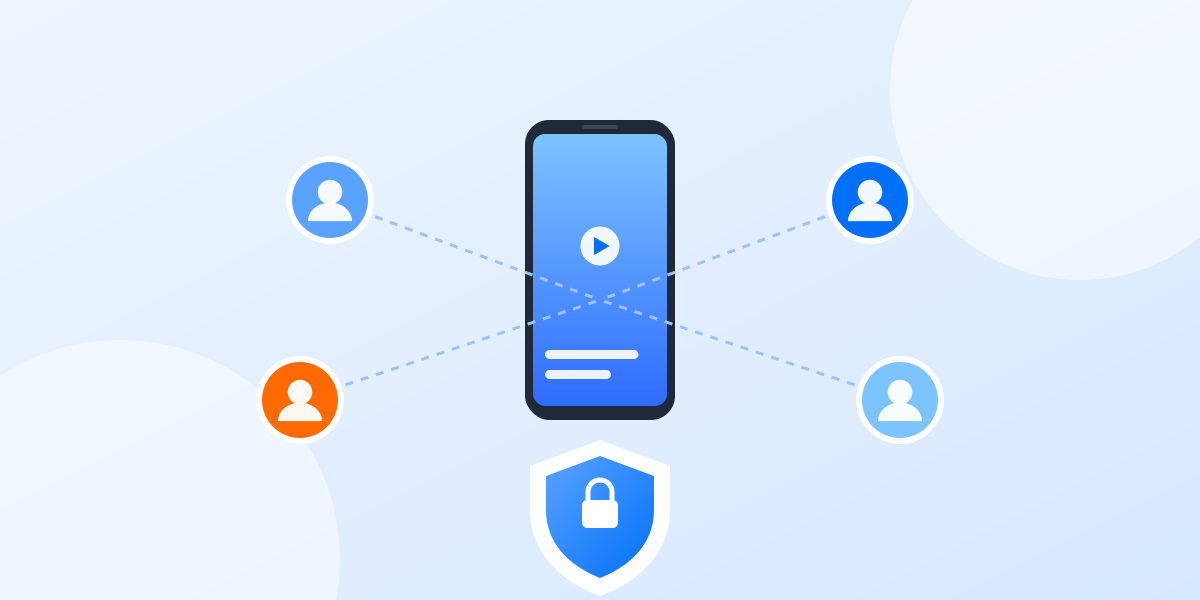
A proxy is a server that forwards your traffic. The website or app sees the proxy’s IP address instead of yours. Pair one proxy with one profile and each account has its own address and location.
Common types
- Datacenter: addresses from hosting companies. Fast and inexpensive; some services treat them with more suspicion.
- Residential: addresses that internet providers assign to homes. They look like ordinary home connections and usually cost more.
- Mobile: addresses from mobile carriers, shared by many phone users. Often the closest match for app-based accounts, and usually the most expensive.
There is no single best type. Match the proxy to how the account is used: a mobile-first account on a cloud phone fits a mobile or residential proxy; a web dashboard is often fine on a good datacenter address.
Static or rotating?
A static (sticky) proxy keeps the same address. A rotating proxy changes it on a schedule or on every request. For accounts you log into regularly, a stable address is usually the calmer choice: people do not normally change city several times an hour.
Match location to the account
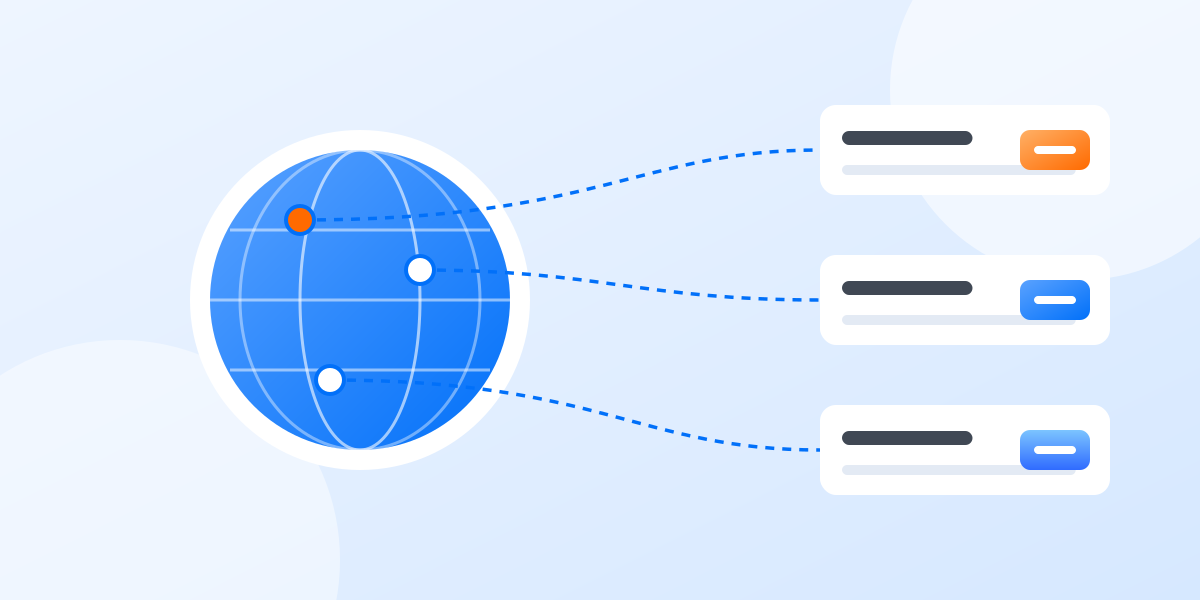
Choose a proxy in the region the account is meant for. Check that the phone’s time zone and language fit that region too, so the profile tells one consistent story.
Practical tips
- Use one proxy per profile and do not share it between accounts.
- Test the proxy before you log in for the first time.
- Write the provider and region in the profile’s notes.
- Buy from a reputable provider that explains where its addresses come from.
In the app you can add proxies from the provider of your choice and assign one to each cloud phone. Read more about cloud phones.