

Warm up YouTube accounts with real viewing activity
Each session searches your topics, watches videos and Shorts for varying lengths, and occasionally likes or subscribes. Every profile follows its own pattern, so the accounts do not mirror each other.
Set it up in five steps
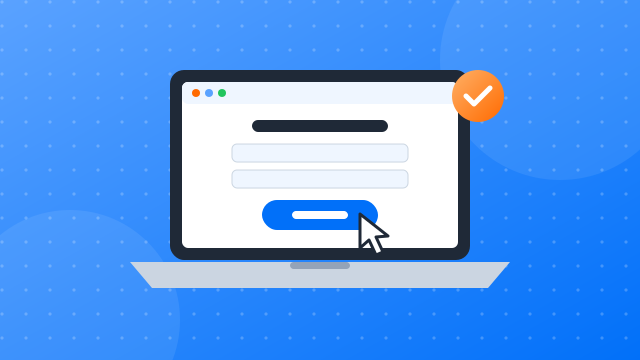
Step 1: Sign up and install the client
- Create a free account.
- Download the desktop client for Windows or macOS.
- Install it and sign in with your new account.
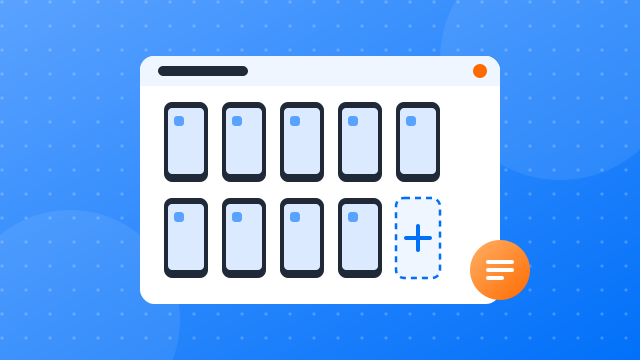
Step 2: Create your first cloud phone profile
- New profile: give it a name you will recognise, such as “YouTube 01”.
- Proxy: assign a proxy so the profile connects from its own IP address.
- Device settings: pick the phone model and region for the profile.
- Start: confirm to launch the cloud phone.
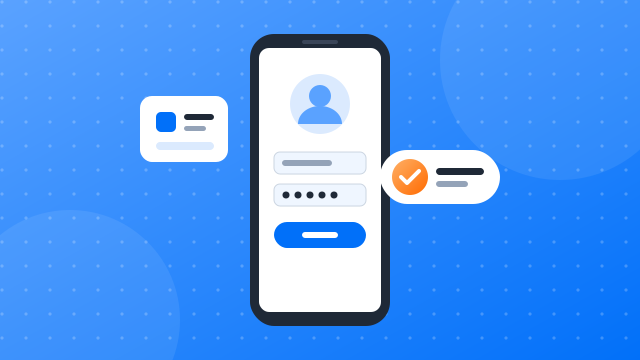
Step 3: Install YouTube and log in
- Open the app library: find the apps section in the client.
- Install YouTube: add it to the profiles you plan to use.
- Open and sign in: launch YouTube on each cloud phone and log in to the account that belongs to it.
- Keep the session: the profile remembers the login, so later runs start signed in.
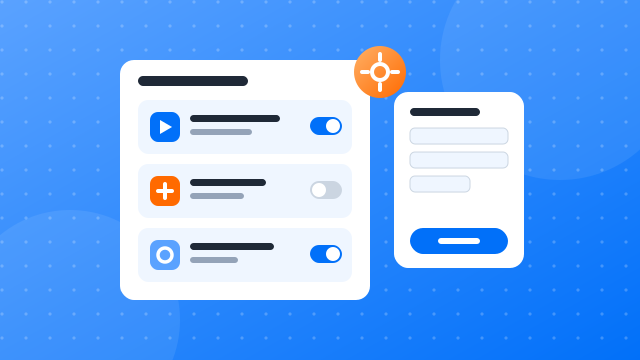
Step 4: Add the “YouTube account warmup” template and configure it
- Find the template: open the automation template library and search for “YouTube account warmup”.
- Choose profiles: select the cloud phones the task should run on.
- Interests: keywords that describe what each account is about.
- Session length: how long each warm-up session lasts, as a range.
- Actions: likes, subscriptions and how much of each video to watch.
- Start: run it now or set a schedule, then confirm.
Step 5: Check the run reports
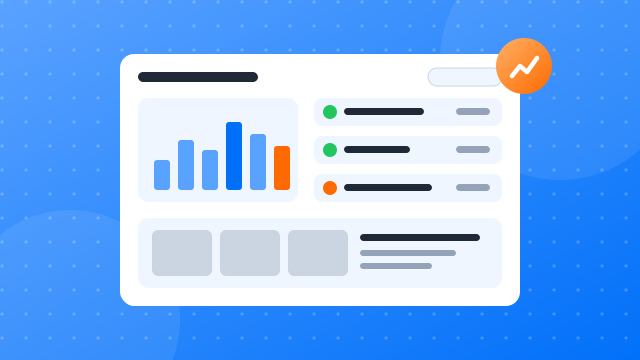
- Open the reports: every run is listed with its profile, start time and status.
- Filter: narrow the list by date, profile or task.
- Inspect a run: see each step, its result and any error, then adjust the settings for the next run.
Warming up new YouTube accounts: a practical guide
Build a natural activity history before you post
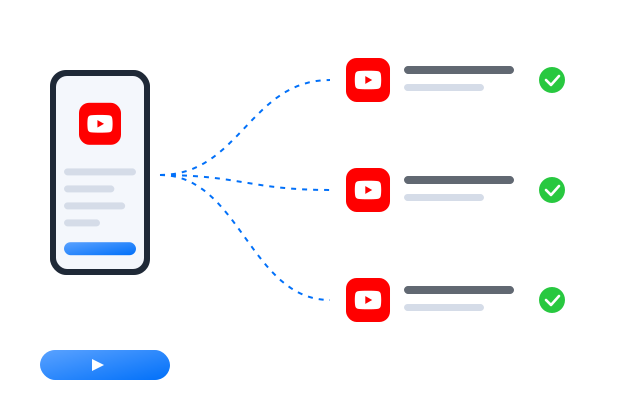
A fresh YouTube account that starts publishing on day one has nothing behind it. Warm-up gives it a history: a period of ordinary use, such as scrolling, watching content through, liking and following now and then, spread over days rather than minutes. This template runs that routine on each cloud phone profile with randomised timing and order, so your accounts do not all move in lockstep. Give every profile its own proxy, keep sessions short at first and lengthen them over the first couple of weeks before you start a regular posting schedule.
More automation guides
How to run multiple social media accounts on cloud phones: a setup guide
A practical setup for keeping several accounts apart: one cloud phone per account, one proxy per phone, clear names and a routine…
Cloud phone, emulator or multi-account browser: which one fits your accounts?
Three common ways to run several accounts from one computer, what each one is good at, and how to choose between them.
How to share social media accounts with a team without sharing passwords
Shared passwords and screenshots of login codes do not scale. Here is a calmer way to give teammates access to the right…
FAQ
Does watching count as views for my own channel?
The warm-up watches content in your topics in general. It is not meant to inflate views on particular videos, which YouTube’s policies prohibit.
Why warm up a new YouTube account at all?
A new account has little or no activity history. A period of normal browsing and light engagement before you publish makes it look like the account of an ordinary user, and gives you time to settle on what the account is about.
How long should a warm-up run?
There is no fixed number. Many teams start with short daily sessions for one to two weeks and lengthen them gradually. Watch how each account behaves and adjust the schedule in the template rather than running every profile the same way.
Is automating YouTube allowed?
YouTube sets its own rules on automated activity and on running more than one account, and those rules change over time. Read YouTube’s current terms of service and community guidelines before you automate anything. Our templates operate the app on your cloud phones; they do not change what YouTube permits.