
Create multiple Google accounts
One Google account opens Gmail, YouTube, Drive, Maps and Google Play. When you look after several of them for clients, locations or app testing, give each its own cloud Android phone so sign-ins and app data never cross over.
Lower the costs
One Google account per Android phone
Android is built around the Google account you sign in with. Give each account its own cloud phone and it gets its own Play Store, app data and settings, with no stack of test devices.

Cloud phones
Real Android phones that run in the cloud, so every account gets a full mobile environment without hardware on your desk.

Unique profiles
Each profile is its own phone with its own device details, apps and storage, so accounts never share an identity.

Proxy configuration
Bring the proxies you already use and assign one to each profile, so every account connects from its own address.

Only need email? See multiple Gmail accounts. For everything else, put each Google account on its own cloud phone.
Centralized control
Accounts for every client and location
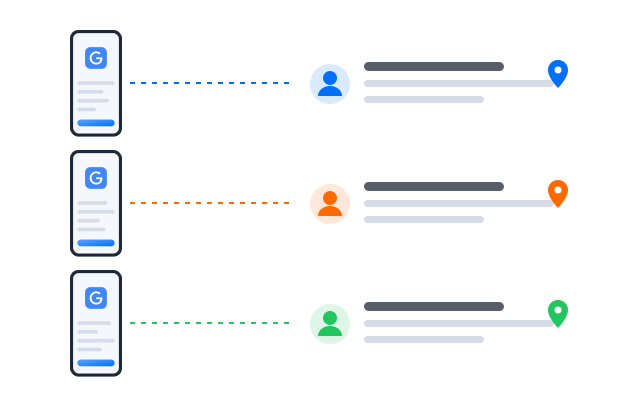
Agencies managing Business Profiles, YouTube channels or ad accounts for clients can add a profile per client and group them by brand or region.
Scale quicker
Automate routine account checks
Turn steps such as checking the inbox, reviewing security alerts or looking at new reviews into workflows, then run them on the profiles you choose.
AI & content
Draft emails, posts and review replies
Use the AI studio to draft emails, Business Profile posts and replies to reviews, then send them from the account they belong to.
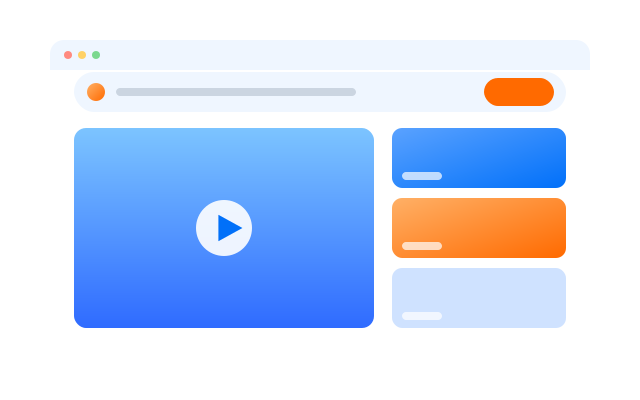

Synchronizer
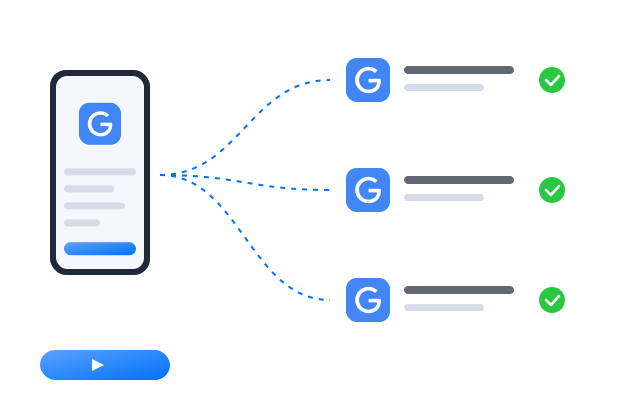
Do something once on a main phone and have it mirrored on every other open profile at the same time.

RPA
Start from a ready-made template or build your own step-by-step workflow, then schedule it across profiles.

AI studio
Generate captions, images and short videos, then hand them straight to your posting workflows.
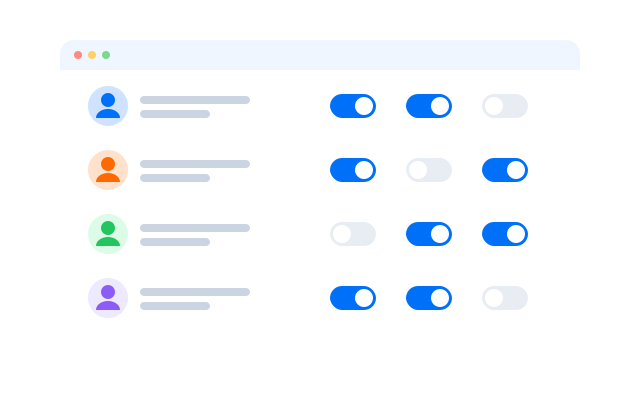
Team collaboration
Delegate without sharing passwords
Give assistants and account managers access to the profiles they handle. They work in the signed-in account without ever seeing the password.
Run every Google account on its own cloud phone
Frequently asked questions
Can I have more than one Google account?
Google’s Terms of Service and the policies for individual products such as YouTube, Google Play and Business Profile set the rules for how accounts may be used. Read the ones that apply to you before you create extra accounts. Cloud phones keep accounts technically separate; they do not change what Google allows.
Will I need a phone number for each account?
Google may ask for phone verification when you create or sign in to an account. Use a number you control; the cloud phone does not provide one.
Can I test my own Android app with it?
Yes. Developers can sign in to tester accounts on separate profiles to install builds from Google Play testing tracks and see the app from each account.
What keeps each Google account separate?
Every profile is its own Android phone in the cloud with its own device details, installed apps, storage and login sessions. Give each profile its own proxy and the network side is separate too.
Do I need a proxy for each Google account?
We recommend one proxy per profile so that each account connects from its own IP address. This keeps accounts for different clients on their own connections. Bring proxies from the provider you prefer and assign them per profile.
How many Google accounts can I run?
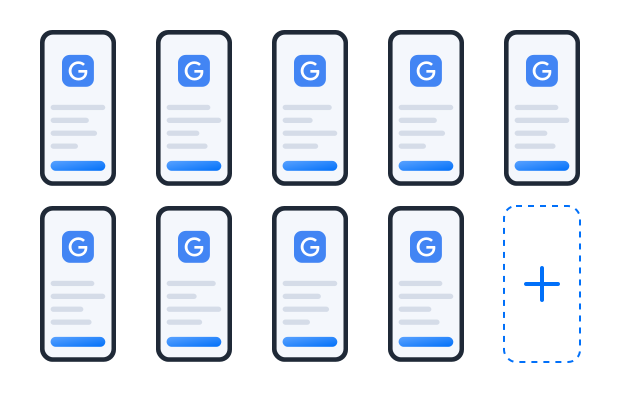
Each account needs one cloud phone profile. You can create as many profiles as your plan includes and add more at any time; see Pricing for the current limits.
Can I open my profiles from another computer?
Yes. The phones run in the cloud, not on your machine, so you can sign in from another computer and every Google session is where you left it.