
Create multiple Mastodon accounts
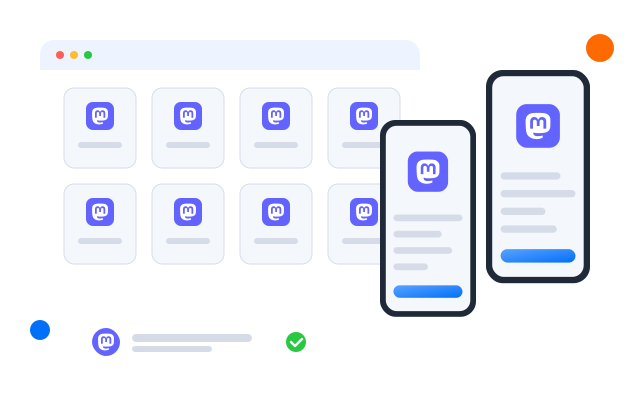
Mastodon is a network of independently run servers, each with its own community and rules. Community managers, moderators and organisations often hold accounts on several servers; give each one its own cloud Android phone.
Lower the costs
One phone per account, whatever the server
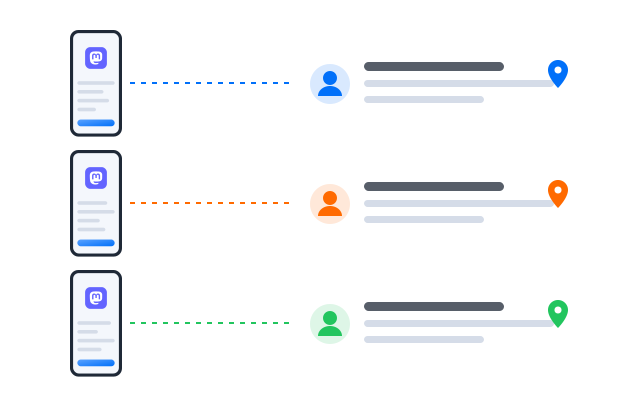
Your organisation’s account, your personal account and the one on a hobby server each live on their own cloud phone, with their own client app and timeline.

Cloud phones
Real Android phones that run in the cloud, so every account gets a full mobile environment without hardware on your desk.

Unique profiles
Each profile is its own phone with its own device details, apps and storage, so accounts never share an identity.

Proxy configuration
Bring the proxies you already use and assign one to each profile, so every account connects from its own address.

Each Mastodon server has its own rules. Give each account its own cloud phone and you always know which community you are posting to.
Centralized control
Look after communities on many servers
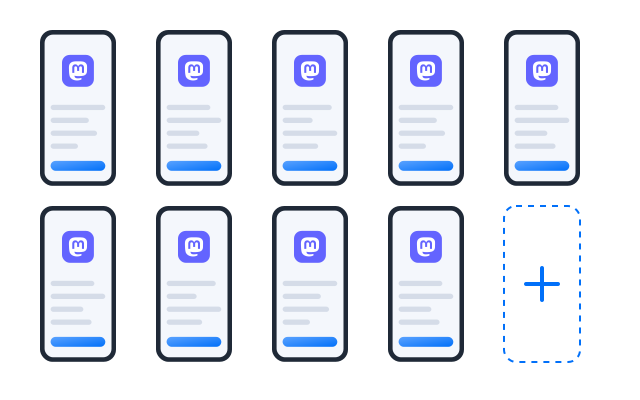
Add a profile for every server you take part in and group them by project or language, so you see every account’s notifications in one place.
Scale quicker
Automate the daily rounds
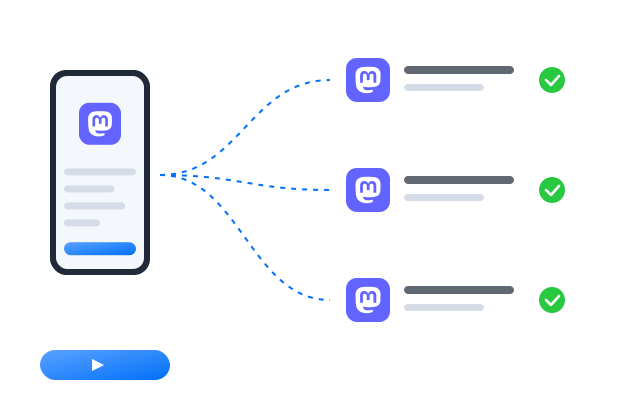
Turn routine steps such as opening each account and checking mentions, follow requests and reports into a workflow you run on a schedule.
AI & content
Posts, alt text and content warnings
Mastodon communities value image descriptions and content warnings. Draft posts and alt text with the AI studio, then edit them before posting.

Synchronizer
Do something once on a main phone and have it mirrored on every other open profile at the same time.

RPA
Start from a ready-made template or build your own step-by-step workflow, then schedule it across profiles.

AI studio
Generate captions, images and short videos, then hand them straight to your posting workflows.
Team collaboration
Share moderation and posting duties
Give co-moderators and writers access to the profiles they help with. Nobody shares a password, and every action is logged per profile.
Manage every Mastodon account from one dashboard
Frequently asked questions
Can I run accounts on several servers?
Each Mastodon server publishes its own rules and terms, set by the people who run it. Read the rules of every server you join, especially on bots, automation and multiple accounts. Cloud phones keep accounts technically separate; they do not change what a server allows.
Do I need a separate account for every server?
Not to follow people: one account can follow and reply to people on other servers. Separate accounts are useful when you represent different organisations or communities.
Can I use any Mastodon app?
Yes. Install the official app or another Android client you prefer in each profile. Each keeps its own sign-in and settings.
Do I need a proxy for each Mastodon account?
We recommend one proxy per profile so that each account connects from its own IP address. It keeps each account on its own connection, which helps when accounts represent different organisations. Bring proxies from the provider you prefer and assign them per profile.
How many Mastodon accounts can I run?
Each account needs one cloud phone profile. You can create as many profiles as your plan includes and add more at any time; see Pricing for the current limits.
Can I open my profiles from another computer?
Yes. The phones run in the cloud, not on your machine, so you can sign in from another computer and every Mastodon session is where you left it.