
Create multiple Tumblr accounts
Tumblr already lets one account run several blogs, but artists, fandom moderators and brands often keep fully separate accounts too. Give each its own cloud Android phone so dashboards, drafts and asks never mix.
Lower the costs
Separate dashboards, separate phones
Your art account, your fandom account and your brand each open on their own cloud phone, with their own follows, drafts and inbox.

Cloud phones
Real Android phones that run in the cloud, so every account gets a full mobile environment without hardware on your desk.

Unique profiles
Each profile is its own phone with its own device details, apps and storage, so accounts never share an identity.

Proxy configuration
Bring the proxies you already use and assign one to each profile, so every account connects from its own address.

Posting fan art on one account and running a shop on another? Keep each Tumblr account on its own cloud phone and switch with one click.
Centralized control
An account for every fandom and project
Add a profile whenever a new project starts, group them by community or client, and check every account’s activity on one screen.
Scale quicker
Keep the routine moving
Turn checking asks, messages and notifications on each account into a workflow you run on a schedule. Tumblr’s own queue still handles timing.
AI & content
Art ideas, captions and tags
Use the AI studio to brainstorm captions, tags and image ideas, then post the finished work from the right account.
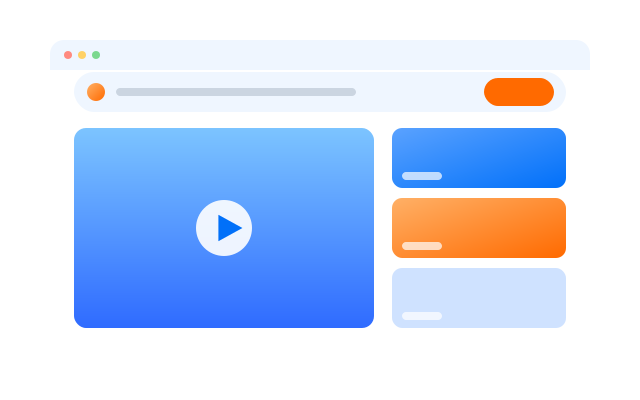

Synchronizer
Do something once on a main phone and have it mirrored on every other open profile at the same time.

RPA
Start from a ready-made template or build your own step-by-step workflow, then schedule it across profiles.

AI studio
Generate captions, images and short videos, then hand them straight to your posting workflows.
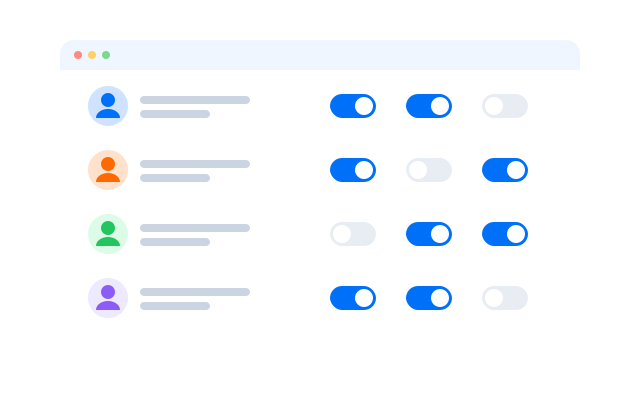
Team collaboration
Co-moderators without shared logins
Give co-moderators and social managers access to the profiles they help with. Every action is logged, and access is easy to remove.
Manage every Tumblr account in one place
Frequently asked questions
Can I have more than one Tumblr account?
Tumblr sets its own rules in its Terms of Service and Community Guidelines, including on spam and impersonation. Read them before you create another account. Cloud phones keep accounts technically separate; they do not change what Tumblr allows.
Should I use secondary blogs or separate accounts?
Secondary blogs live under one login and are handy for side projects. A separate account makes more sense when a blog belongs to a different person, brand or community.
Does my queue keep working?
Yes. Queued and scheduled posts are handled by Tumblr itself, whether or not the cloud phone is running.
Do I need a proxy for each Tumblr account?
We recommend one proxy per profile so that each account connects from its own IP address. It keeps accounts for different communities on their own connections. Bring proxies from the provider you prefer and assign them per profile.
How many Tumblr accounts can I run?
Each account needs one cloud phone profile. You can create as many profiles as your plan includes and add more at any time; see Pricing for the current limits.
Can I open my profiles from another computer?
Yes. The phones run in the cloud, not on your machine, so you can sign in from another computer and every Tumblr session is where you left it.