Seedream AI image models
Create AI images with Seedream in Geelark
Turn prompts or reference images into marketing visuals with Seedream, the image model family from ByteDance. Make social posts, product scenes and campaign assets, then keep the ones you like in your Geelark library.

Model overview
Explore Seedream models in Geelark
Seedream is a family of image generation and editing models. Geelark offers the Seedream versions listed in the image generator.
Pick a version to explore ideas, adapt reference images or make variations for a campaign, then compare the results with your brief and keep the best.
| Feature | In Geelark |
|---|---|
| Models | Seedream versions offered in the image generator |
| Tool | Image generator |
| Input | Text prompts and image references |
| Reference workflows | Image-to-image generation and blending |
| Reference sources | Local upload or your Geelark library |
| Where images are saved | Geelark library |
Input limits and output settings depend on the version you choose. Check the options in the image generator before you start.
Two ways to create
Create Seedream images from text or references
Start from a new idea or from assets you already have. Choose a Seedream version and describe the composition, style and details you want.
Text to image
Image to image
Turn text into images
Describe the subject, background, lighting and layout. Create visuals for social posts, campaign ideas, product scenes or covers.
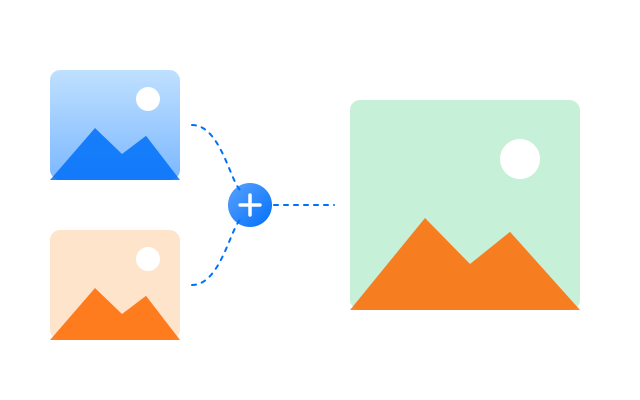
Create with image references
Upload one or more reference images, or pick them from your library, and describe what to change, keep or combine.
Connected workflow
Bring your images into Geelark workflows
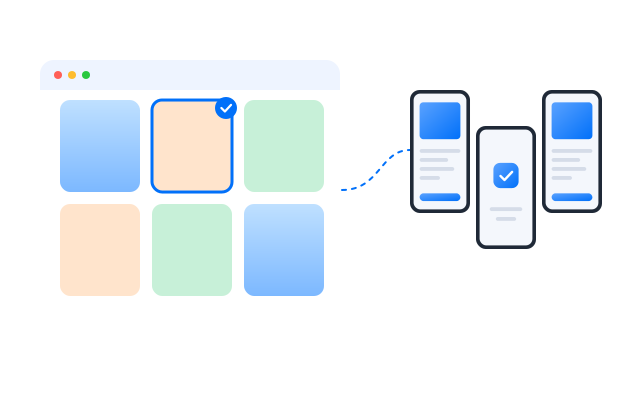
Create visuals with Seedream, keep them in your library and use the ones you choose in publishing workflows across Geelark cloud phones.
01
Create with Seedream
Choose a Seedream version, add a prompt or reference images and set the options for your visuals.
02
Review in your library
Find the generated images in your library. Check composition, product details and any visible text before you use them.
03
Configure a publishing task
Pick a template that supports image posts, choose your images and cloud phone profiles, then fill in the publishing details.
04
Run through cloud phones
Run the task on the selected cloud phones and check its status and results.
Explore more
Explore more image tools and workflows
Text to video
Turn text prompts into video clips
Image generator
Create visuals from text, images or both
Image to video
Bring still images to life as video
AI video editor
Upload, edit and polish videos with AI
FAQs
What is Seedream in Geelark?
Seedream is an AI image model family developed by ByteDance. In the Geelark image generator you can choose a supported Seedream version to create visuals from prompts or reference images.
Which Seedream versions are available?
The versions on offer are listed in the image generator’s model picker and may change as new versions are added.
Can I generate images from both text and references?
Yes. Use a text prompt on its own, or add reference images and describe what to change or keep.
Can I combine several reference images?
Where the selected version supports it, yes. Add the references and describe how they should be blended.
What image size can I choose?
Sizes and aspect ratios depend on the version. The image generator shows the options before you generate.
Can I use Seedream for product visuals and campaign variations?
Yes. Generate scenes, backgrounds and variations, and always check product details and any text in the image before publishing.
Is Seedream free to use in Geelark?
Image generation uses AI credits from your plan. See Pricing for current details.
Where are Seedream images saved, and how do I reuse them?
In your Geelark library. From there you can download them, use them as references or add them to publishing workflows.
Create your next visual with Seedream
Explore a new idea or build on an existing image. Review the results in your library and keep the best ready for your Geelark workflows.