
TikTok account warmup
Give new TikTok accounts a believable start. Our warm-up automation browses, watches, likes and follows like an ordinary user would, inside a separate cloud phone for every account.
Isolated environments
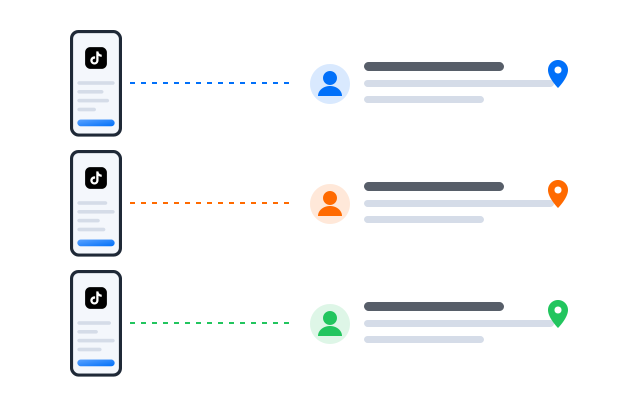
A separate phone identity for every account
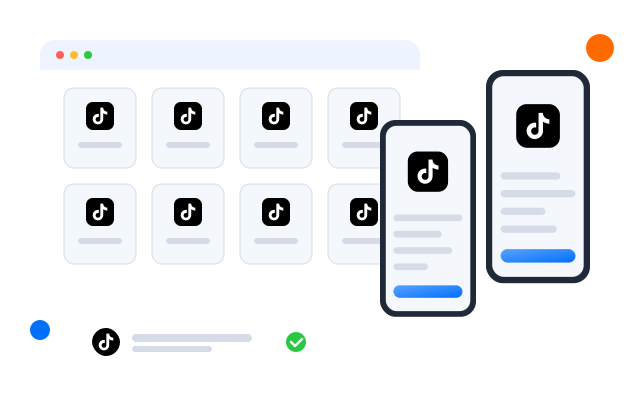
Each warm-up runs in its own cloud phone profile: a full Android environment with its own device details, apps and storage. Add a proxy per profile and every account also connects from its own address, so accounts are not linked through a shared device or network.

Warming up ten accounts by hand means ten phones and an hour every day. Run the TikTok AI account warmup template instead and spend that hour on content.
Bulk management
Warm up many accounts at the same time
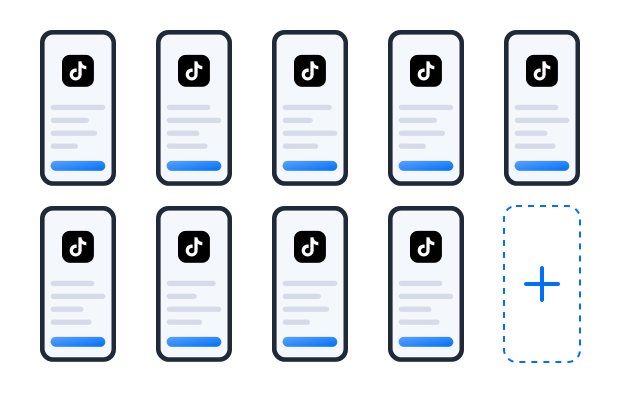
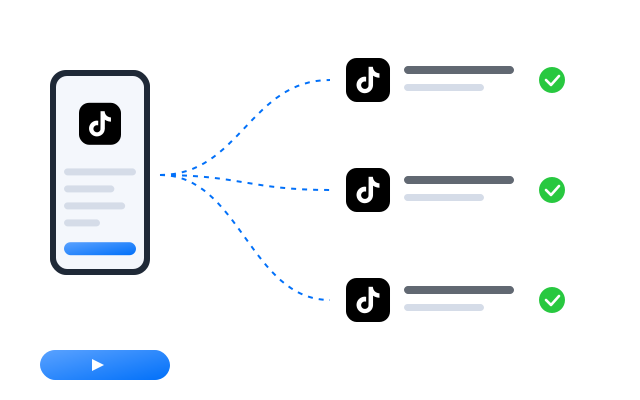
Select a group of profiles, apply the warm-up template once and let each cloud phone run its own session. Schedules, session lengths and interests can differ per group, and the run reports show what every account did.
Engagement
Automate everyday TikTok engagement
Beyond warm-up, templates handle the routine that keeps accounts active: random likes, follows in your niche, AI-written comments and direct messages to the people you list. Combine them into a weekly routine for each account.
TikTok automation that is simple to set up and easy to scale


Frequently asked questions
Why not start posting on a new TikTok account straight away?
A brand-new account has no viewing or engagement history, so there is little for TikTok to go on when it decides who should see your videos. Using the account normally for a while first, watching, liking and following in your niche, gives it a history and helps you understand what your audience watches.
How long should a TikTok warm-up last?
There is no official number. Many teams run short daily sessions for one to two weeks and watch whether the For You feed starts to reflect the account’s niche. Adjust the session length and duration per account rather than treating them all the same.
Does the warm-up run on real Android?
Yes. Every profile is a cloud phone running Android with its own device details, installed apps and storage, and the TikTok app runs on it as it would on a handset.
Can I automate TikTok messages as well?
Yes. The Send private message on TikTok template sends the messages you write to the users you list. TikTok limits unsolicited messaging, so read its rules before you plan outreach.
How many accounts can I warm up at once?
One account per cloud phone profile, as many profiles as your plan includes. Tasks run in the cloud, so your computer does not slow down as you add accounts. See Pricing for plan limits.
Is warming up accounts allowed by TikTok?
TikTok sets its own rules on automation and on running several accounts. Read TikTok’s current terms of service and community guidelines before you start. Our tools keep accounts technically separate and run tasks for you; they do not change what TikTok permits.