
Create multiple Bumble accounts
Plenty of people would rather not keep a dating app on the phone they use for work and family. Run Bumble on its own cloud Android phone instead, with its own apps, storage and network, and open it from your computer when it suits you.
Lower the costs
Keep Bumble off your personal phone
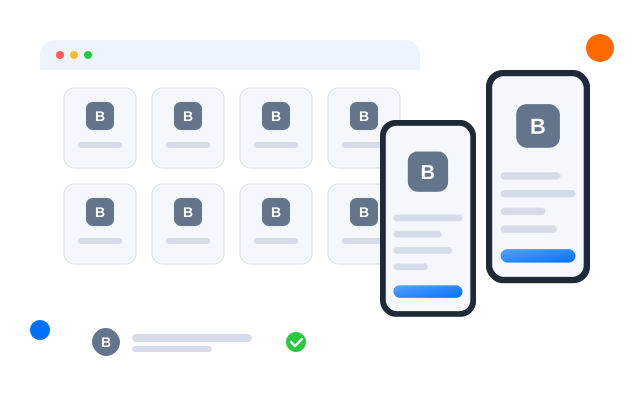
The cloud phone holds the Bumble app, its notifications and its chats. Your own handset stays as it is, and nothing from the app lands in your photo gallery or work notifications.

Điện thoại đám mây
Real Android phones that run in the cloud, so every account gets a full mobile environment without hardware on your desk.

Unique profiles
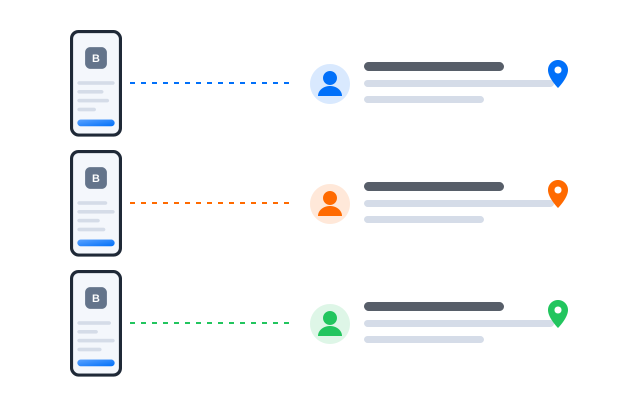
Each profile is its own phone with its own device details, apps and storage, so accounts never share an identity.

Proxy configuration
Bring the proxies you already use and assign one to each profile, so every account connects from its own address.

Prefer to keep dating apps off your everyday phone? Run Bumble on a cloud phone and open it only when you want to.
Centralized control
See every profile from one dashboard
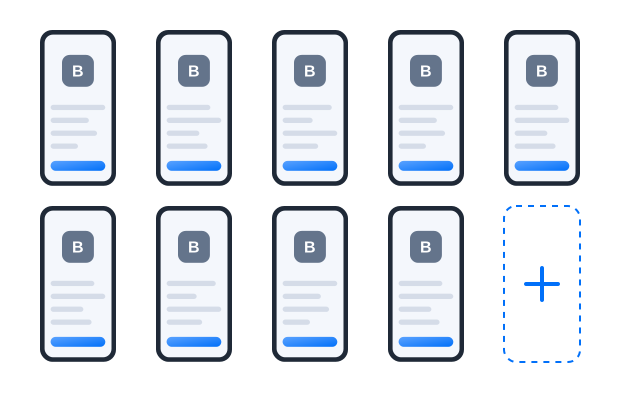
Label each cloud phone, check which ones are running and stop the ones you are not using. When you no longer need a profile, delete the cloud phone and its storage goes with it.
Scale quicker
Automate the housekeeping, not the conversations
Use workflows for practical steps such as opening the app or installing updates. Conversations stay personal, and Bumble’s rules on automated use still apply.
AI & content
Polish your profile text
Brainstorm bio ideas and prompt answers with the AI studio, then rewrite them in your own words so your profile still sounds like you.
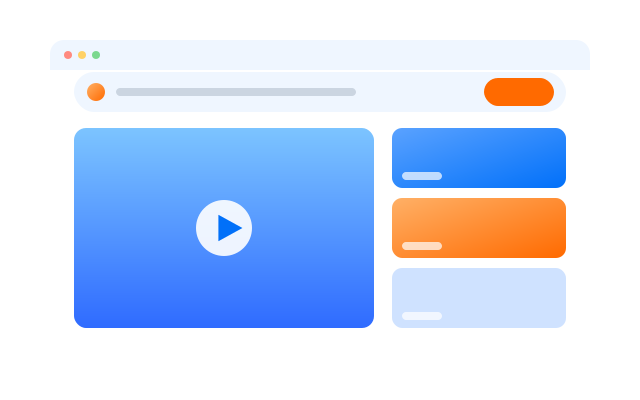

Đồng bộ thao tác
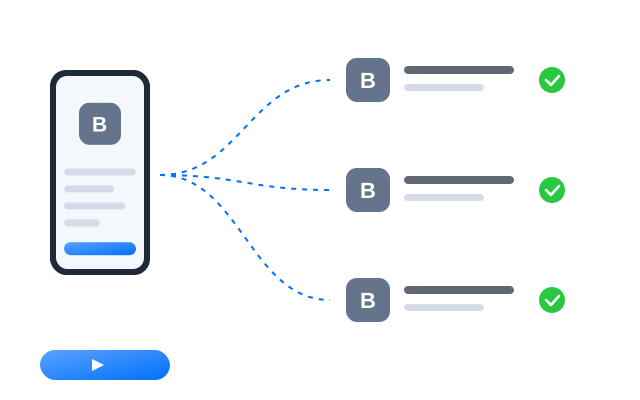
Do something once on a main phone and have it mirrored on every other open profile at the same time.

RPA
Start from a ready-made template or build your own step-by-step workflow, then schedule it across profiles.

AI studio
Generate captions, images and short videos, then hand them straight to your posting workflows.
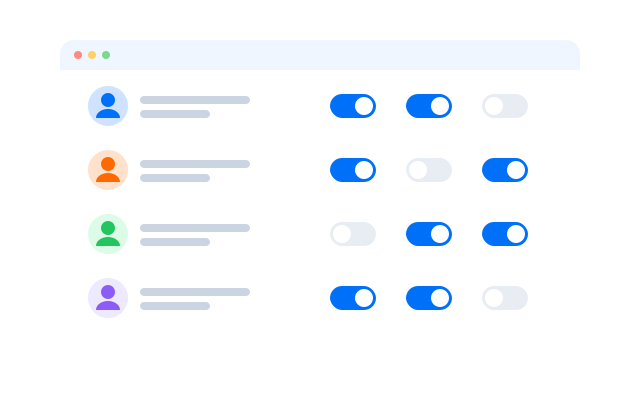
Cộng tác nhóm
Work with a coach without sharing your password
If you work with a dating coach or profile writer, give them access to the profile you choose. They never see your login details, and you can remove access at any time.
Give your Bumble profile a phone of its own
Frequently asked questions
Can I have more than one Bumble profile?
Bumble sets its own rules on accounts, including that a profile must represent a real person, and those rules can change. Read Bumble’s Terms and Conditions and Community Guidelines before you create another profile. Cloud phones keep environments separate; they do not change what Bumble allows.
Is the app data kept off my own phone?
Yes. Photos you use in the app, chats and app data live in the cloud phone’s own storage rather than on your handset or computer.
How do I remove everything later?
Delete your Bumble account inside the app first if you want it closed, then delete the cloud phone profile to clear its storage.
What keeps each Bumble account separate?
Every profile is its own Android phone in the cloud with its own device details, installed apps, storage and login sessions. Give each profile its own proxy and the network side is separate too.
Do I need a proxy for each Bumble account?
We recommend one proxy per profile so that each account connects from its own IP address. That way the cloud phone does not share an address with your other devices. Bring proxies from the provider you prefer and assign them per profile.
Can I open my profiles from another computer?
Yes. The phones run in the cloud, not on your machine, so you can sign in from another computer and every Bumble session is where you left it.