Create multiple Threads accounts with cloud phones
Manage Threads profiles for different brands, creators, clients, communities and campaigns in separate Android cloud phones. Each account keeps its own Instagram login, app data, proxy settings, device profile and team workflow.
Mobile-first Threads workflows
Proxy and region planning
Team-based account access
One Threads profile per cloud phone
Separate Instagram and Threads sessions
Built for teams running Threads workflows
Social media teams
Manage Threads profiles by brand, campaign or region from one workspace.
Growth agencies
Run client Threads profiles in isolated environments with central team access.
Creators and media teams
Separate profiles by identity, topic or content strategy.
Community managers
Keep dedicated profiles for conversations, replies and audience engagement.
Brand marketing teams
Run separate profiles for launches, campaigns and audience testing.
The problem
Can you have multiple Threads accounts?
Threads profiles are created from Instagram accounts, so separate Threads profiles generally follow separate Instagram accounts. Check Meta’s current terms for the rules that apply to you.
Threads also lets you switch between profiles on mobile, which works for a few profiles. When your team manages many across brands, clients, regions or operators, you need stronger separation, proxy planning and workflow control.
When is one Threads account not enough?
One profile stops being enough when you handle several brands, creator identities, client accounts, regional campaigns, community accounts or test profiles. Keeping them apart keeps content plans, audience signals, posting history and responsibilities clean.
Several identities to manage
Brands, creators, clients and campaigns each need their own Threads profile.
Fragmented workflows
Switching between profiles makes publishing, engagement and daily management harder.
Mixed audience signals
One environment for several profiles blurs audience, session and account boundaries.
Team access is hard
Several teammates need access to client and brand profiles without sharing credentials.
Hard to scale
As profiles grow, assigning, organising and managing them by hand becomes slow.
Pain points become a single workspace
A central Threads workspace
An isolated cloud phone per account
Role-based team access
Organised account groups and workflows
Why Geelark
Why social media teams choose Geelark
A product built for multi-account work, not a workaround stacked on top of a browser.
A cloud phone for each account
Every account runs on its own Android phone in the cloud, always on and reachable from any computer, with no handsets to buy or charge.
Separate account environments
Device details, storage, app data and network settings stay with one profile, so accounts do not share a footprint.
Automation for routine work
Warm-up, posting and other repeat tasks run on a schedule across a whole group of phones.
Built for teams
Invite teammates, give access per group and hand work over without passing passwords around.
How Geelark cloud phones work for Threads
Your team runs Threads profiles inside remote Android cloud phones. Instead of handling many profiles on the same local device, each account runs in its own Android environment with separate app data, login session, proxy and team access.
One workspace, six working surfaces
Everything an operator touches in a normal day, in one product.
Điện thoại đám mây
Tự động hóa
Đồng bộ thao tác
Proxy settings
Team workspace
AI content
Keep each Threads account environment separate
Threads is tied to Instagram, so account organisation matters. Geelark gives each account a real Android cloud phone where your team installs the Threads app, manages activity and keeps workflows apart.
- Separate cloud phone profiles
- Native mobile app workflows
- Proxy and region control
Automate Threads workflows
Turn routine Threads steps into templates or no-code workflows, then schedule them across the phones you choose.
- Ready-made templates
- Drag-and-drop workflow builder
- Run history for every task
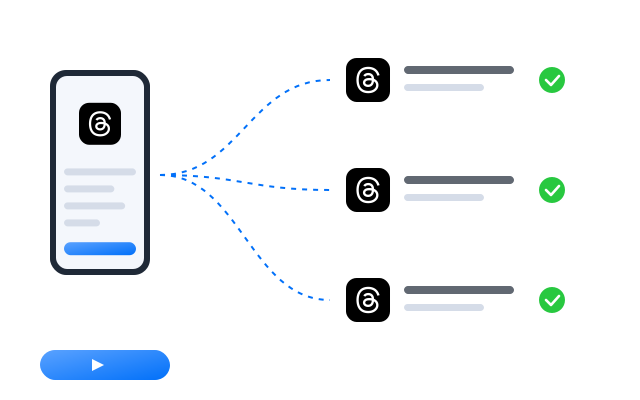
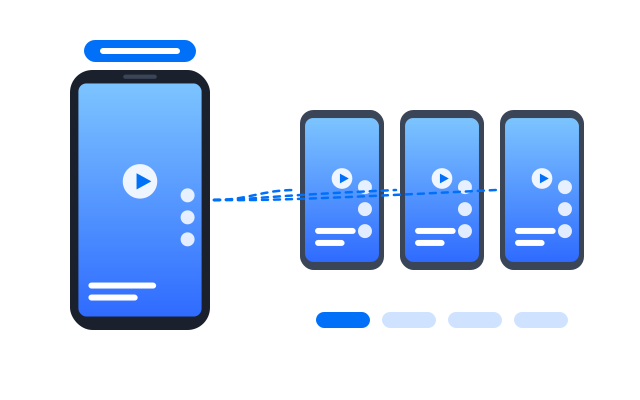
Repeat actions across multiple cloud phones
Tap, type and scroll on one main phone and mirror the same actions on the others in real time.
- Choose which phones follow
- Live view of every screen
- Pause any phone at any time
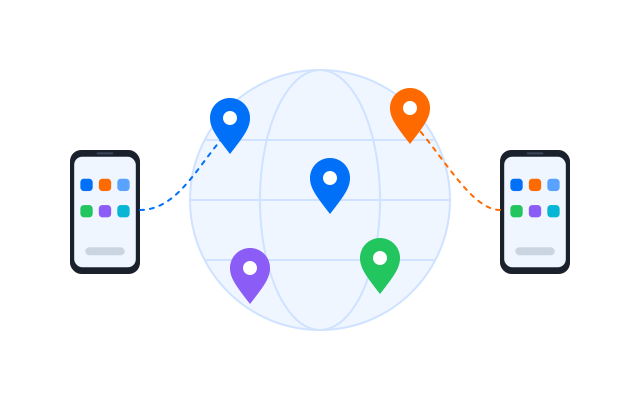
Bind a stable network path to each account
Assign a proxy to each cloud phone and check where it connects from before you sign in.
- HTTP and SOCKS5 proxies
- One proxy per profile
- Built-in connection check
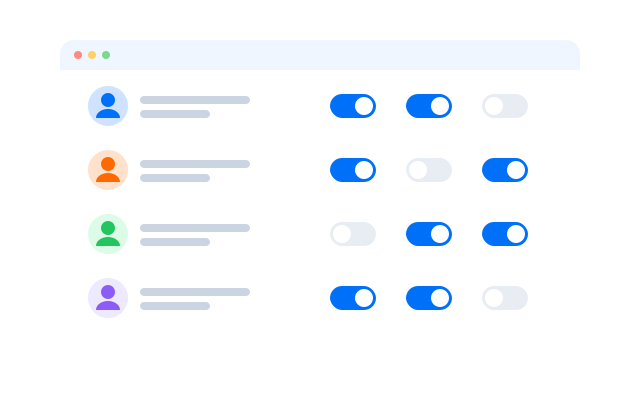
Assign access without sharing devices
Invite teammates, give each role the phone groups it needs and keep a record of who did what.
- Vai trò và phân quyền
- Shared phone groups
- Activity history
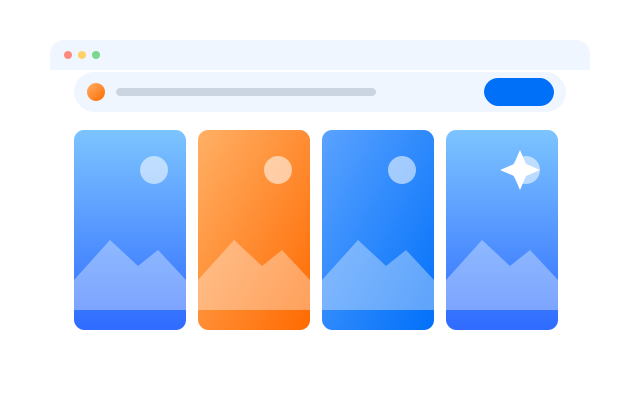
Create social-ready content with AI
Draft captions, images and short videos in the AI studio and send them straight to the phones that post them.
- Text, image and video tools
- Batch generation
- Send files to cloud phones
Comparison
Geelark vs traditional multi-account setups
Where each approach works, and where it starts to get in the way.
| Criteria | Geelark | Physical phones | Android emulators | Browser profiles |
|---|---|---|---|---|
| Adding accounts | New cloud phones from one dashboard | Buy and set up another device | Limited by your computer’s CPU and RAM | Quick to add, but tied to one machine |
| Separation | Own device details, storage and network per profile | One handset per account | Profiles share the host computer | Browser-level separation only, no mobile apps |
| Làm việc nhóm | Roles and shared groups in one workspace | Devices passed from hand to hand | Usually one person at one desk | Logins often shared by message |
| Tự động hóa | Templates, schedules, RPA and API | Mostly manual | Scripts you write and maintain | Web automation only |
| Hardware | None, it runs in the cloud | Phones, SIMs, chargers and space | A powerful computer | A capable desktop |
| Mobile apps | Native Android apps | Native apps | Emulated Android | Websites only |
Choose a cloud phone when…
you run native mobile apps for many accounts and need remote access, separate environments and a team.
Choose an emulator when…
you mainly test an app on your own computer.
Choose a browser profile when…
your work happens on websites rather than in mobile apps.
Run multiple accounts on the platforms you already use
 TikTok
 Instagram
 X (Twitter)
 Facebook
 YouTube Shorts
 Reddit
 Pinterest
 Gmail
Gmail LinkedIn
 Tinder
 OnlyFans
 Snapchat
 Threads
 Telegram
Get started in 3 simple steps
Câu hỏi thường gặp
Can you have multiple Threads accounts?
Threads profiles are created from Instagram accounts, so separate profiles generally mean separate Instagram accounts. Check Meta’s current terms for Threads and Instagram before creating more.
Do I need a separate Instagram account for each Threads profile?
Threads profiles are linked to Instagram accounts. See Meta’s help pages for the current sign-up options.
How do I switch between Threads accounts?
The Threads app has its own profile switcher. In Geelark you can also open each profile in its own cloud phone, so there is no switching at all.
How does Geelark help manage multiple Threads accounts?
Each profile runs in its own Android cloud phone with separate app data, session and proxy, managed from one dashboard with role-based access.
Do I need a different proxy for each Threads account?
It is recommended so each account keeps a consistent network setup. You can assign a proxy to each cloud phone.
Can my team share Threads accounts without sharing passwords?
Yes. Give teammates access to specific cloud phones or groups with role-based permissions.
Can I automate Threads workflows?
Yes, with templates, no-code workflows, the synchronizer or the API. Review Meta’s terms on automated activity before you plan what to automate.
Why use cloud phones instead of an emulator?
Cloud phones run in the cloud, stay on when your computer is off and can be shared with your team. Emulators run on, and are limited by, your own computer.
Start managing multiple Threads accounts today
Create your first cloud phones, set up their environments and run the whole workflow before you commit to a plan.