Manage multiple OnlyFans accounts from one workspace
Use separate browser profiles for web-based OnlyFans work, or Android cloud phones when you need a mobile-first environment. Keep accounts, sessions, proxies and team access organised as your creator business grows.
Separate browser profiles for web accounts
Android cloud phones for mobile work
A proxy per profile
Built-in automation
Built for teams running several OnlyFans accounts
Independent creators
Keep different creator profiles, brands or content plans in separate environments.
Creator agencies
Manage several creator accounts from one workspace instead of a pile of devices.
Creator management teams
Give operators the access they need and keep daily work organised.
Multi-brand creator businesses
Separate brands, audiences and regions while keeping operations central.
The problem
Why managing several OnlyFans accounts gets complicated
Opening another account is the easy part. As creators, profiles and teammates multiply, logins, browser data, proxies, credentials and ownership get harder to keep straight. A setup that works for two accounts rarely survives ten.
Too much account switching
Logging in and out slows the day down and makes it easy to open the wrong account.
Shared browser environments
Several accounts in one browser can mix cookies, storage and session data.
Scattered profile information
Credentials, proxies and notes end up spread across spreadsheets and messages.
Team access gets difficult
As operators join, passing credentials or devices around makes access hard to control.
Web and mobile need different tools
OnlyFans is mostly web-based, while promotion often happens in mobile apps.
Geelark brings browser profiles and Android cloud phones into one workspace
Browser and mobile environments together
Controlled team access
A proxy setting per profile
Cloud workflows that scale
Why Geelark
One workspace for your OnlyFans account environments
Not every OnlyFans workflow needs a phone, so Geelark gives you two profile types instead of forcing every account into the same setup. Use browser profiles when the work happens on the web and cloud phones when you need a full Android environment.
Cloud phones for mobile-first work
Launch separate Android environments when the operation also depends on mobile browsing or native social apps.
Browser profiles for web work
Give each OnlyFans account its own browser environment with separate cookies, storage, settings and proxy.
A proxy per profile
Assign and manage proxies one profile at a time instead of routing every account through the same connection.
Team-based access
Give teammates access to the profiles they work on, without handing over physical devices.
Choose your environment
Choose the right profile for each OnlyFans workflow
OnlyFans is mainly a web platform, so you do not need a cloud phone for every account.
Geelark lets you choose between browser profiles for web work and Android cloud phones for mobile-first work, both created and organised in the same workspace.
Browser profiles for everyday OnlyFans management
For most OnlyFans-only workflows, a browser profile is the simplest option.
Each account gets its own browser environment, so cookies, cache, local storage, sessions and proxy stay organised by profile.
Best for
- Signing in to and managing OnlyFans accounts
- Keeping browser sessions apart
- Running several creator accounts from one computer
- Giving each profile its own proxy
- Web-based creator tools
- Remote team account management
Cloud phones for mobile-first creator workflows
Choose a cloud phone when the workflow needs more than a browser.
Each Geelark cloud phone is a separate Android environment with its own device profile, app storage, browser data and network settings.
Best for
- Mobile browser workflows
- Running native Android apps
- Promotion on TikTok, Instagram or other mobile-first platforms
- Keeping mobile environments apart
- Relying less on physical phones
Quick decision guide
Browser profile or cloud phone: which should you use for OnlyFans?
The right environment depends on what the workflow actually needs.
| Your workflow | Recommended Geelark profile |
|---|---|
| Sign in to and manage OnlyFans accounts on the web | Browser profile |
| Keep OnlyFans cookies and sessions separate | Browser profile |
| Use a different proxy for each account | Browser profile |
| Manage several creators with a team | Browser profile |
| Use OnlyFans in a mobile Android environment | Điện thoại đám mây |
| Run native social media apps alongside OnlyFans | Điện thoại đám mây |
| OnlyFans plus TikTok or Instagram promotion | Browser profile + cloud phone |
| Web and mobile accounts from one dashboard | Browser profile + cloud phone |
For most OnlyFans-only work
Start with browser profiles. They give you separate web environments without adding a mobile layer you do not need.
For wider creator marketing
Add cloud phones when your team also runs mobile-first platforms or needs a full Android environment.
You do not have to pick one
Browser profiles and cloud phones work side by side in the same workspace.
One workspace, two ways to manage OnlyFans accounts
Pick the environment that fits the job: browser profiles for web-based OnlyFans work, cloud phones when you need a full Android environment.
Unified profiles
Tự động hóa
Đồng bộ thao tác
Proxy settings
Team workspace
AI content
Give every OnlyFans account its own isolated profile
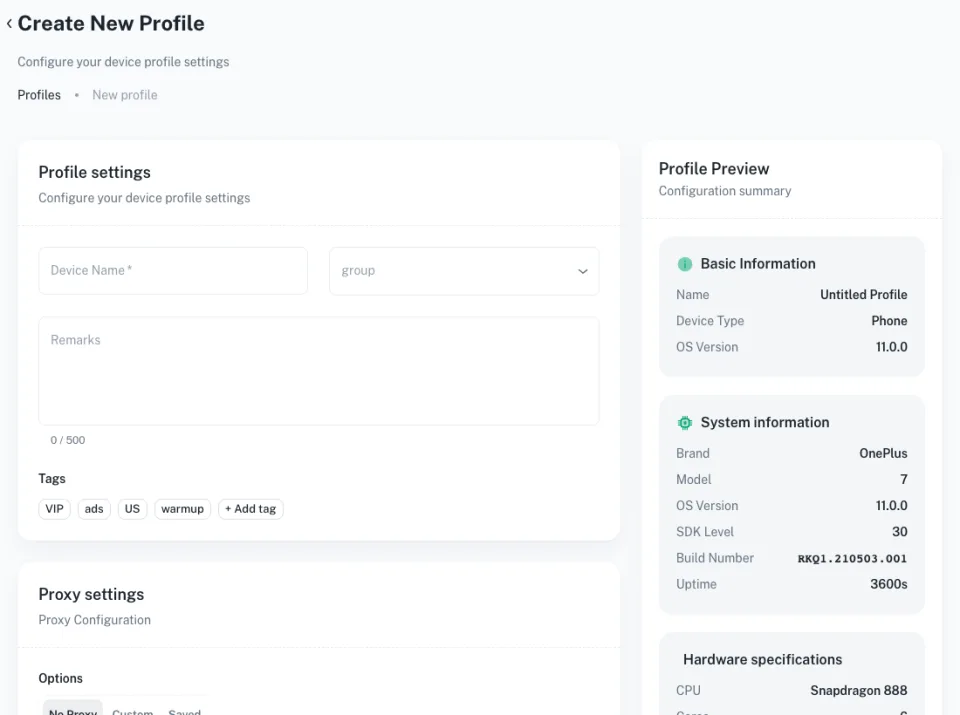
Create a separate Geelark profile for each account so sessions, browser data and network settings stay apart.
Use a browser profile for everyday web work, or a cloud phone when the operation also involves mobile apps and Android environments.
- Separate account sessions
- Independent cookies and browser data
- Browser and cloud phone profiles in one workspace
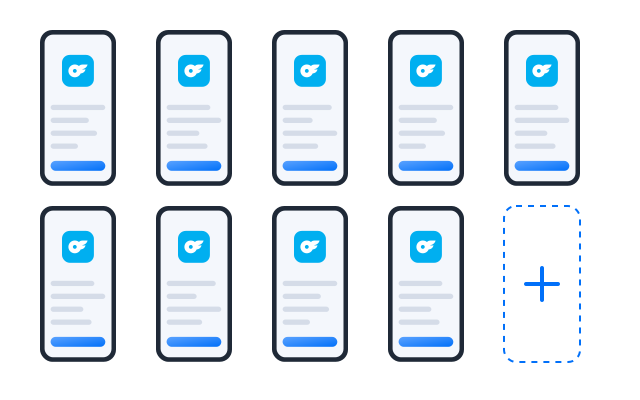
Automate repetitive mobile workflows
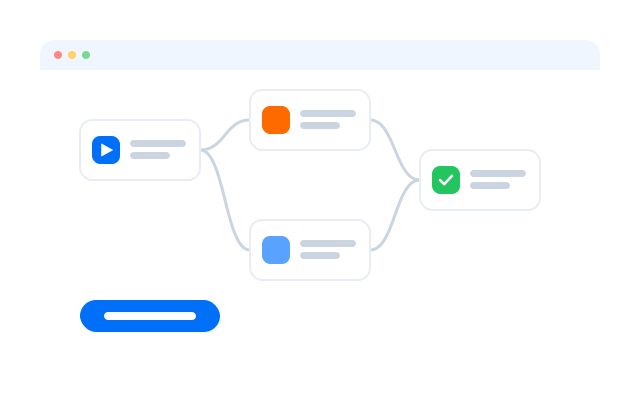
Turn routine OnlyFans steps into templates or no-code workflows, then schedule them across the phones you choose.
- Ready-made templates
- Drag-and-drop workflow builder
- Run history for every task
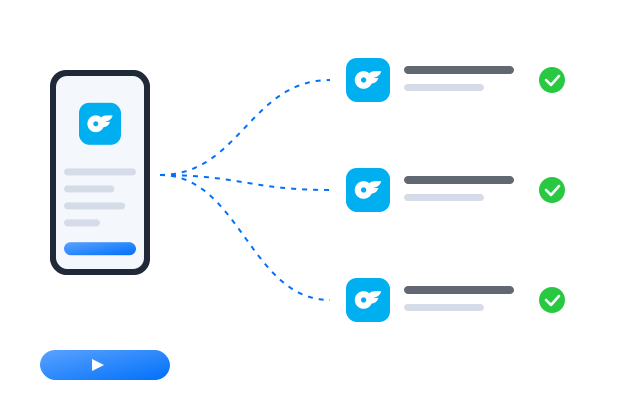
Repeat actions across multiple cloud phones
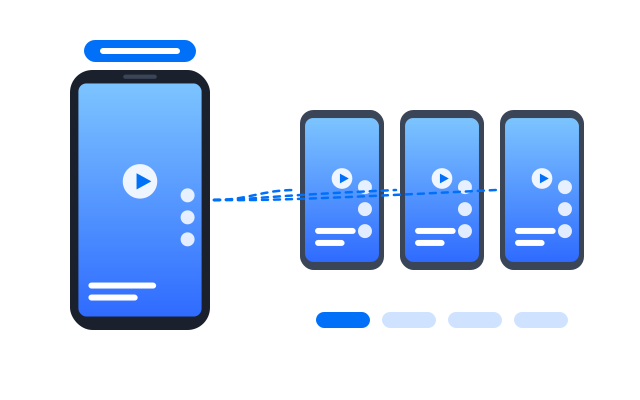
Tap, type and scroll on one main phone and mirror the same actions on the others in real time.
- Choose which phones follow
- Live view of every screen
- Pause any phone at any time
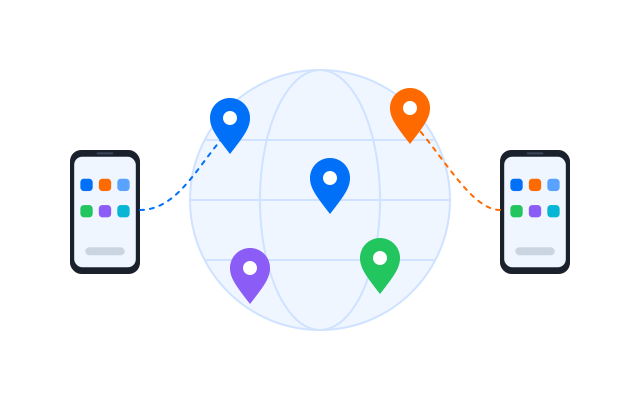
Bind a stable network path to each account
Assign a proxy to each cloud phone and check where it connects from before you sign in.
- HTTP and SOCKS5 proxies
- One proxy per profile
- Built-in connection check
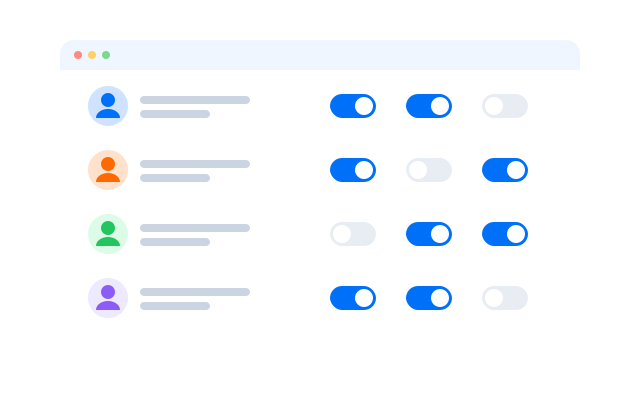
Assign access without sharing devices
Invite teammates, give each role the phone groups it needs and keep a record of who did what.
- Vai trò và phân quyền
- Shared phone groups
- Activity history
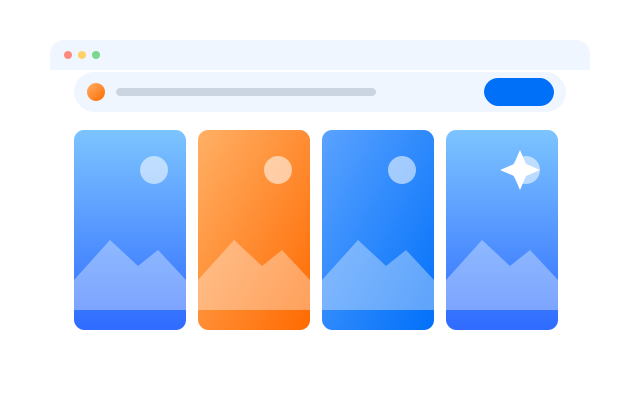
Create social-ready content with AI
Draft captions, images and short videos in the AI studio and send them straight to the phones that post them.
- Text, image and video tools
- Batch generation
- Send files to cloud phones
Comparison
Geelark vs traditional ways to manage several OnlyFans accounts
Different setups work for a few accounts, then diverge once you need separation, team access, central organisation or both web and mobile environments.
| Criteria | Geelark | Regular browser profiles | Physical phones | Separate browser + phone tools |
|---|---|---|---|---|
| Separate web environments | Yes | Limited | Depends on the browser | Depends on the tool |
| Android environments | Yes | No | Yes | Depends on the mobile tool |
| Browser and mobile in one workspace | Yes | No | No | No |
| Proxy per profile | Yes | Manual or via extensions | Separate setup | Depends on the tool |
| Grouping and organisation | Central | Basic | Manual | Split across tools |
| Team access | Central | Limited | Devices change hands | Split across tools |
| Hardware needed | None | Your computer | Yes | Depends on setup |
| Adding environments | Add profiles as needed | Add browser profiles | Buy more devices | Maintain several systems |
Choose ordinary browser profiles when…
you run only a few accounts and do not need proxy organisation or team controls.
Choose physical phones when…
you want hands-on devices and your team works in one place.
Choose Geelark when…
you manage web-based accounts, mobile-first workflows, proxies, profiles and team access without juggling separate systems.
More multi-account workflows
Manage accounts across your marketing stack
Use browser profiles and cloud phones to organise accounts on the platforms your creator business depends on.
 TikTok
 Instagram
 X (Twitter)
 Facebook
 YouTube Shorts
 Reddit
 Pinterest
 Gmail
Gmail LinkedIn
 Tinder
 OnlyFans
 Snapchat
 Threads
 Telegram
Câu hỏi thường gặp
Can you have multiple OnlyFans accounts?
OnlyFans sets its own rules on accounts and eligibility, and they can change. Review the platform’s current Terms of Service and account requirements before creating or operating extra accounts.
If your work involves managing several creator accounts, Geelark keeps the browser environments, proxies, profile notes and team access for those accounts organised separately.
How do I manage multiple OnlyFans accounts?
Give each account its own profile in Geelark, assign a proxy, group profiles by creator or brand and give teammates access only to the profiles they work on.
Does OnlyFans have a mobile app?
Check OnlyFans’ own site for how it supports mobile access today. Geelark cloud phones give you a full Android environment with a mobile browser if your workflow needs one.
Should I use a browser profile or a cloud phone for OnlyFans?
Use a browser profile for web-based OnlyFans work. Add a cloud phone when the same operation also runs mobile apps or needs an Android environment.
Do I need a separate phone for every OnlyFans account?
No. Most OnlyFans work fits in browser profiles. Cloud phones are there when you need a mobile environment.
Can I use different proxies for different OnlyFans accounts?
Yes. Every browser profile and cloud phone can have its own proxy.
How can an agency manage several creator accounts?
Organise profiles by creator, tag them by status or owner and use role-based permissions so each teammate sees only their accounts.
Can I manage OnlyFans and TikTok or Instagram from the same workspace?
Yes. Browser profiles and cloud phones sit side by side, so web and mobile accounts are managed from one dashboard.
Get started in 3 simple steps
Manage multiple OnlyFans accounts from one workspace
Keep every account organised as your creator operation grows.