
Create multiple Lyft accounts
Executive assistants, travel coordinators and families often book Lyft rides for other people. Keep each rider or business profile on its own cloud Android phone so payment, ride history and receipts stay with the right account.
Lower the costs
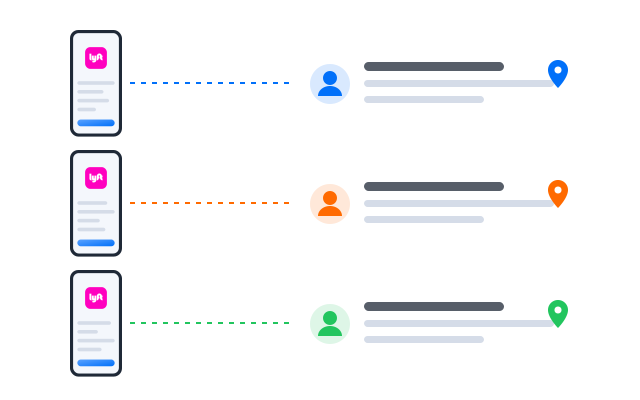
Book from the right account every time
Each traveller’s Lyft account lives on its own cloud phone with its own payment method and saved places, so a ride is never charged to the wrong card.

Điện thoại đám mây
Real Android phones that run in the cloud, so every account gets a full mobile environment without hardware on your desk.

Unique profiles
Each profile is its own phone with its own device details, apps and storage, so accounts never share an identity.

Proxy configuration
Bring the proxies you already use and assign one to each profile, so every account connects from its own address.

Booking rides for several executives? Keep each Lyft account on its own cloud phone and stop mixing up receipts.
Centralized control
Coordinate rides for a whole team
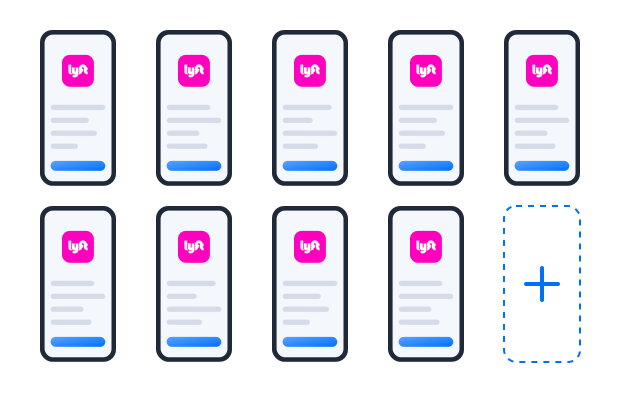
Add a profile for each executive, guest or department and see every account on one screen when the schedule gets busy.
Scale quicker
Automate receipts and checks
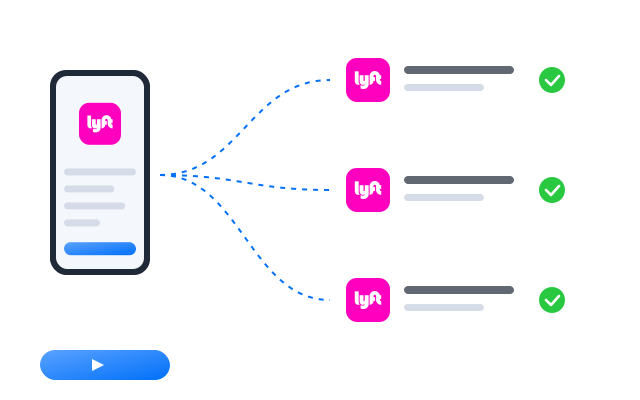
Turn the routine of opening each account and reviewing recent rides for expense reports into a workflow you run at the end of the week.
AI & content
Draft itineraries and pickup notes
Use the AI studio to draft itineraries, pickup instructions and messages for travellers, then share them from the right account.


Đồng bộ thao tác
Do something once on a main phone and have it mirrored on every other open profile at the same time.

RPA
Start from a ready-made template or build your own step-by-step workflow, then schedule it across profiles.

AI studio
Generate captions, images and short videos, then hand them straight to your posting workflows.

Cộng tác nhóm
Assign travellers to coordinators
Each coordinator sees only the profiles of the people they look after. Access is per profile and every action is logged.
Book and track every Lyft account from one place
Frequently asked questions
Can I have more than one Lyft account?
Lyft sets the rules for rider accounts in its Terms of Service, and driver accounts are personal and subject to Lyft’s own driver requirements. Read the terms that apply to you before you create another account. Cloud phones keep accounts technically separate; they do not change what Lyft allows.
Can I track a ride in progress?
Yes. Open the profile that booked the ride and follow it in the app, just as you would on a handset.
Is this a replacement for Lyft’s business tools?
No. Lyft offers its own tools for companies. Cloud phones help when you need the rider app itself for several separate accounts.
What keeps each Lyft account separate?
Every profile is its own Android phone in the cloud with its own device details, installed apps, storage and login sessions. Give each profile its own proxy and the network side is separate too.
How many Lyft accounts can I run?
Each account needs one cloud phone profile. You can create as many profiles as your plan includes and add more at any time; see Bảng giá for the current limits.
Can I open my profiles from another computer?
Yes. The phones run in the cloud, not on your machine, so you can sign in from another computer and every Lyft session is where you left it.