
Create multiple Mercari accounts
Mercari makes it quick to list from your phone, which is how resellers end up with a handset per account. Keep each Mercari account on its own cloud Android phone, and list, answer offers and ship from your computer instead.
Lower the costs
Retire the reseller phone pile
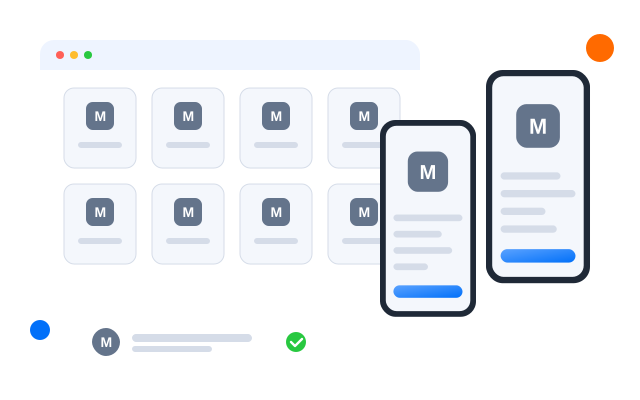
Each Mercari account lives on its own cloud phone with its own app and listings. Open any account from your desk without hunting for a charger.

Điện thoại đám mây
Real Android phones that run in the cloud, so every account gets a full mobile environment without hardware on your desk.

Unique profiles
Each profile is its own phone with its own device details, apps and storage, so accounts never share an identity.

Proxy configuration
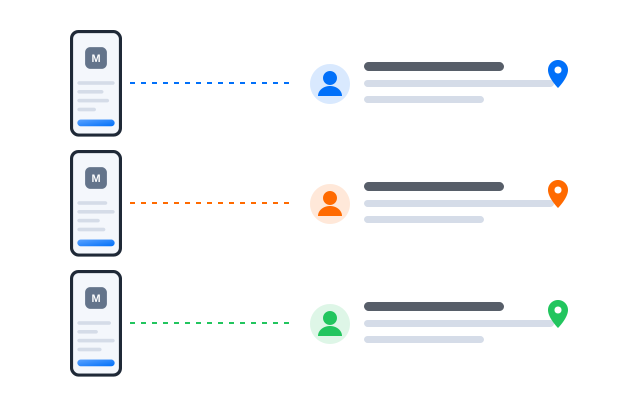
Bring the proxies you already use and assign one to each profile, so every account connects from its own address.

Centralized control
Grow from closet clean-out to resale business
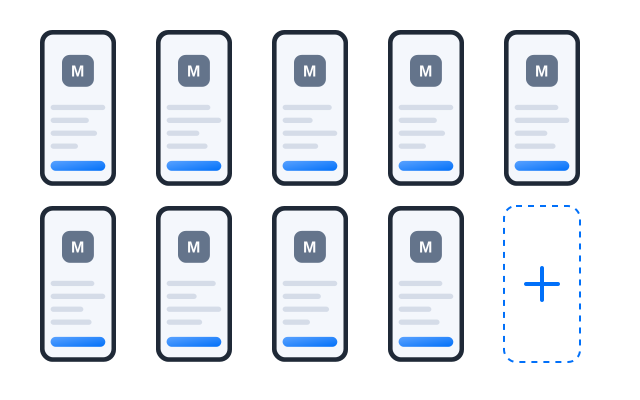
Add a profile for each new account, label it by category or owner and keep an eye on offers and sales across all of them.
Scale quicker
Price updates and relists with fewer taps
Turn routine work such as checking offers, adjusting prices or relisting slow items into workflows, then run them on the accounts you choose.
AI & content
Descriptions buyers can trust
Draft clear descriptions with measurements and condition notes, and tidy product photos, with the AI studio before you list.


Đồng bộ thao tác
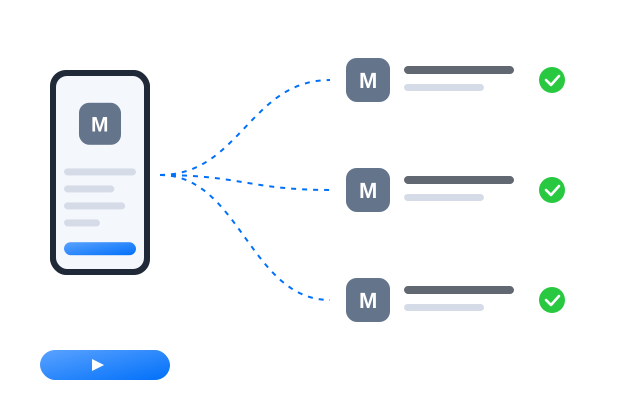
Do something once on a main phone and have it mirrored on every other open profile at the same time.

RPA
Start from a ready-made template or build your own step-by-step workflow, then schedule it across profiles.

AI studio
Generate captions, images and short videos, then hand them straight to your posting workflows.
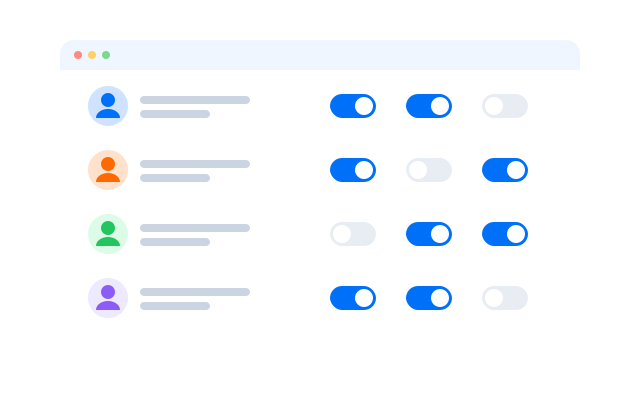
Cộng tác nhóm
Split listing and shipping duties
Give listers and packers access to only the profiles they work on. No shared passwords, and every action is logged.
Manage every Mercari account from your desk
Frequently asked questions
Can I have more than one Mercari account?
Mercari sets its own rules on accounts in its Terms of Service, and Mercari in the US and Japan are separate services with separate terms. Read the ones for your market before you open another account. Cloud phones keep accounts technically separate; they do not change what Mercari allows.
Which Mercari app do I install?
The one for the market you sell in. Install it in each profile and sign in to the account that belongs there.
Do ratings stay with each account?
Yes. Ratings, listings and sales history belong to the Mercari account itself, not to the cloud phone.
What keeps each Mercari account separate?
Every profile is its own Android phone in the cloud with its own device details, installed apps, storage and login sessions. Give each profile its own proxy and the network side is separate too.
Do I need a proxy for each Mercari account?
We recommend one proxy per profile so that each account connects from its own IP address. That way accounts run by different people do not share a connection. Bring proxies from the provider you prefer and assign them per profile.
How many Mercari accounts can I run?
Each account needs one cloud phone profile. You can create as many profiles as your plan includes and add more at any time; see Bảng giá for the current limits.