
Create multiple Roblox accounts
Roblox developers test their experiences from several accounts to see what a new player, a friend or a returning player sees. Give each test or creator account its own cloud Android phone and check your game on mobile without a shelf of devices.
Lower the costs
Test on Android without buying devices
Each test account runs the Roblox app on its own cloud phone, so you can check menus, touch controls and onboarding on mobile from your desk.

Điện thoại đám mây
Real Android phones that run in the cloud, so every account gets a full mobile environment without hardware on your desk.

Unique profiles
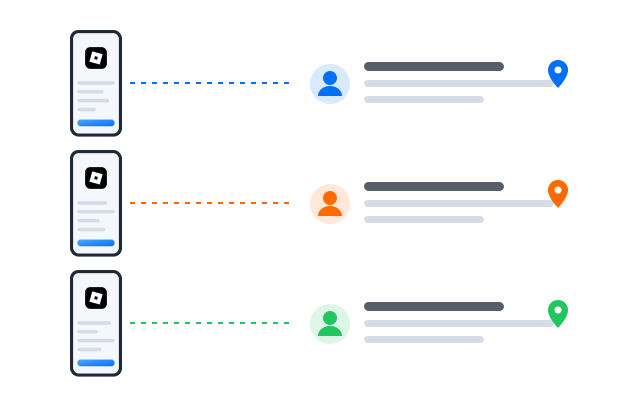
Each profile is its own phone with its own device details, apps and storage, so accounts never share an identity.

Proxy configuration
Bring the proxies you already use and assign one to each profile, so every account connects from its own address.

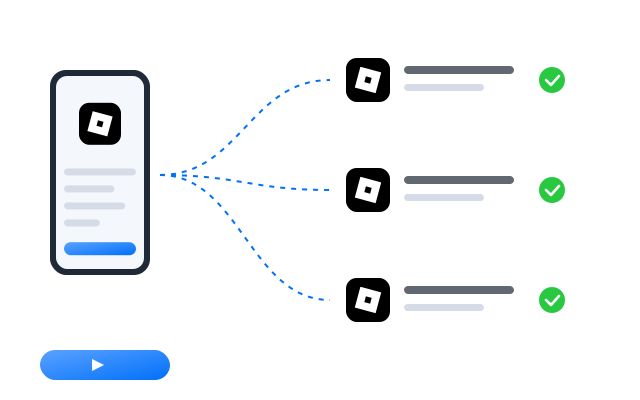
Need to see a multiplayer feature from several players at once? Use the synchronizer to repeat actions across test accounts on separate cloud phones.
Centralized control
A test bench for every experience
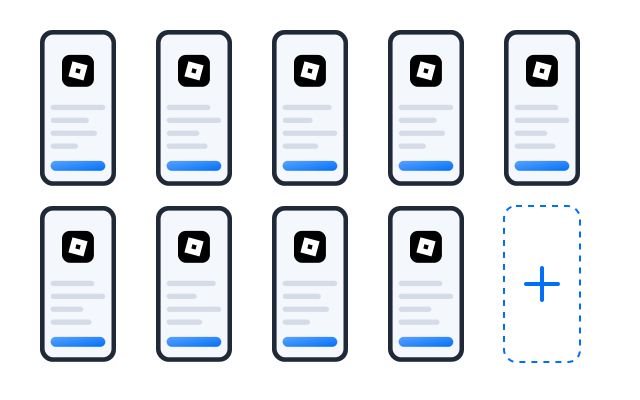
Create profiles for each scenario, such as a new account, a returning player or a friend in the same server, and keep them grouped by project.
Scale quicker
Repeat the same test path
Record a path such as joining your experience and walking through the tutorial as a workflow, then replay it after each update. Follow Roblox’s rules on automation.
AI & content
Thumbnails, icons and update notes
Draft experience descriptions and update notes, and generate thumbnail ideas, with the AI studio, then finish them in your own tools.

Đồng bộ thao tác
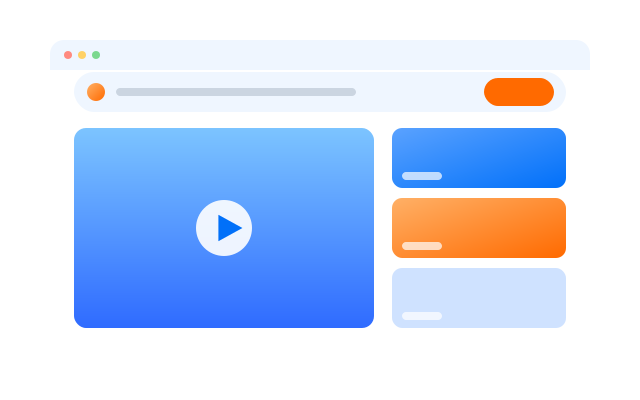
Do something once on a main phone and have it mirrored on every other open profile at the same time.

RPA
Start from a ready-made template or build your own step-by-step workflow, then schedule it across profiles.

AI studio
Generate captions, images and short videos, then hand them straight to your posting workflows.
Cộng tác nhóm
Share test accounts with your studio
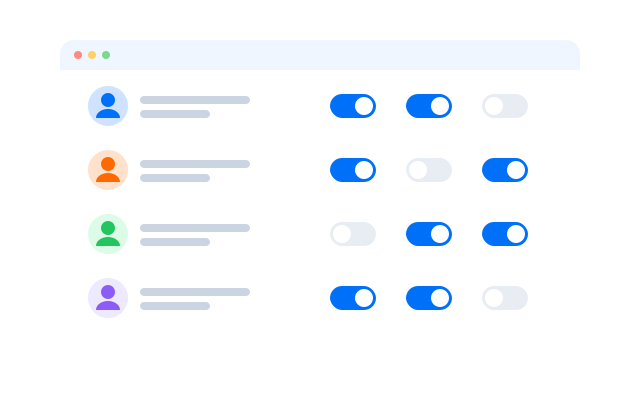
Give scripters, builders and QA testers access to the profiles they need. Nobody passes passwords around, and every action is logged.
Test your Roblox experience on Android from one dashboard
Frequently asked questions
Can I have more than one Roblox account?
Roblox sets its own rules on accounts, trading and automation in its Terms of Use and Community Standards, with extra settings for younger players. Read them before you create extra accounts. Cloud phones keep accounts technically separate; they do not change what Roblox allows.
Can I test multiplayer features?
Yes. Sign in to a different account on each profile and join the same server to see an interaction from each player’s side.
Do Robux or items move between accounts?
No. Currency and items belong to the Roblox account that owns them. Each profile only keeps one account signed in.
What keeps each Roblox account separate?
Every profile is its own Android phone in the cloud with its own device details, installed apps, storage and login sessions. Give each profile its own proxy and the network side is separate too.
How many Roblox accounts can I run?
Each account needs one cloud phone profile. You can create as many profiles as your plan includes and add more at any time; see Bảng giá for the current limits.
Can I open my profiles from another computer?
Yes. The phones run in the cloud, not on your machine, so you can sign in from another computer and every Roblox session is where you left it.