
Create multiple Airbnb accounts
Keep each Airbnb account on its own cloud Android phone with its own device details, apps and network. Switch between listings from one dashboard instead of juggling phones and logins.
Lower the costs
Manage Airbnb accounts without extra phones
Every account runs in a separate cloud phone, so you stop buying, charging and labelling handsets. Open any profile from your computer and pick up where you left off.

Điện thoại đám mây
Real Android phones that run in the cloud, so every account gets a full mobile environment without hardware on your desk.

Unique profiles
Each profile is its own phone with its own device details, apps and storage, so accounts never share an identity.

Proxy configuration
Bring the proxies you already use and assign one to each profile, so every account connects from its own address.

Running several hosting businesses from one laptop? Put each Airbnb account on its own cloud phone and keep their devices, apps and networks apart.
Centralized control
Add Airbnb accounts as your portfolio grows
Create a new profile in seconds when you take on another property or client. Group profiles by city, owner or team and see their status at a glance.
Scale quicker
Let automation handle the repetitive work
Turn routine steps such as checking messages or updating calendars into a workflow, then run it across the profiles you choose on a schedule.
AI & content
Write listings and replies faster with AI
Draft listing descriptions, house rules and guest replies with the built-in AI studio, then review and publish them from the right account.
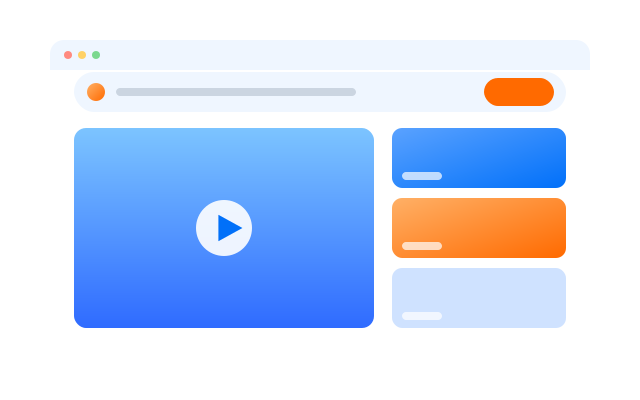

Đồng bộ thao tác
Do something once on a main phone and have it mirrored on every other open profile at the same time.

RPA
Start from a ready-made template or build your own step-by-step workflow, then schedule it across profiles.

AI studio
Generate captions, images and short videos, then hand them straight to your posting workflows.
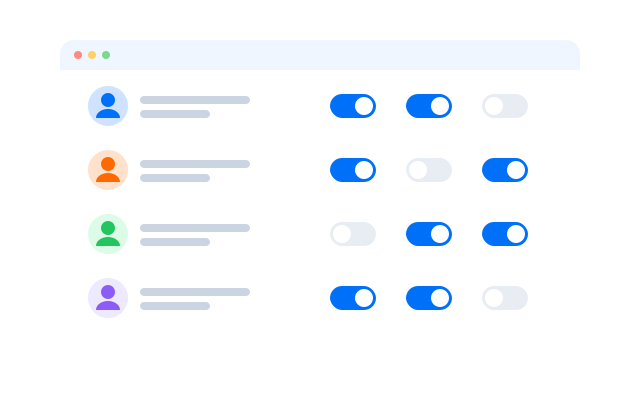
Cộng tác nhóm
Share Airbnb accounts with your team
Give co-hosts and cleaners access to only the profiles they need. Permissions are per profile and every action is logged, so you never share a password.
Create and manage multiple Airbnb accounts from one place
Frequently asked questions
Can I have more than one Airbnb account?
Airbnb sets its own rules on who may hold more than one account and for what purpose, and they can change. Read Airbnb’s Terms of Service for your country before you create extra accounts. Our cloud phones keep accounts technically separate; they do not change what a platform allows.
How many Airbnb accounts can I run?
Each account needs one cloud phone profile. You can create as many profiles as your plan includes and add more at any time; see Bảng giá for the current limits.
What makes each account separate?
Every profile is its own Android phone in the cloud with its own device details, installed apps, storage and login sessions. Add a different proxy to each profile and the network side is separate too.
Do I need proxies?
We recommend one proxy per profile so that each account connects from its own IP address. Add proxies from the provider of your choice and assign them per profile.
How do I switch between accounts?
Open the profile you need from the dashboard. Each profile keeps its own Airbnb session, so there is no logging out and back in.
Can I use it from more than one computer?
Yes. Your phones live in the cloud, not on your computer, so you can sign in from another machine and open the same profiles.
What can I automate?
Anything you do by tapping through the app can become a workflow, for example:
- Routine checks: open each account and review new messages or booking requests.
- Bulk updates: apply the same change to several listings with the synchronizer.
- Scheduled runs: repeat a workflow at set times across chosen profiles.
Follow Airbnb’s rules on automated access when you plan what to automate.