
Create multiple DoorDash accounts
Restaurant groups, virtual brands and delivery operations teams often juggle several DoorDash logins. Give each account its own cloud Android phone with its own apps and network, and open any of them from your computer.
Lower the costs
One cloud phone per store login
Keep every location’s DoorDash account on its own cloud phone, signed in and ready, instead of borrowing a staff phone to check a menu or a payout.

Điện thoại đám mây
Real Android phones that run in the cloud, so every account gets a full mobile environment without hardware on your desk.

Unique profiles
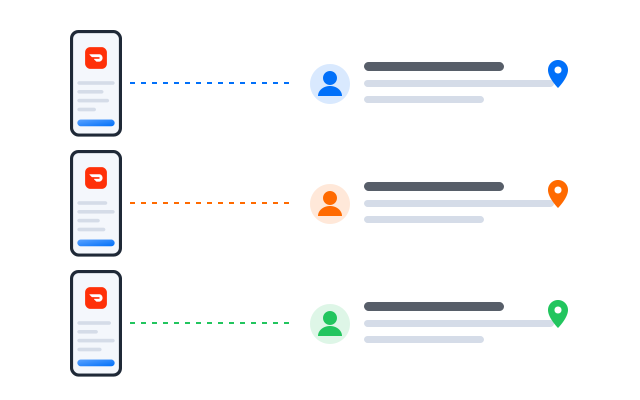
Each profile is its own phone with its own device details, apps and storage, so accounts never share an identity.

Proxy configuration
Bring the proxies you already use and assign one to each profile, so every account connects from its own address.

Running several kitchens? Put each DoorDash store on its own cloud phone and check them all from one screen.
Centralized control
Add locations without adding hardware
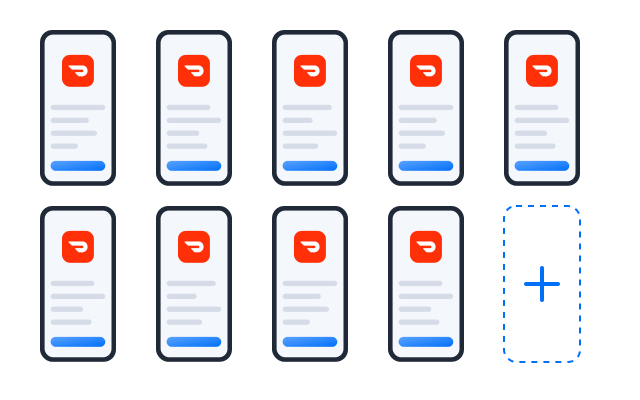
Opening another store or launching a delivery-only brand? Create a profile for it, group profiles by city or brand and see which ones need attention.
Scale quicker
Schedule the routine checks
Build a workflow that opens each account to review menus, item availability and ratings, and run it across the stores you choose before every service.
AI & content
Menu copy and food photos with AI
Draft menu item descriptions and promotional images with the AI studio, then review them before you update a store.
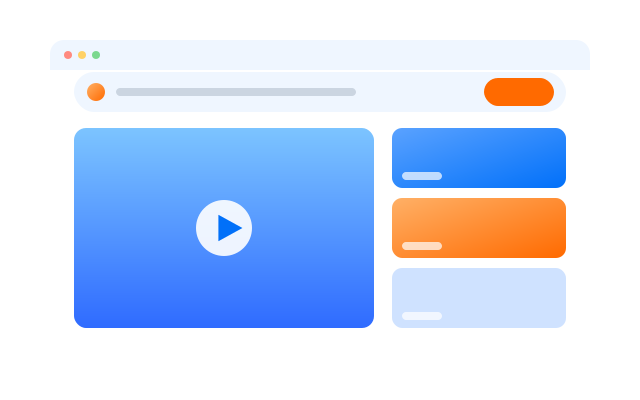

Đồng bộ thao tác
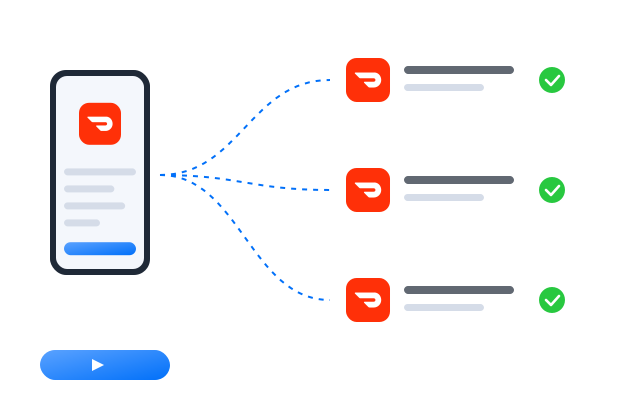
Do something once on a main phone and have it mirrored on every other open profile at the same time.

RPA
Start from a ready-made template or build your own step-by-step workflow, then schedule it across profiles.

AI studio
Generate captions, images and short videos, then hand them straight to your posting workflows.
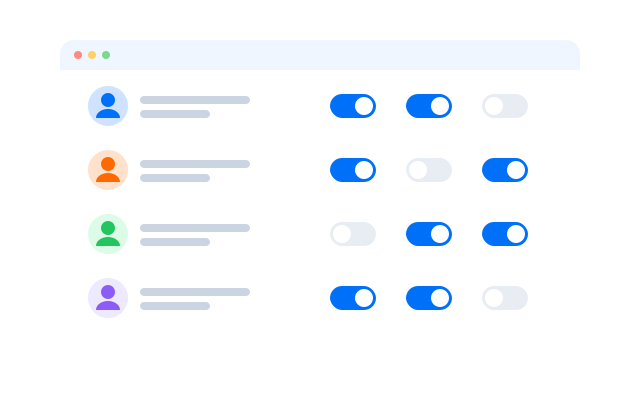
Cộng tác nhóm
Managers see their own store
Store managers get access to the profile for their location only, and you can remove it at any time. No shared passwords, and every action is logged.
Manage every DoorDash store from one dashboard
Frequently asked questions
Can I have more than one DoorDash account?
DoorDash has separate terms for customers, merchants and Dashers. Dasher accounts are personal to the person who signed up. Read the DoorDash terms that apply to your role before you create another account; cloud phones keep accounts separate but do not change what DoorDash allows.
Which DoorDash apps can I run?
Any Android app your stores use, including the customer app and the merchant apps, each signed in to the account that belongs to that profile.
Is this a replacement for the tablet in my kitchen?
Not necessarily. Many stores keep an order device on site. Cloud phones are useful for owners and managers who need to check several stores from one place.
Do I need a proxy for each DoorDash account?
We recommend one proxy per profile so that each account connects from its own IP address. This is most useful when stores belong to different owners. Bring proxies from the provider you prefer and assign them per profile.
How many DoorDash accounts can I run?
Each account needs one cloud phone profile. You can create as many profiles as your plan includes and add more at any time; see Bảng giá for the current limits.
Can I open my profiles from another computer?
Yes. The phones run in the cloud, not on your machine, so you can sign in from another computer and every DoorDash session is where you left it.