
Create multiple Patreon accounts
Creators with more than one project, and the managers who work for them, often run several Patreon pages. Give each its own cloud Android phone so posts, member chats and payout settings stay with the right creator.
Lower the costs
Each creator page on its own phone
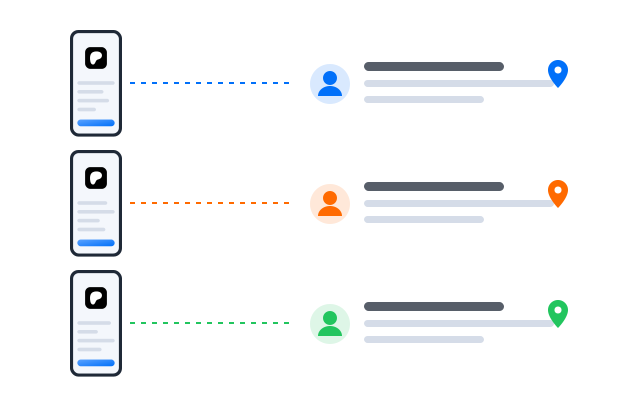
Your podcast, your art page and the band you manage each open on their own cloud phone, so a post for one community never lands in another.

Điện thoại đám mây
Real Android phones that run in the cloud, so every account gets a full mobile environment without hardware on your desk.

Unique profiles
Each profile is its own phone with its own device details, apps and storage, so accounts never share an identity.

Proxy configuration
Bring the proxies you already use and assign one to each profile, so every account connects from its own address.

Cutting previews for your free members? Edit clips with the AI video editor and post them from the right creator’s cloud phone.
Centralized control
Look after a roster of creators
Talent managers can add a profile per creator, group them by format and see which pages have new members or unanswered messages.
Scale quicker
Keep a steady rhythm
Turn routine steps such as checking new members, comments and messages into a workflow, so every page gets looked at even on busy weeks.
AI & content
One idea, a post for every tier
Use the AI studio to draft posts, behind-the-scenes captions and preview images, then adapt them for each tier before publishing.


Đồng bộ thao tác
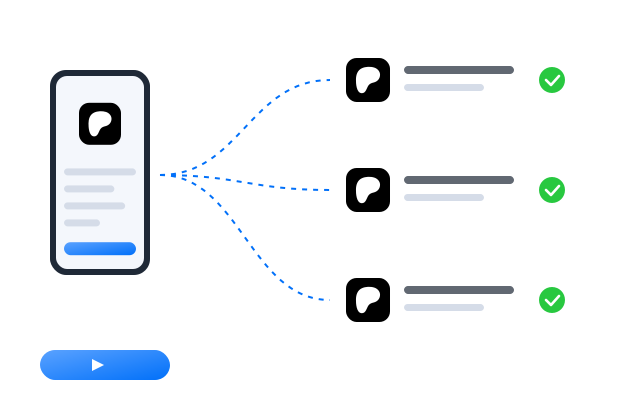
Do something once on a main phone and have it mirrored on every other open profile at the same time.

RPA
Start from a ready-made template or build your own step-by-step workflow, then schedule it across profiles.

AI studio
Generate captions, images and short videos, then hand them straight to your posting workflows.
Cộng tác nhóm
Managers and moderators with the right access
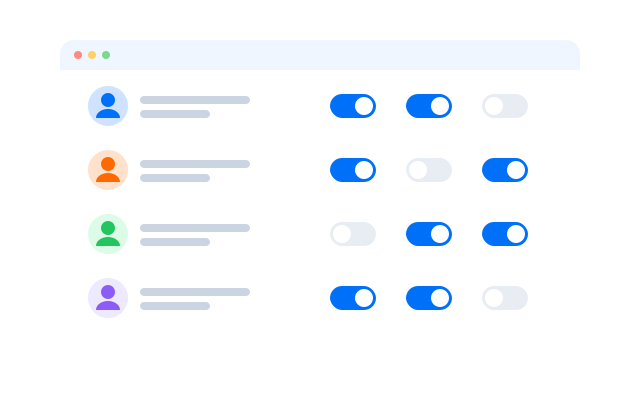
Give editors and community moderators access to the creator profiles they support. Nobody shares a password, and every action is logged.
Run every Patreon page from one dashboard
Frequently asked questions
Can I run more than one Patreon page?
Patreon sets its own rules in its Terms of Use and Community Guidelines. Read them before you create another account or manage one for someone else. Cloud phones keep accounts technically separate; they do not change what Patreon allows.
Do payouts stay separate?
Yes. Payout settings and earnings belong to each Patreon account. The cloud phone only keeps that account signed in; it never touches payments.
Can a manager post for a creator?
Only on profiles you give them access to. Check with the creator and with Patreon’s rules on account access before anyone posts on their behalf.
Do I need a proxy for each Patreon account?
We recommend one proxy per profile so that each account connects from its own IP address. It keeps each creator’s account on its own connection. Bring proxies from the provider you prefer and assign them per profile.
How many Patreon accounts can I run?
Each account needs one cloud phone profile. You can create as many profiles as your plan includes and add more at any time; see Bảng giá for the current limits.
Can I open my profiles from another computer?
Yes. The phones run in the cloud, not on your machine, so you can sign in from another computer and every Patreon session is where you left it.